Introduction
If you’ve used an AI-powered website or app builder lately, you may have noticed something odd: your beautiful new site looks great in the browser, but it doesn’t show up in Google searches. Even more frustrating, if you ask ChatGPT or another AI assistant to “recommend” your site, it’s as if your launch never happened. What’s going on?
You’re not alone. A new wave of AI site builders and frameworks generate lightning-fast, client-rendered web apps. But that convenience comes with a hidden cost: what your users see isn’t always what Googlebot or ChatGPT sees. If your AI-built site renders content only after JavaScript runs in the browser (i.e., “client-side rendering”), search engines and large language models (LLMs) may crawl and index… nothing at all.
At DC Codes, we’ve helped hundreds of founders quickly launch apps and sites with GetAppQuick, our AI-powered app builder. But we know that launch day means little if your app is invisible to users and search engines. In this post, we’ll dig into why this “invisible site” problem is trending, how it affects your AI-generated projects, and—most importantly—how to fix it with practical server-rendered solutions that work with today’s web.
Why Are AI-Built Sites Going Invisible?
The Trends: AI Site Generators Go Mainstream
AI-powered builders like GetAppQuick are changing the game. You can describe your app or website, and the builder does the heavy lifting: generating code, designing the UI, and publishing to the web within minutes.
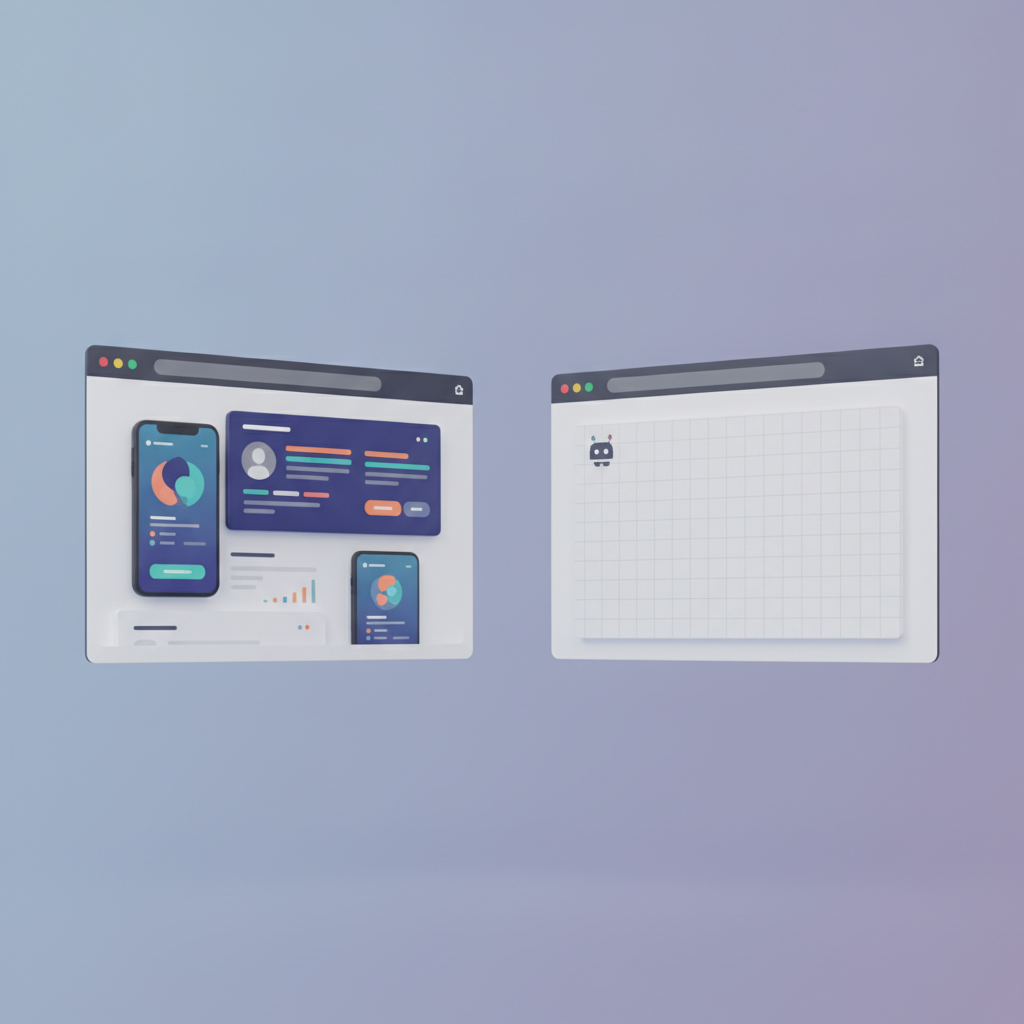
But many of these tools (and the frameworks they rely on, such as React, Flutter Web, or Next.js in client mode) default to shipping mostly empty HTML to the browser. The “real” content is loaded and rendered by JavaScript after the page loads—meaning anyone (or anything) without a modern browser, or that doesn’t wait for JavaScript to finish, sees a blank page.
The Problem: Search Engines and LLMs Don’t Wait for JavaScript
Googlebot and Bing have improved their JavaScript crawling, but they’re far from perfect. Even now, the web’s biggest indexers (including the AI models behind ChatGPT or Bing Chat) often crawl your site’s raw HTML—before any JavaScript runs. If your site ships only a blank skeleton, your content is invisible to them.
This problem is even worse for new AI-powered LLMs, which often run on a tight budget and crawl billions of pages quickly. They usually fetch only the static HTML. If your blog, product page, or landing page isn’t directly in that HTML, it’s as if it doesn’t exist.
How Client-Rendered Apps Work (and Why It’s a Problem)
Anatomy of a Client-Rendered App
Let’s take a simplified example. Suppose you use a React-based AI builder to generate a site for your business. The generated index.html file might look like this:
<!DOCTYPE html>
<html>
  <head>
    <title>My Business</title>
  </head>
  <body>
    <div id="root"></div>
    <script src="main.js"></script>
  </body>
</html>
When a user opens the site in their browser, main.js loads, React runs, and the <div id="root"></div> is replaced with your full, rich website.
But what does Googlebot or an LLM see if they fetch this page, but don’t run JavaScript? All they get is an empty <div>—no content, no keywords, nothing to index.
Dart/Flutter Example: The Same Pitfall
The issue isn’t limited to JavaScript. If you use Flutter Web, the output is a set of HTML and JavaScript files. When accessed, the index.html often looks like this:
<body>
  <script src="main.dart.js"></script>
</body>
Again, all meaningful content is rendered only after the Dart code runs. For bots and LLMs that don’t execute JavaScript (or Dart-to-JS), your site is blank.
Why Server-Rendered Output Matters
Server-Side Rendering (SSR): The Proven Solution
Server-side rendering means your server generates and sends a fully built HTML page—with all key content in place—before any client JavaScript is run. Search engines and LLMs see the same content as users, and your SEO, sharing, and discoverability all work as intended.
Most modern frameworks (React, Next.js, Angular, Svelte, Vue, and yes, Flutter with proper backends) can support SSR, but it’s not always the default—especially for AI-generated or low-code projects.
LLMs and the New SEO
With the rise of AI assistants like ChatGPT, visibility is no longer just about Google. LLMs crawl the web to build their training data, but they tend to skip JavaScript-heavy sites. If your business or app should be “findable” by AI, SSR or static prerendering is now essential.
How to Fix It: Practical Approaches
Choose AI Builders That Output Server-Rendered Sites
First, select an AI builder that supports server-rendered or static-site output. GetAppQuick is designed for discoverability, ensuring the generated site is indexable from day one.
Real-World: Using GetAppQuick for SEO-Friendly Sites
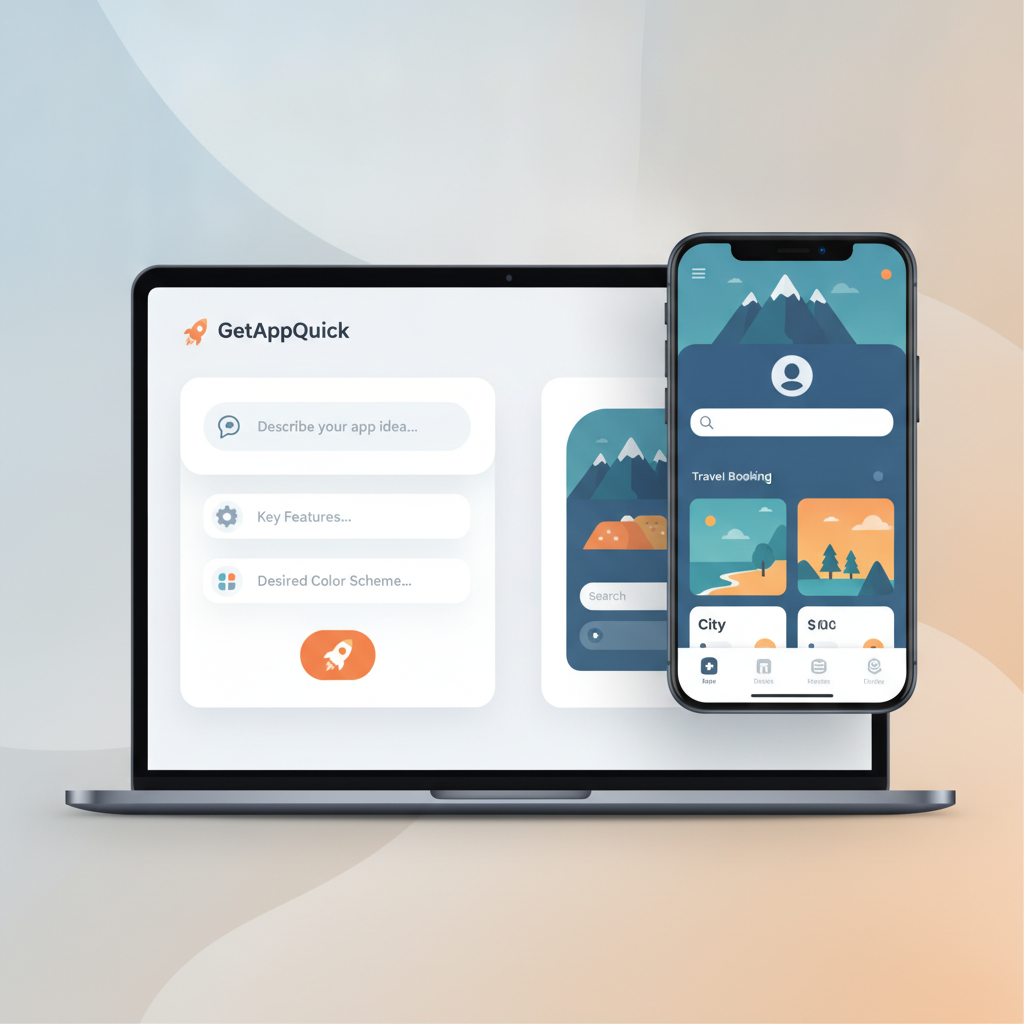
Let’s say you want to launch a product showcase site. With GetAppQuick, you describe your app (“A landing page for my SaaS with pricing, testimonials, and contact form”), and within minutes, it generates both the UI and the underlying server-rendered HTML. The result? Every important page is fully crawlable—no blank skeletons.
For Developers: SSR with React (TypeScript Example)
If you’re building or maintaining your own codebase, switch from client-only rendering to SSR. For example, with Next.js (a popular React framework):
// pages/index.tsx
import type { GetServerSideProps } from 'next';

export const getServerSideProps: GetServerSideProps = async (context) => {
  // Fetch data needed for initial render
  const data = await fetchDataFromAPI();
  return { props: { data } };
};

export default function HomePage({ data }) {
  return (
    <main>
      <h1>{data.title}</h1>
      <p>{data.description}</p>
    </main>
  );
}
With this setup, the server generates a full HTML page for every request, so search engines and LLMs see your content instantly.
For Dart/Flutter Web: Prerendering or Hydration
Flutter Web doesn’t natively support SSR, but you can use static-site generation tools to prerender pages, or serve critical HTML content from your backend.
Example: Serving a prerendered landing page before handing off to Flutter:
// Pseudocode for Dart backend
if (request.path == '/') {
  return Response.ok('''
    <html>
      <head><title>My App</title></head>
      <body>
        <h1>Welcome to My App</h1>
        <p>Everything you need, all in one place.</p>
        <script src="main.dart.js"></script>
      </body>
    </html>
  ''', headers: {'content-type': 'text/html'});
}
This ensures basic content appears in the HTML, even before Flutter loads.
Testing Your Site’s Visibility
Quick Checks
- View Source: Right-click and “View Page Source.” Do you see your core content, or just empty
<div>s and scripts? - Google Search Console: Test live URLs to see what Googlebot sees.
- ChatGPT/Bing: Ask, “What is [your site]?” or “List SaaS platforms for [your niche].” Are you there?
Tools
- Google’s Rich Results Test
- SEO Site Checkup
- Browser extensions like “Disable JavaScript” to simulate a bot’s view
A Future-Proof Approach: AI + SSR = Maximum Reach
AI site builders are here to stay. But if you want your idea to gain real traction—found by search engines, listed in AI assistants, and shared by users—you need both AI-powered speed and robust, discoverable output.
That’s why GetAppQuick bakes server rendering and static-site generation into every project. The end result: your app or website is “visible” to both users and machines, from day one.
Key Takeaways
- AI-built, client-rendered sites may be invisible to Google and LLMs: If your content isn’t in the initial HTML, many bots and models simply won’t see it.
- Server-rendered output is now critical: SSR and static prerendering ensure your app is discoverable, indexable, and shareable across the modern web.
- Choose tools that prioritize SEO and visibility: GetAppQuick generates fully server-rendered sites, removing the guesswork.
- Developers should opt into SSR or hybrid rendering: Frameworks like Next.js (React) and backend-supported Flutter can ensure your content is present in HTML.
- Always check what bots see: Use “View Source,” Google Search Console, and AI tools to confirm your content is truly visible.
Conclusion
AI-powered app builders like GetAppQuick promise to turn your ideas into real apps in minutes. But a site that can’t be seen by Google or referenced by AI assistants is a missed opportunity. By insisting on server-rendered output—whether through a smart tool like GetAppQuick or by configuring your own SSR setup—you ensure your next launch gets discovered, indexed, and recommended everywhere.
Ready to ship your idea? Build it in minutes with GetAppQuick.