Introduction
Picture this: You’ve just used a cutting-edge AI builder to spin up a gorgeous new app. It’s slick, it’s modern, and it’s live in record time. But after launch, you check Google’s index… and your site is nowhere to be found. Your audience can’t discover you, and ChatGPT can’t cite your content. What happened?
This is not a hypothetical. A recent viral SEO thread has sounded the alarm: most AI-generated websites and apps—especially those built with the latest no-code or low-code tools—ship as client-rendered “shells.” That means Google’s crawler (and large language models like ChatGPT scraping the web) see little or nothing of your actual content. If you’ve embraced the AI app-building revolution, you may be invisible to your users.
But this isn’t the end of the AI-powered web. Platforms like GetAppQuick are leading the way in building apps fast, while giving you the tools and technical guidance to ship search-visible, SEO-friendly products. In this post, we’ll break down the technical challenge, show how to avoid the biggest pitfalls, and provide practical advice and code for shipping AI-built apps that both your users and Google can actually see.
The SEO Problem with AI-Built Apps
Why Is My Content Invisible?
AI-powered app builders generate code rapidly. Popular frameworks like Next.js (React), Nuxt (Vue), or Flutter Web often default to “client-side rendering” (CSR). In CSR, your app ships as an empty HTML shell, and JavaScript fills in the actual words, images, and interactivity after the page loads.
That’s great for users with modern browsers—but not for search engines, which see only the shell. For example, a CSR site’s initial HTML might look like:
<!DOCTYPE html>
<html>
  <head>
    <title>My Amazing AI App</title>
  </head>
  <body>
    <div id="root"></div>
    <script src="/bundle.js"></script>
  </body>
</html>
There’s no content inside <div id="root"></div> until the JavaScript runs. Googlebot and ChatGPT—both of which rely on fast, indexable HTML—struggle to “see” your app’s words, links, or data. The result: low or no SEO visibility.
Why Is This Happening More Now?
AI builders, including many new no-code/low-code platforms, prize speed and rapid iteration. Client-side rendering is quick to implement and makes for snappy user experiences. But unless the platform supports server-side rendering (SSR), static site generation (SSG), or pre-rendering, you’re left with a beautiful but invisible app.
A Real-World Example: Flutter Web
Flutter, one of the most popular cross-platform frameworks, can build web apps at lightning speed. But by default, Flutter Web compiles to a canvas-based, client-rendered app. Here’s what a real Flutter Web app’s HTML might look like:
<body>
  <flt-glass-pane>
    <flt-canvas-container></flt-canvas-container>
  </flt-glass-pane>
  <script src="main.dart.js"></script>
</body>
There is no readable text—just a canvas element for rendering. Googlebot and ChatGPT see none of your app’s actual content. Even if your app is feature-rich, it’s a black box to the rest of the internet.
How Can You Make AI-Built Apps SEO-Friendly?
Let’s break down the best approaches.
1. Server-Side Rendering (SSR)
SSR means rendering your app’s HTML on the server and sending it to the browser—making your content indexable from the start.
TypeScript/React Example with Next.js
With Next.js, pages are server-rendered by default if you use the getServerSideProps function. Here’s a simple TypeScript example:
// pages/index.tsx
import { GetServerSideProps } from 'next';

type Props = {
  message: string;
};

export default function Home({ message }: Props) {
  return <div>{message}</div>;
}

export const getServerSideProps: GetServerSideProps = async () => {
  // Fetch data here (from API, DB, etc.)
  return {
    props: {
      message: "Hello, Google! This is SEO-friendly content.",
    },
  };
};
This ensures your app’s home page HTML already contains your message when Googlebot arrives.
2. Static Site Generation (SSG)
SSG generates HTML files at build time, combining the speed of static hosting with SEO visibility.
Next.js Static Example
// pages/about.tsx
export default function About() {
  return <div>All about our awesome app!</div>;
}
This page will be statically generated and easily indexed.
3. Prerendering for Flutter Web
Flutter Web doesn’t support SSR out of the box, but you can provide “scaffold” HTML with key SEO info:
- Add meaningful
<title>,<meta name="description">, and<meta property="og:...">tags. - Provide fallback content within
<noscript>tags for non-JS clients and crawlers.
<head>
  <title>Productivity App - Built with Flutter</title>
  <meta name="description" content="Organize your life with our AI-powered productivity app.">
</head>
<body>
  <noscript>
    <h1>Organize your life with our AI-powered productivity app.</h1>
    <p>Sign in to manage tasks, track habits, and boost productivity.</p>
  </noscript>
  <!-- Flutter canvas rendering here -->
</body>
While not as robust as SSR, this improves crawlability.
The Role of AI App Builders: When Speed Meets SEO
AI-powered builders like GetAppQuick let you launch an MVP faster than ever—sometimes in minutes. But does speed mean sacrificing search visibility?
Not necessarily. The best platforms:
- Expose pre-rendering or SSR options: Lets your AI-generated app ship fully-formed HTML for search engines.
- Auto-generate SEO metadata: Title tags, descriptions, OG tags, and structured data.
- Offer customization: Advanced users can tweak the rendering process for optimal SEO.
GetAppQuick Use Case: A Portfolio Site
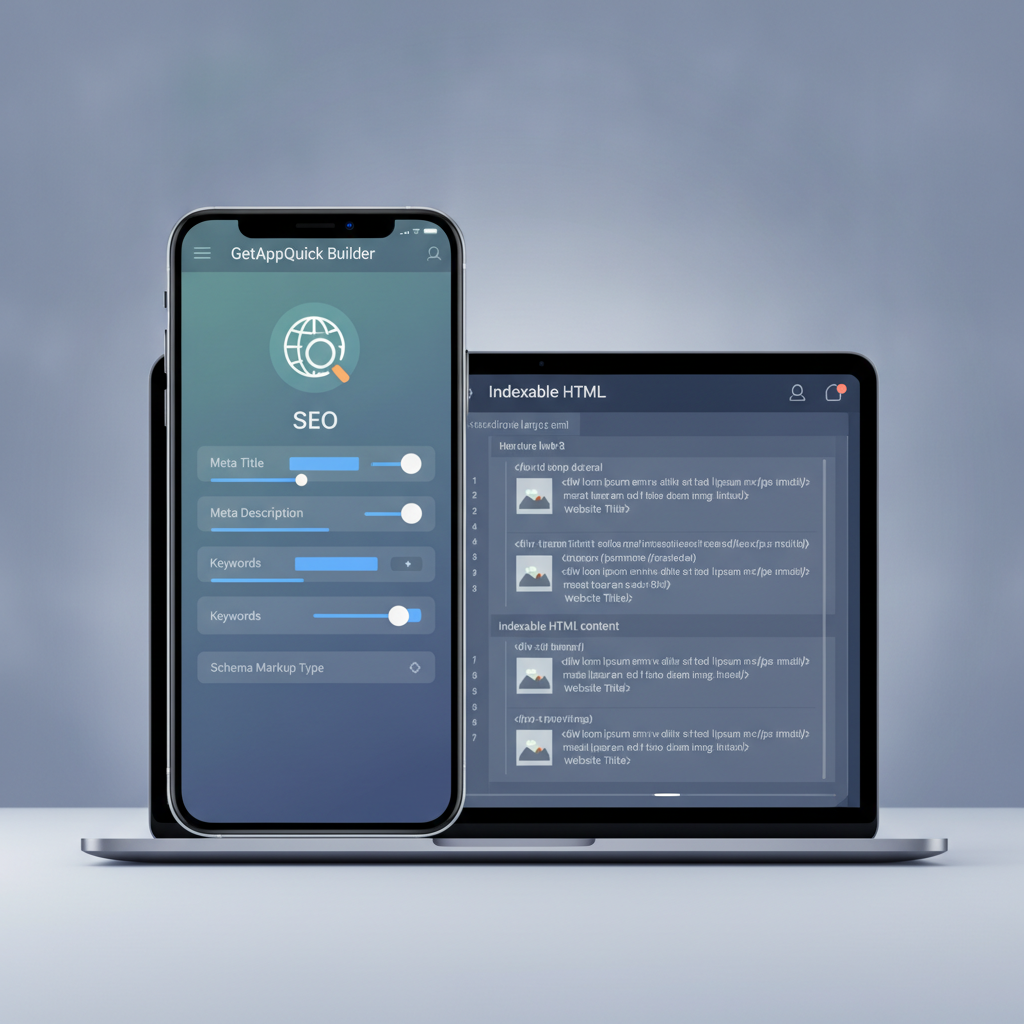
Suppose you want to build a personal portfolio. With GetAppQuick, you describe your project, upload images, and select a template. The platform not only builds a slick, responsive UI, but also offers options to:
- Enable static export for all pages.
- Edit SEO metadata for each section.
- Preview the exact HTML output as Googlebot would see it.
With a few clicks, your site is not just live, but discoverable.
Testing and Auditing: Is Google Seeing Your Content?
How to Check Your App's Visibility
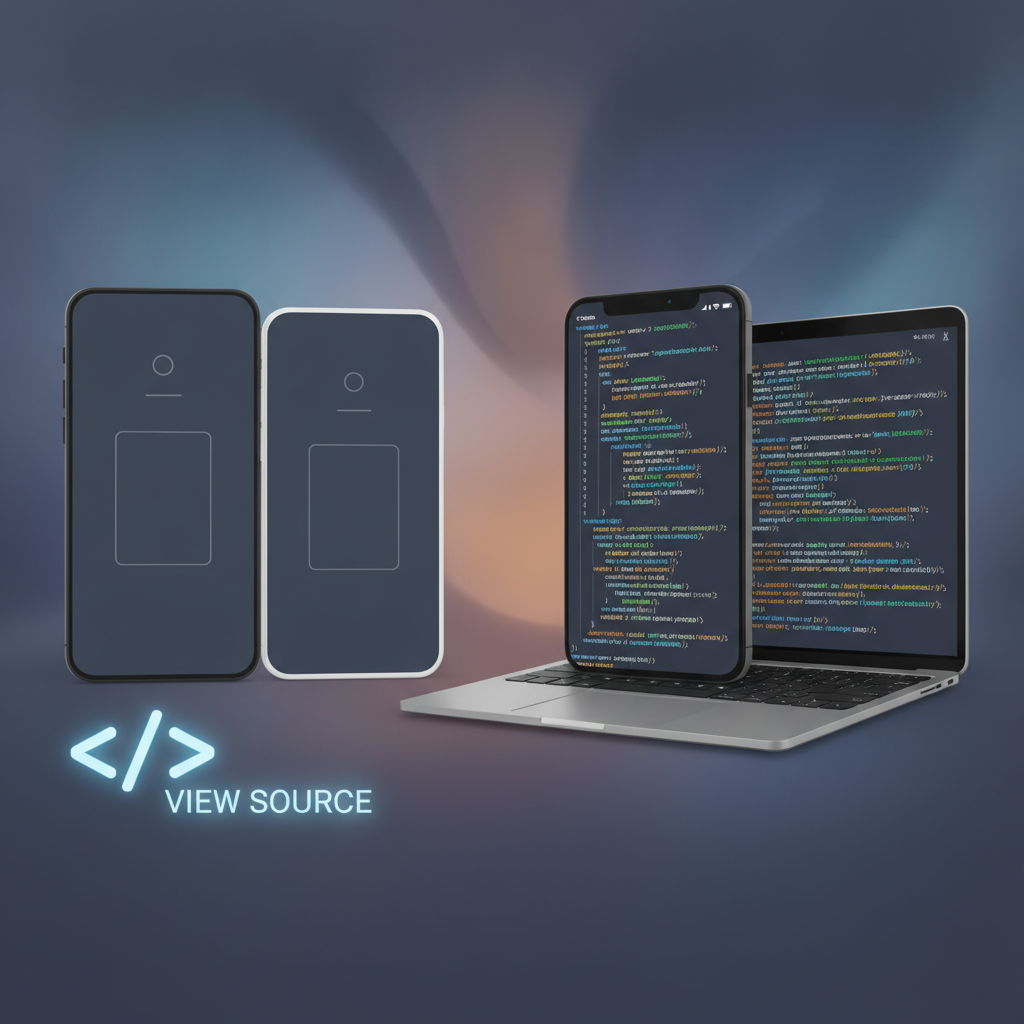
View Source
Open your app in a browser, right-click, and choose “View Page Source.” If you only see a<div id="root"></div>or a canvas, your app is invisible to crawlers.Google Search Console
Add your site to Google Search Console and use the “URL Inspection” tool. Google will show a rendered HTML preview—look for your actual content, not just shells.SEO Auditing Tools
Use tools like Lighthouse or Screaming Frog to check what’s actually being indexed.ChatGPT Plugins or Browsing
If your site is public, ask ChatGPT with browsing enabled:“Summarize the content of [your URL].”
If it reports “I can’t find any content,” you know there’s a problem.
Practical Guidance: Building SEO-Visible Apps
Let’s consider different stacks:
Flutter Web
- Add meta tags and
<noscript>content for basic SEO. - For deep SEO, consider exporting static content or supplementing with a plain HTML version for critical pages.
JavaScript/TypeScript (React, Vue)
- Prefer SSR/SSG frameworks: Next.js (React), Nuxt (Vue), SvelteKit (Svelte).
- Avoid pure CSR for marketing, landing, or content-rich pages.
- Implement dynamic routes with pre-rendering where possible.
General Best Practices
- Always set unique, descriptive
<title>and<meta>tags. - Use semantic HTML elements (
<h1>,<nav>,<section>, etc.). - Ensure all important content is present in the initial HTML payload.
Key Takeaways
- AI-powered app builders are revolutionizing development speed, but can hide your content from search engines if they use client-side rendering only.
- Pure CSR apps often deliver empty shells to Google and ChatGPT—making your app invisible online.
- Choose platforms or frameworks that support server-side rendering (SSR) or static site generation (SSG) for SEO visibility.
- GetAppQuick empowers you to build apps fast and make them discoverable, offering SEO controls and HTML previews.
- Always test your deployed app with “View Source,” Google Search Console, and SEO audit tools to confirm your content is visible.
Conclusion
Speed and ease of development are the great promises of AI-powered app builders—but not at the cost of your online presence. As a developer or founder, you need to ensure your app isn’t just beautiful, but also discoverable by the users (and bots) that matter.
By understanding how rendering impacts SEO, and by choosing platforms like GetAppQuick that put visibility first, you’ll build products that stand out—not just to your users, but to the entire internet.
Ready to ship your idea? Build it in minutes with GetAppQuick.