Introduction
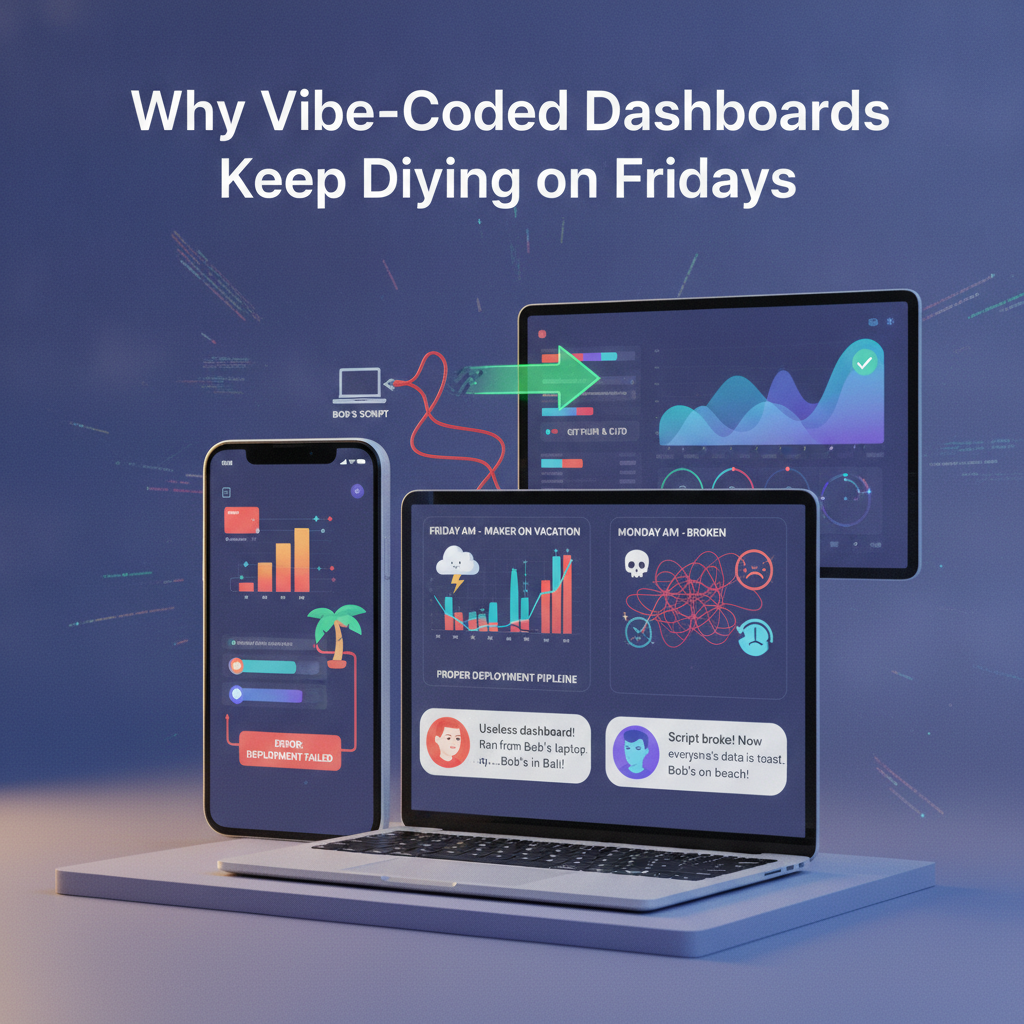
It's Friday afternoon. The office is buzzing with end-of-week energy, and the only thing between your team and a relaxing weekend is a dashboard that needs to stay online for management's Monday review. Suddenly—the dashboard goes dark. The data pipeline hiccups. Panic sets in. The one person who understands how it works is already posting beach selfies. Sound familiar?
This scenario, now a viral meme among sysadmins and data engineers, isn’t just a running joke: it’s a cautionary tale about “vibe-coded” dashboards—those quick-and-dirty tools that run on someone’s laptop, with half the logic living in the creator’s head. They often break exactly when you need them most. At DC Codes, we’ve seen it play out time and again. But what if you could deploy dashboards that don’t depend on one person’s “vibes”? What if you could turn a prototype into a robust, production-ready app—without wrangling a huge dev team?
That’s the promise of modern tools like GetAppQuick, our AI-powered app builder that transforms ideas into solid, ship-ready apps with surprising speed. In this post, we’ll deconstruct why vibe-coded dashboards keep dying on Fridays, share two viral rants from the trenches, and show you practical ways (with code!) to break out of the cycle.
The Rise (and Fall) of Vibe-Coded Dashboards
What is a Vibe-Coded Dashboard?
A "vibe-coded" dashboard is more than a hastily built web page—it’s a system stitched together by one person, often using a blend of scripts, spreadsheets, and ad hoc magic. The name comes from the feeling that these dashboards function only through the mysterious “vibes” of their creator, rather than robust engineering.
These dashboards often:
- Run on local machines, not servers.
- Use hardcoded paths, secrets, or logic.
- Rely on manual steps (“just run my update script every morning!”).
- Are poorly documented (if at all).
Why Fridays Are the Danger Zone
There’s a reason your dashboard fails when the author is OOO. Friday is prime time for handovers, last-minute data updates, and—unfortunately—overlooked dependencies. If your reporting pipeline depends on a Python script that Alice runs before she leaves, and Alice is on holiday, you’re at the mercy of the universe (or at least her laptop’s uptime).
Viral Rant #1: “My Dashboard Dies When I’m Not There”
“Every time I take a vacation, the dashboard stops updating because it’s literally running on my laptop. I documented the steps, but nobody reads them, and now I’m getting calls from the CTO while hiking.”
— Overworked Data Lead
What’s really happening here? The dashboard isn’t deployed. It’s not monitored. No one else can intervene. This is a bus factor of one—a disaster waiting to happen.
Viral Rant #2: “Why Is the Script Still On Your Desktop?”
“DevOps asked me why the sales dashboard script was on my desktop. I told them, ‘It works for me!’ Two weeks later, the BI team was locked out because my VPN disconnected. Now we’re rewriting everything.”
— Grumpy Sysadmin
The pattern is clear: when a dashboard’s operation depends on local, manual, or personal interventions, it’s an operational risk.
Anatomy of a Vibe-Coded Dashboard
Let’s walk through a classic example.
Suppose you need a dashboard that shows daily sales figures from your database. Here’s a vibe-coded approach in TypeScript (Node.js):
// sales-dashboard.ts
import { Client } from 'pg';
import express from 'express';

const app = express();
const client = new Client({
  user: 'alice',
  host: 'localhost',
  database: 'sales_db',
  password: 'password123', // Oops.
  port: 5432,
});

app.get('/dashboard', async (req, res) => {
  await client.connect();
  const result = await client.query('SELECT * FROM daily_sales');
  await client.end();
  res.json(result.rows);
});

app.listen(3000, () => {
  console.log('Dashboard running on http://localhost:3000');
});
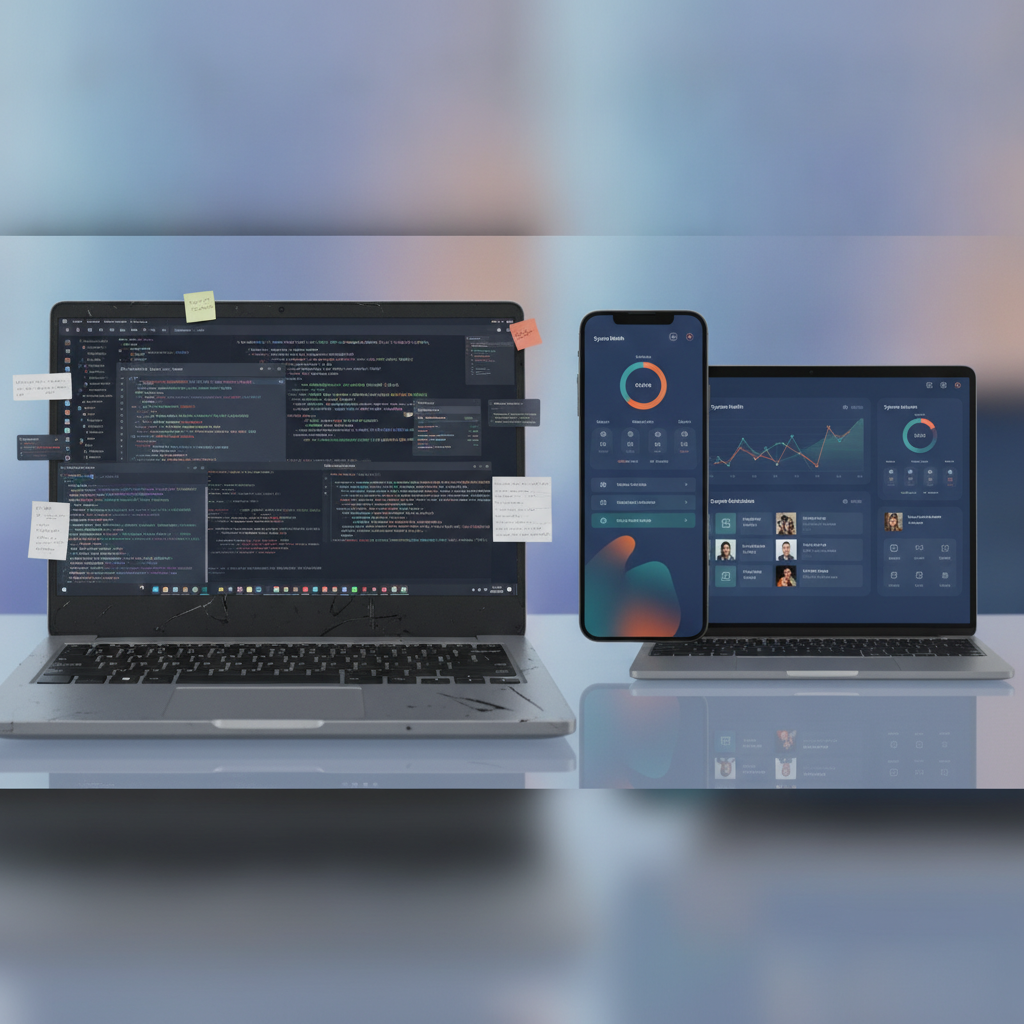
It works—if you run node sales-dashboard.ts on Alice’s laptop, and her VPN is up, and she doesn’t close her terminal. But it’s fragile. There’s no error handling, secure credential management, or deployment.
The Hidden Costs: Stress, Burnout, and Lost Time
Why do these dashboards persist? Because they’re fast. Because it feels good to ship something that works today. But the long-term toll is steep:
- Stress: The creator becomes the support hotline.
- Burnout: Vacations feel impossible.
- Lost Data: Outages go undetected.
- Technical Debt: Eventually, someone must rebuild it “the right way.”
How Proper Deployment Solves the Problem
Robust deployments mean your dashboard runs on an actual server, with automated monitoring, secure secrets, and clear handover. This isn’t just good practice—it’s peace of mind.
Let’s rewrite the TypeScript dashboard with best practices:
// Using dotenv for secrets, and PM2 for deployment
import { Client } from 'pg';
import express from 'express';
import dotenv from 'dotenv';

dotenv.config();

const app = express();
const client = new Client({
  user: process.env.DB_USER,
  host: process.env.DB_HOST,
  database: process.env.DB_NAME,
  password: process.env.DB_PASSWORD,
  port: Number(process.env.DB_PORT),
});

app.get('/dashboard', async (req, res) => {
  try {
    await client.connect();
    const result = await client.query('SELECT * FROM daily_sales');
    res.json(result.rows);
  } catch (error) {
    res.status(500).send('Error fetching data');
  } finally {
    await client.end();
  }
});

app.listen(process.env.PORT || 3000, () => {
  console.log('Dashboard running on server!');
});
Now, you can deploy this to a cloud server, use PM2 or Docker for process management, and store secrets outside your codebase. Anyone on the team can restart, monitor, or update it.
How GetAppQuick Makes This Even Easier
With GetAppQuick, you can skip the grunt work of infrastructure setup. GetAppQuick lets you:
- Describe your dashboard’s data sources and UI in plain language.
- Generate secure, cloud-deployed apps with authentication and monitoring built-in.
- Hand off ownership—any authorized team member can update or rerun the dashboard.
Example Workflow with GetAppQuick:
- Describe your requirements (e.g., “Build a dashboard showing daily sales from my Postgres database”).
- GetAppQuick generates the backend, frontend, and deployment scripts.
- Click “Deploy” to launch on the cloud. No need to manage servers or hand-edit credentials.
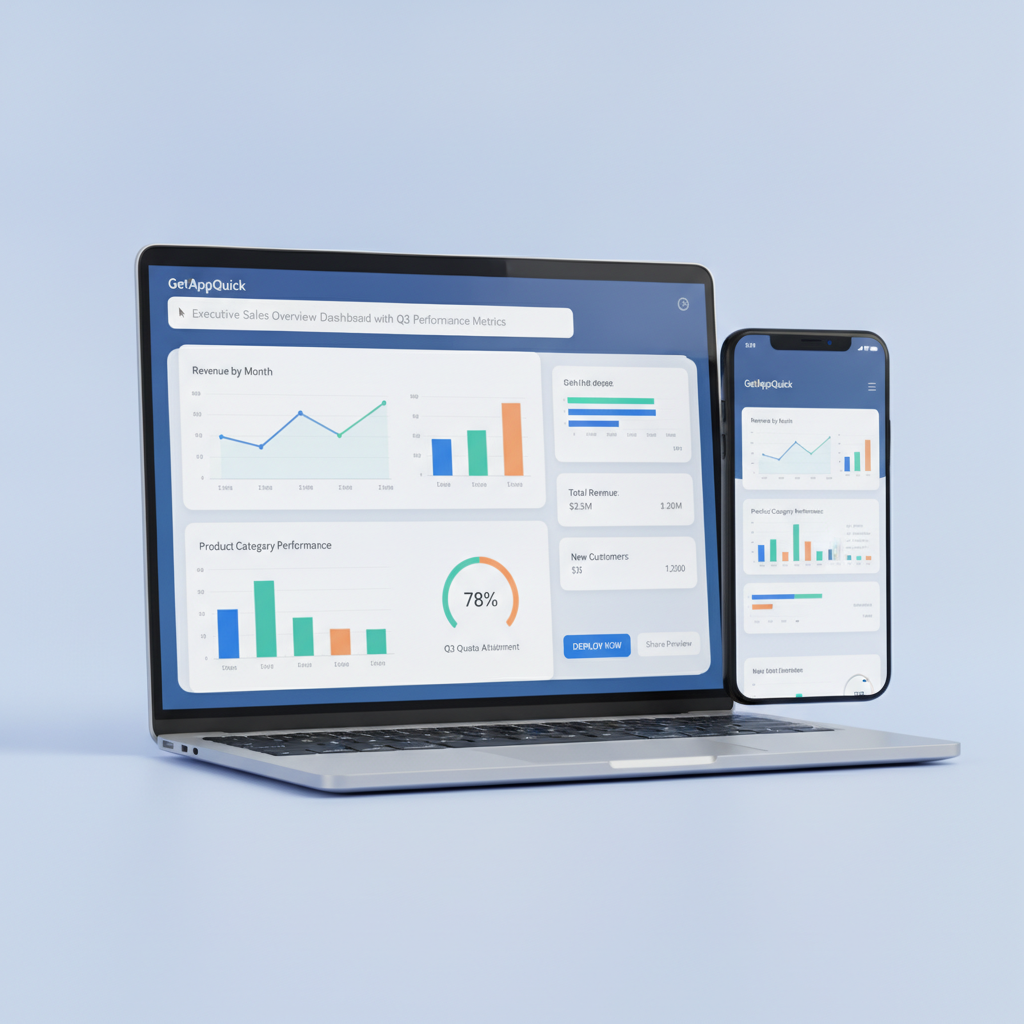
No more “it works on my laptop” anxiety. You get a production-ready dashboard without the overhead.
Beyond Deployment: Docs, Monitoring, and Handover
Even with deployment, true resilience demands:
- Documentation: Use tools like Swagger/OpenAPI or GetAppQuick’s autogenerated docs.
- Monitoring: Integrate with tools like Grafana, Datadog, or GetAppQuick’s built-in health checks.
- Access Control: Avoid sharing passwords; use environment-based secrets and team roles.
- Automated Backups: Schedule regular database exports and log archiving.
Here’s a quick Dart (Flutter) snippet to show a dashboard component that checks API health before displaying data:
Future<bool> checkBackendHealth() async {
  final response = await http.get(Uri.parse('https://api.example.com/health'));
  return response.statusCode == 200;
}

Widget buildDashboard(BuildContext context) {
  return FutureBuilder<bool>(
    future: checkBackendHealth(),
    builder: (context, snapshot) {
      if (!snapshot.hasData) {
        return CircularProgressIndicator();
      }
      if (!snapshot.data!) {
        return Text('Dashboard backend is down. Please contact IT.');
      }
      // ...Display dashboard UI...
      return SalesDashboardWidget();
    },
  );
}
This sort of health check is trivial to add—but is often missing from vibe-coded dashboards.
When One Person Leaves, the Dashboard Shouldn’t
The real test: If your dashboard’s creator leaves for a week, does it run smoothly? If not, it’s a business risk.
- Rotate credentials.
- Store config and code in version control.
- Use managed platforms for deployment.
- Prefer no/low-code builders like GetAppQuick for common dashboards.
Key Takeaways
- Vibe-coded dashboards are quick, but fragile, and often break when the creator is away.
- Friday failures are common due to manual, personal, undocumented steps.
- Proper deployment—even basic cloud/on-prem hosting—prevents outages and burnout.
- Tools like GetAppQuick let you build and launch dashboards with zero infrastructure headache, and hand off ownership easily.
- Documentation, monitoring, and access control are as important as the code itself.
Conclusion
Vibe-coded dashboards may feel like a shortcut, but their hidden costs can cripple teams and ruin weekends. By embracing solid deployment practices and leveraging tools like GetAppQuick, you can transform quick wins into lasting, reliable solutions—without burning out your best people. Whether you’re a startup founder, a data engineer, or the accidental sysadmin, building dashboards the right way saves time, stress, and money.
Ready to ship your idea? Build it in minutes with GetAppQuick.