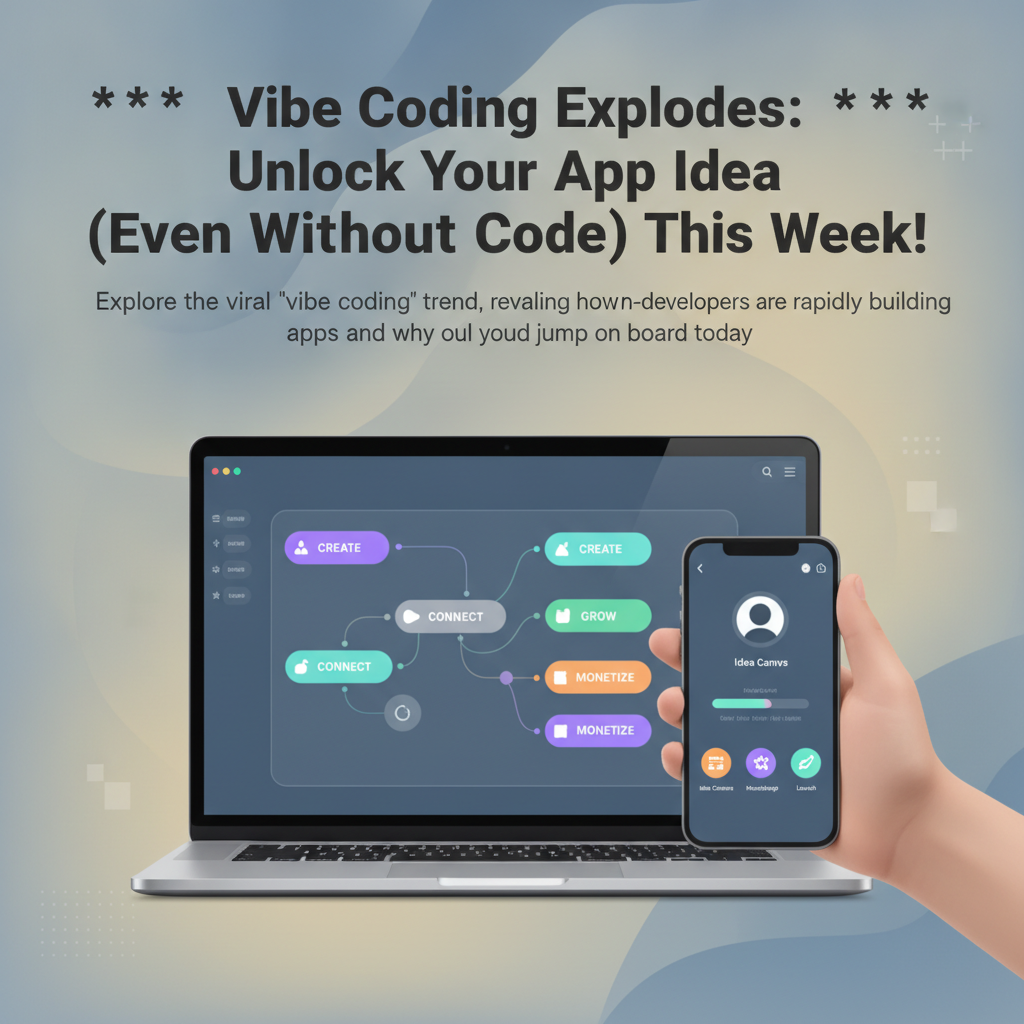
Vibe Coding Explodes: Unlock Your App Idea (Even Without Code) This Week!
Explore the viral "vibe coding" trend, revealing how non-developers are rapidly building apps and why you should jump on board today.
Remember the days when building an app felt like a Herculean task, reserved only for those with deep technical knowledge and lengthy development cycles? Those days are rapidly fading into the rearview mirror. A new wave of innovation is sweeping the tech world, empowering anyone with a brilliant idea to bring it to life – no coding degree required. This phenomenon, dubbed "vibe coding," is democratizing app development and making the dream of launching your own application more accessible than ever before.
The core of vibe coding lies in its embrace of intuitive, often AI-powered, tools that abstract away the complexities of traditional programming. Instead of wrestling with syntax and debugging, creators can now focus on the essence of their app: the user experience, the functionality, and the "vibe" they want to create. This shift is particularly exciting for entrepreneurs, small businesses, and even hobbyists who have innovative app ideas but lack the technical background or resources to pursue them through conventional development channels.
While "vibe coding" might sound like a new buzzword, its principles are rooted in a growing movement towards low-code and no-code platforms. These platforms have been steadily gaining traction, but the recent surge in AI capabilities has significantly accelerated their adoption and power. Suddenly, building a functional, aesthetically pleasing app isn't a months-long project; it can be a matter of days, or even hours. And if you're looking for a practical way to tap into this trend right now, tools like GetAppQuick are at the forefront, offering an AI-powered solution to transform your ideas into reality with remarkable speed.
What Exactly is "Vibe Coding"?
"Vibe coding" is less about a specific programming language or framework and more about a mindset and an approach to app development. It's about capturing the essence, the feeling, or the "vibe" of your intended application and translating that directly into a functional product. This often involves:
- Intuitive Interfaces: Using drag-and-drop builders, visual workflows, and natural language prompts to design and assemble app components.
- AI Assistance: Leveraging artificial intelligence for everything from generating initial design layouts and code snippets to suggesting features and optimizing performance.
- Rapid Prototyping: Quickly iterating on ideas, testing concepts, and refining the user experience without getting bogged down in technical minutiae.
- Focus on Outcome: Prioritizing the end result – a working app that delivers value – over the intricate process of traditional coding.
Think of it like this: instead of painstakingly crafting every single brick and mortar to build a house, you're now using pre-fabricated, intelligent modules that snap together seamlessly, guided by your vision. The "vibe" is the architectural style, the interior design, and the overall feeling of the home you want to create.
The Rise of No-Code and Low-Code
The foundation for vibe coding was laid years ago with the advent of no-code and low-code platforms. These tools recognized the bottleneck created by traditional software development and aimed to make app creation more accessible.
- No-Code Platforms: These platforms allow users to build applications entirely through visual interfaces, without writing any code. They typically use drag-and-drop components, pre-built templates, and logical connectors to define app behavior.
- Low-Code Platforms: While still heavily visual, low-code platforms offer the option to write custom code for more complex functionalities or integrations. This provides a balance between speed and flexibility, catering to a slightly more technical audience or projects requiring bespoke solutions.
The current "vibe coding" trend represents an evolution of these platforms, supercharged by advancements in AI. AI is no longer just an add-on; it's often the core engine driving the intuitive creation process.
Why "Vibe Coding" is Exploding Now
Several factors are contributing to the explosive growth of the vibe coding phenomenon:
1. The AI Revolution
Artificial intelligence has been the single biggest catalyst. Large language models (LLMs) and generative AI can now understand natural language instructions and translate them into functional app components or even entire applications. This dramatically lowers the barrier to entry, allowing users to describe what they want their app to do in plain English and have the AI generate the underlying structure.
Recent advancements in AI allow for more sophisticated functionalities. For instance, platforms can now generate user interfaces based on descriptions, create custom databases, and even automate complex logic flows. This is moving beyond simple website builders into the realm of sophisticated application development.
2. The Need for Speed and Agility
In today's fast-paced market, the ability to launch an idea quickly is paramount. Traditional development cycles can take months, during which market needs can shift, competitors can emerge, or the initial idea might lose its spark. Vibe coding enables rapid prototyping and deployment, allowing businesses and individuals to test market hypotheses, gather user feedback, and iterate much faster.
This agility is crucial for startups seeking product-market fit and established businesses looking to innovate without disrupting their core development teams. The ability to pivot quickly based on real-world data is a significant competitive advantage.
3. Democratization of Technology
Vibe coding embodies the ongoing democratization of technology. By removing the need for specialized coding skills, it empowers a wider range of individuals to become creators. Designers can build interactive prototypes, marketers can create custom campaign apps, educators can develop learning tools, and entrepreneurs can validate business ideas with minimal upfront investment.
This accessibility fosters innovation from diverse perspectives, leading to a richer and more varied app ecosystem. It means that great ideas are no longer limited by who can afford to hire a development team.
4. Economic Viability
Hiring a team of experienced developers can be prohibitively expensive, especially for early-stage startups or individuals. Vibe coding platforms often offer subscription models that are significantly more cost-effective. Furthermore, the reduced development time translates directly into lower costs, making app creation economically feasible for a much broader audience.
Consider the cost difference between engaging a development agency for six months versus utilizing an AI-powered builder for a week. The savings can be immense, allowing resources to be reallocated to marketing, user acquisition, or further product refinement.
Practical Applications: Building Your App Idea
Let's move from theory to practice. How can you leverage vibe coding to bring your app idea to life? The process, regardless of the specific tool, often follows a similar pattern:
1. Ideation and Planning
- Define Your Core Concept: What problem does your app solve? Who is your target audience? What are the essential features?
- Sketch Your User Flow: Map out how a user will navigate through your app. What are the key screens and interactions?
- Consider the "Vibe": What should the app feel like? Modern, playful, professional, minimalist? This will guide your design choices.
2. Design and Prototyping with AI
This is where the magic of vibe coding truly shines. Many platforms, including GetAppQuick, use AI to help you visualize and build your app.
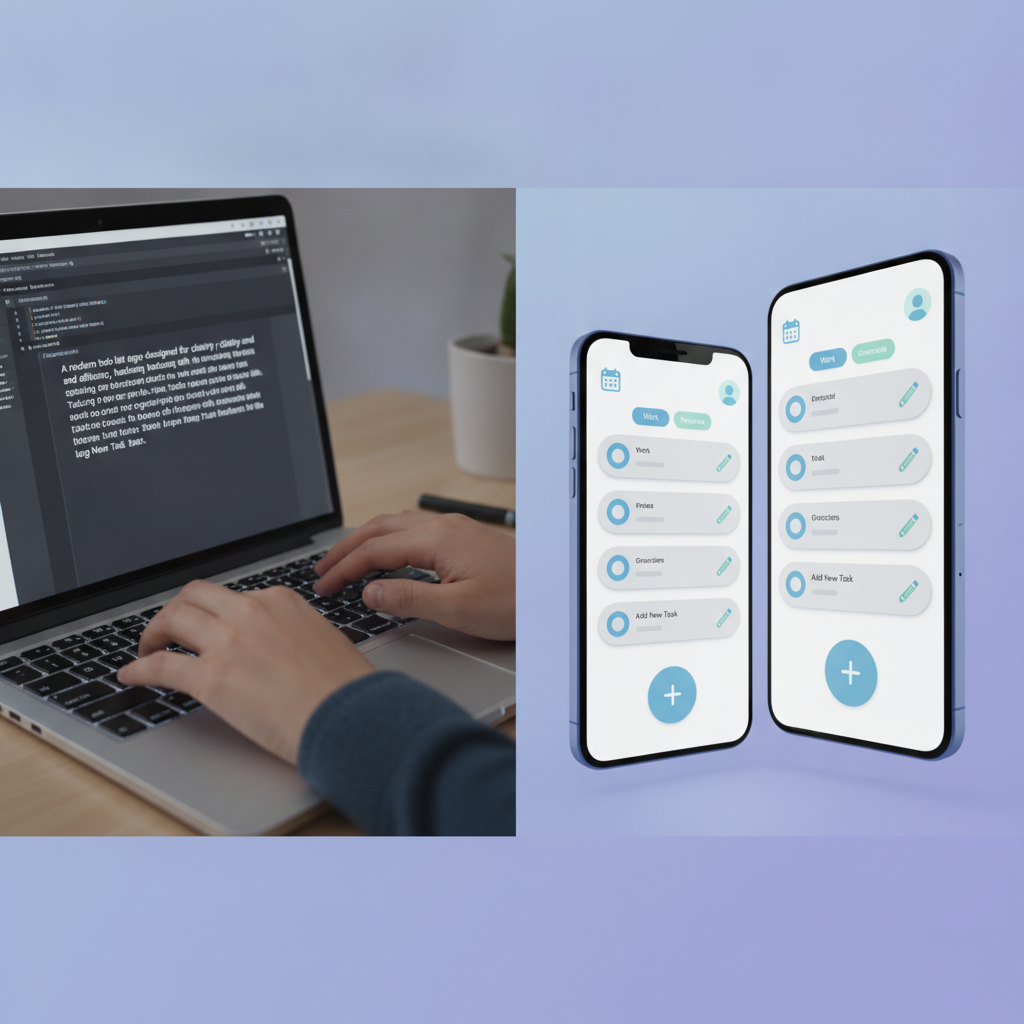
- Natural Language Prompts: You might start by describing your app in plain English. For example, "Create a task management app with a clean, modern interface. Users should be able to add, edit, and mark tasks as complete. Include a calendar view."
- AI-Generated Layouts: The AI will then generate initial screen layouts, user interface elements, and basic navigation.
- Visual Customization: You can then use intuitive editors to refine these designs, change colors, fonts, and adjust element placement.
3. Adding Functionality (No-Code/Low-Code)
Once the visual structure is in place, you'll define the app's behavior.
- Drag-and-Drop Logic: For simple actions, you might drag and drop components to define workflows. For example, "When the 'Add Task' button is clicked, open the 'New Task' form."
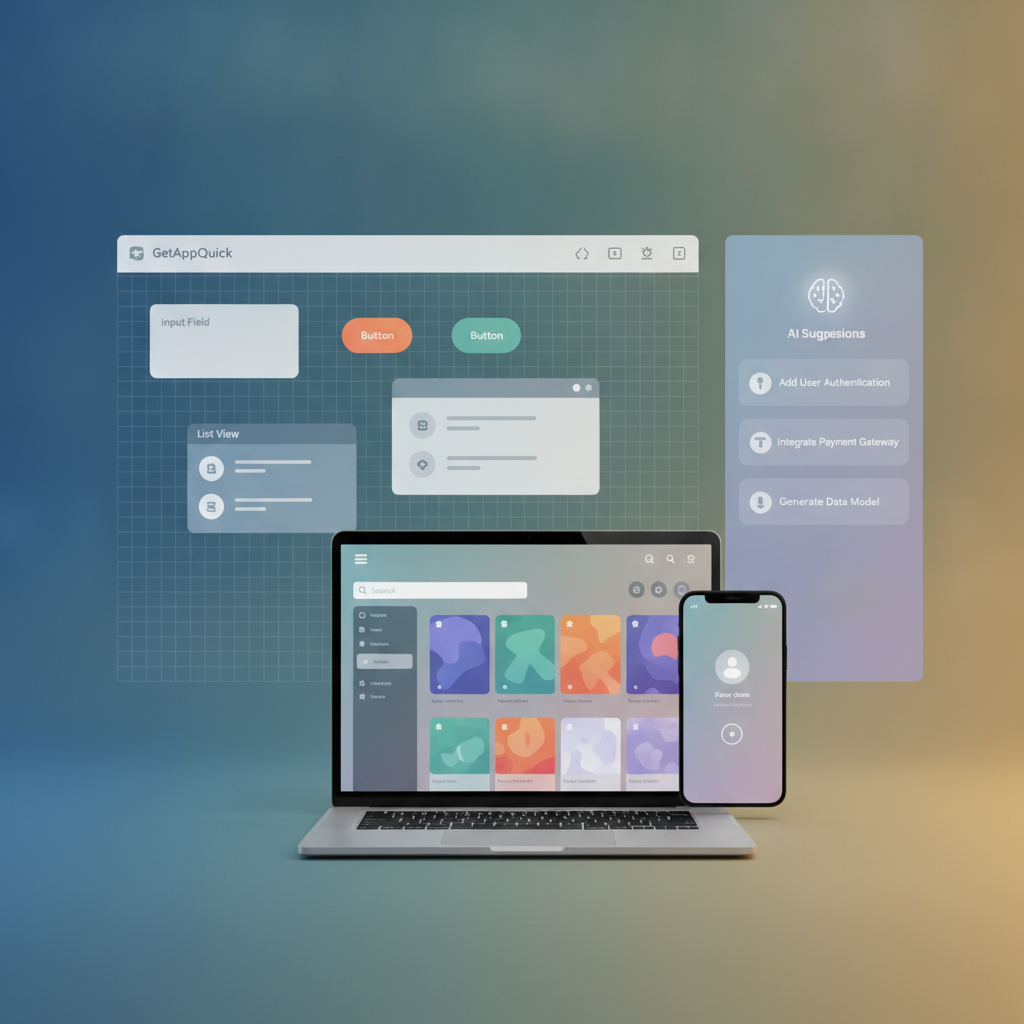
- Pre-built Components: Utilize libraries of pre-built functionalities for common features like user authentication, push notifications, or data storage.
- AI-Powered Features: Some advanced platforms can even suggest or generate complex logic based on your app's purpose. For instance, if you're building a social app, the AI might suggest features like a news feed algorithm or a friend request system.
4. Data Management
Every app needs to store and retrieve data. No-code platforms simplify this significantly.
- Visual Database Builders: Create tables, define fields (text, numbers, dates, images), and set relationships between them using intuitive interfaces.
- AI for Data Structures: AI can even help suggest optimal data structures based on your app's functionality, ensuring efficient data handling.
Let's consider a concrete example. Imagine you want to build a simple inventory management app for a small bookstore.
Using GetAppQuick:
- Prompt: "Build an inventory app for a bookstore. It needs to track book titles, authors, ISBN, quantity in stock, and price. Users should be able to add new books, update stock levels, and search by title or ISBN."
- AI Generation: GetAppQuick's AI would likely generate:
- A clean dashboard screen showing a summary of stock levels.
- A data entry form for adding new books with fields for title, author, ISBN, quantity, and price.
- A searchable list view of all books.
- Basic navigation to switch between these screens.
- Refinement: You'd then customize the look and feel, perhaps adding a "low stock" alert feature by setting a condition (e.g., "If quantity < 5, show a red indicator").
- Deployment: With a few more clicks, your functional inventory app is ready to use.
5. Testing and Deployment
- In-App Previews: Most platforms offer instant previews, allowing you to test your app directly within the builder.
- Real Device Testing: Once you're satisfied, you can typically deploy your app to various platforms (iOS, Android, web) with just a few clicks. The platform handles the complexities of compilation and submission.
Code Examples: Where Vibe Coding Still Meets Code
While vibe coding aims to abstract away code, it doesn't entirely eliminate it. Many low-code platforms and even some advanced no-code tools allow for custom code integration, offering the best of both worlds. This is particularly useful for:
- Complex Integrations: Connecting with third-party APIs that don't have pre-built connectors.
- Unique Functionality: Implementing highly specific algorithms or features not covered by standard components.
- Performance Optimization: Fine-tuning critical sections of code for maximum efficiency.
Here are a couple of examples using languages commonly supported in low-code environments:
Example 1: TypeScript for Custom Logic (e.g., Calculating Discounts)
Imagine you're building an e-commerce app and need a custom discount calculation based on a complex set of rules. You might use a low-code platform that allows you to embed TypeScript functions.
// Assume 'cartItems' is an array of objects, each with 'price' and 'quantity'
// Assume 'customerTier' is a string like 'bronze', 'silver', 'gold'

interface CartItem {
  name: string;
  price: number;
  quantity: number;
}

function calculateDiscountedTotal(cartItems: CartItem[], customerTier: string): number {
  let subtotal = 0;
  for (const item of cartItems) {
    subtotal += item.price * item.quantity;
  }

  let discountRate = 0;
  switch (customerTier) {
    case 'silver':
      discountRate = 0.05; // 5%
      break;
    case 'gold':
      discountRate = 0.10; // 10%
      break;
    case 'bronze':
    default:
      discountRate = 0; // No discount
  }

  // Apply a special holiday discount if applicable
  const isHolidaySeason = new Date().getMonth() >= 10 || new Date().getMonth() <= 0; // Nov, Dec, Jan
  if (isHolidaySeason) {
      discountRate += 0.02; // Additional 2% during holidays
  }

  const discountAmount = subtotal * discountRate;
  const finalTotal = subtotal - discountAmount;

  return parseFloat(finalTotal.toFixed(2)); // Return total rounded to 2 decimal places
}

// Example Usage:
const myCart: CartItem[] = [
  { name: "T-Shirt", price: 25, quantity: 2 },
  { name: "Jeans", price: 50, quantity: 1 }
];
const userTier = 'gold';

const total = calculateDiscountedTotal(myCart, userTier);
console.log(`Final total for ${userTier} customer: $${total}`);
In a low-code environment, you'd input this TypeScript code into a custom function module. The platform would then allow you to connect the output (finalTotal) to other visual components, like displaying the total price on a checkout screen.
Example 2: Dart/Flutter for UI Components (Conceptual)
While full Flutter app development is traditional coding, some platforms might allow embedding custom Flutter widgets for unique UI elements. This is more advanced, but conceptually, you could define a reusable component.
import 'package:flutter/material.dart';

class AnimatedButton extends StatefulWidget {
  final String text;
  final VoidCallback onPressed;

  const AnimatedButton({Key? key, required this.text, required this.onPressed}) : super(key: key);

  @override
  _AnimatedButtonState createState() => _AnimatedButtonState();
}

class _AnimatedButtonState extends State<AnimatedButton> {
  bool _isPressed = false;

  @override
  Widget build(BuildContext context) {
    return GestureDetector(
      onTapDown: (_) => setState(() => _isPressed = true),
      onTapUp: (_) {
        setState(() => _isPressed = false);
        widget.onPressed();
      },
      onTapCancel: () => setState(() => _isPressed = false),
      child: AnimatedContainer(
        duration: const Duration(milliseconds: 150),
        curve: Curves.easeInOut,
        padding: const EdgeInsets.symmetric(horizontal: 24, vertical: 12),
        decoration: BoxDecoration(
          color: _isPressed ? Colors.blueAccent : Colors.blue,
          borderRadius: BorderRadius.circular(8),
          boxShadow: [
            BoxShadow(
              color: Colors.black.withOpacity(0.2),
              blurRadius: 5,
              offset: Offset(0, 4),
            ),
          ],
        ),
        child: Text(
          widget.text,
          style: const TextStyle(color: Colors.white, fontSize: 16, fontWeight: FontWeight.bold),
        ),
      ),
    );
  }
}

// How this might be integrated conceptually in a no-code builder:
// You'd have a widget panel with "Custom Components".
// Dragging "AnimatedButton" onto the canvas.
// Then, in properties, you'd set its text and link its onPressed event
// to another action, like "Navigate to Next Screen".
This Dart example illustrates how even in a low-code context, developers can package reusable, visually appealing components that can then be easily incorporated into the no-code building process.
The Future is Accessible
The vibe coding trend signals a significant shift in how applications are conceived, built, and deployed. It's breaking down traditional barriers and empowering a new generation of creators. Whether you're a seasoned developer looking to accelerate your workflow or an entrepreneur with a groundbreaking idea but no coding experience, the tools and methodologies of vibe coding are here to help you succeed.
The beauty of this approach lies in its versatility. It caters to simple landing pages, complex business tools, interactive games, and everything in between. The underlying AI and visual builders are becoming increasingly sophisticated, capable of handling more intricate logic and user experiences.
Key Takeaways
- Vibe Coding: An approach focused on capturing an app's essence and "vibe" using intuitive, often AI-powered, tools.
- Democratization: Low-code/no-code platforms, supercharged by AI, make app development accessible to everyone.
- Speed & Agility: Build, test, and iterate on app ideas much faster than with traditional methods.
- Cost-Effective: Significantly reduces development costs compared to hiring traditional development teams.
- AI Integration: AI assists in design, logic generation, and optimization.
- Hybrid Approach: Low-code platforms allow for custom code integration for advanced needs.
The era of needing to be a coding expert to build an app is over. The power to create is now in your hands, guided by your vision and amplified by intelligent tools. Don't let your app idea remain just an idea. Embrace the vibe coding revolution and start building today.
Ready to ship your idea? Build it in minutes with GetAppQuick.