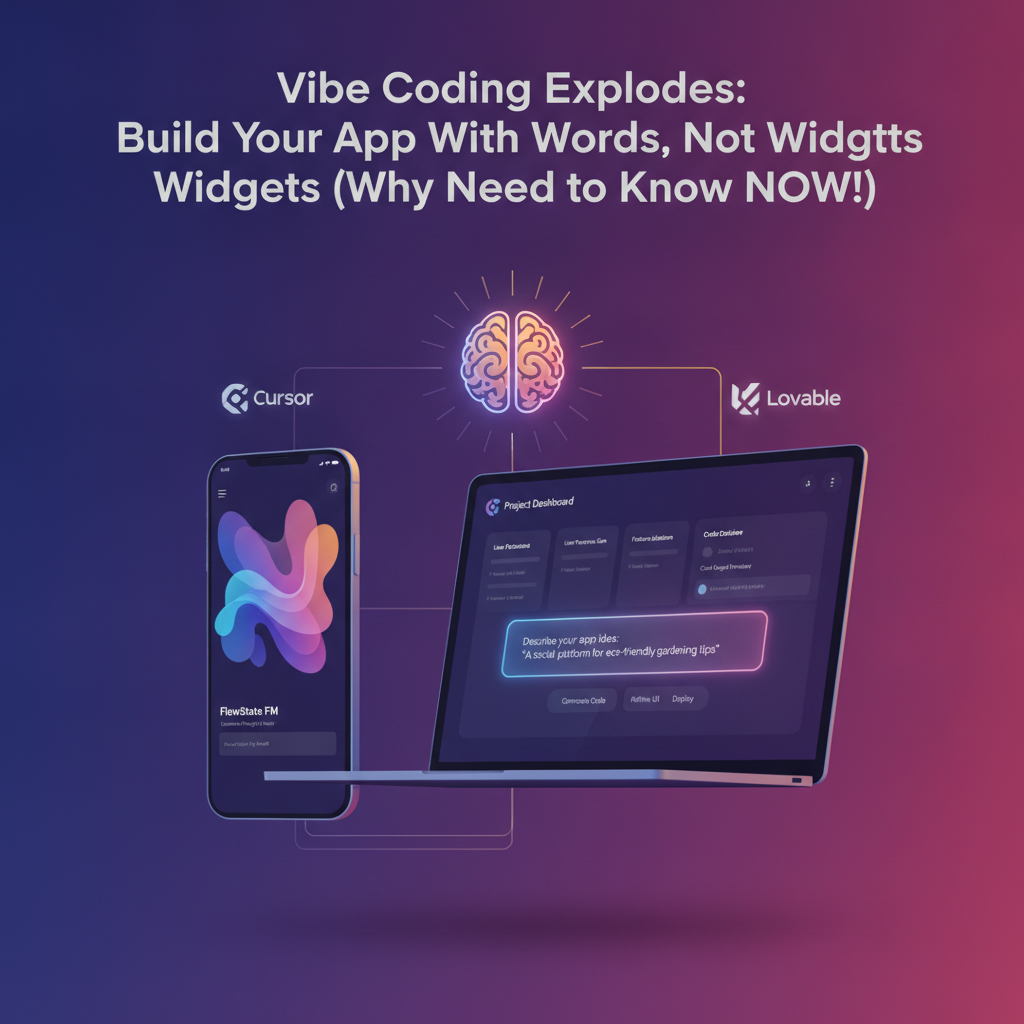
Vibe Coding Explodes: Build Your App With Words, Not Widgets (Why You Need to Know NOW!)
In the fast-paced world of software development, a quiet revolution is brewing, one that promises to democratize app creation and significantly accelerate innovation. It’s called "vibe coding" or, more formally, text-to-app development. Forget the days of meticulously dragging and dropping widgets or writing thousands of lines of boilerplate code. The future, it seems, is about describing your vision and letting AI translate it into a functional application. For businesses and entrepreneurs, understanding this paradigm shift isn't just about staying current; it's about unlocking unprecedented speed and efficiency. And if you're looking for a practical way to harness this trend today, a tool like GetAppQuick is already making it a reality.
The Rise of "Vibe Coding"
The term "vibe coding" captures the essence of this new approach: conveying the feeling or intent of an application through natural language, which an AI then interprets and builds. This isn't science fiction anymore. Leading the charge are tools that leverage sophisticated AI models to understand user prompts and generate code, entire interfaces, and even functional applications.
What is Text-to-App Development?
At its core, text-to-app development is an AI-driven process where users describe the desired features, functionality, and user interface of an application using plain English (or other natural languages). The AI then parses this description, generates the necessary code, and, in many cases, presents a working prototype or even a deployable application. This drastically reduces the barrier to entry for app creation, empowering individuals and small teams to bring their ideas to life without extensive coding knowledge or large development budgets.
Several pioneering tools are at the forefront of this movement:
- Cursor: While not exclusively a text-to-app builder, Cursor is an AI-first code editor that significantly enhances the coding workflow. It integrates AI deeply, allowing developers to generate code snippets, refactor existing code, and even get explanations for complex logic, all through natural language prompts within their IDE. This represents a powerful step towards AI-assisted development that can be extended to more generative tasks.
- Lovable: This platform is a prime example of direct text-to-app generation. Lovable allows users to describe their app's concept, and the AI constructs the front-end and back-end. It aims to simplify the entire development lifecycle, from ideation to deployment, by translating user requirements into tangible software.
- Other Emerging Platforms: The landscape is rapidly evolving, with numerous startups and established tech companies exploring and releasing their own text-to-app solutions. These platforms often specialize in specific types of applications (e.g., e-commerce stores, internal tools, simple mobile apps) or target particular user segments.
Why the Urgency? The Business Implications
The implications of text-to-app development for businesses are profound and immediate:
- Accelerated Time-to-Market: Traditional app development can take months or even years. With AI-powered generation, businesses can move from concept to Minimum Viable Product (MVP) in days or weeks. This speed is a critical competitive advantage in today's rapidly changing markets.
- Reduced Development Costs: Hiring skilled developers and maintaining large engineering teams is expensive. Text-to-app solutions can significantly lower these costs, making app development accessible to startups, small and medium-sized businesses (SMBs), and even individual entrepreneurs.
- Democratization of Innovation: Ideas are plentiful, but the ability to execute them technically is often a bottleneck. By lowering the technical barrier, these tools empower a wider range of people to create solutions, fostering a more diverse and innovative ecosystem.
- Rapid Prototyping and Iteration: Testing new ideas and features is crucial. Text-to-app tools allow for quick creation of prototypes, enabling rapid feedback loops and iterative improvements based on real-world user input.
- Empowering Non-Technical Teams: Marketing, sales, and operations teams can now potentially build custom tools or internal applications to streamline their workflows without relying heavily on IT departments, fostering greater agility and problem-solving capabilities within the organization.
How Text-to-App Development Works: A Glimpse Under the Hood
While the user experience is designed to be simple and intuitive, the technology powering text-to-app development is complex, often involving a combination of Natural Language Processing (NLP), Large Language Models (LLMs), and sophisticated code generation algorithms.
The Process: From Prompt to Product
- User Input (The "Vibe"): The user starts by providing a detailed description of the app. This can include:
- Purpose: What problem does the app solve? Who is it for?
- Features: What specific functionalities should it have (e.g., user login, data display, payment processing, notifications)?
- User Interface (UI): How should it look and feel? What are the key screens and navigation flows? (e.g., "a clean, minimalist design with a dark mode option," "a dashboard with charts and a list of recent activities").
- Data Models: What kind of information will the app store and manage?
- AI Interpretation: The AI model analyzes the natural language prompt, breaking it down into semantic components. It identifies entities, actions, relationships, and design preferences. This stage is crucial for understanding the user's intent accurately.
- Code Generation: Based on its interpretation, the AI generates the underlying code. This typically includes:
- Front-end Code: Building the user interface (e.g., using frameworks like React, Vue, or native mobile SDKs).
- Back-end Code: Creating the server-side logic, APIs, and database interactions.
- Database Schema: Defining the structure for storing data.
- Output and Refinement: The AI presents the generated application. This might be a live preview, downloadable code, or a deployable instance. Users can then often provide further feedback or make modifications using natural language or more traditional coding methods for fine-tuning.
A Practical Example: Building a Simple Task Manager
Let’s imagine a small business owner who needs a basic task management app for their team. They might prompt an AI tool like this:
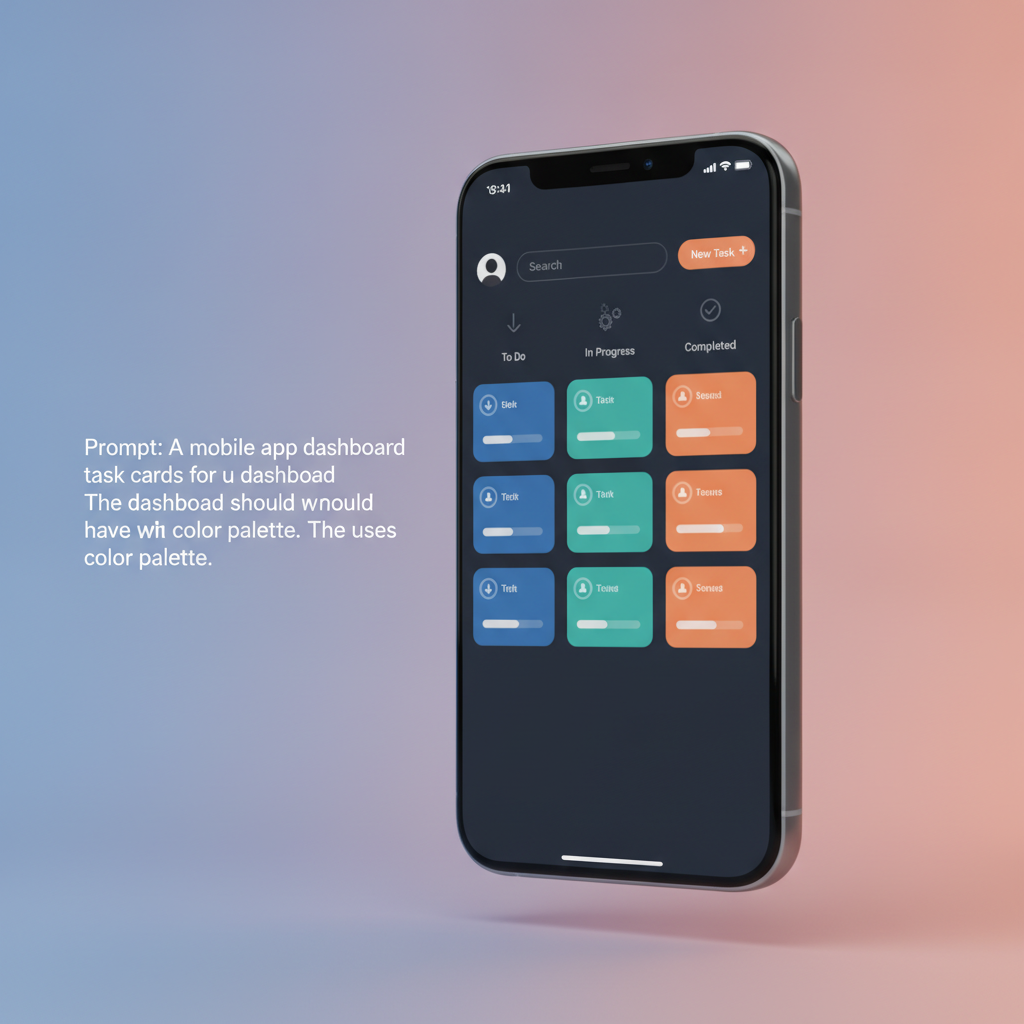
"I need a simple task management app for my team of five. Users should be able to log in with their email and password. Once logged in, they should see a list of tasks assigned to them. Each task should have a title, description, due date, and a status (To Do, In Progress, Completed). Team members should be able to create new tasks, edit existing tasks, and mark them as complete. The interface should be clean and intuitive, with a primary color of #4CAF50 (a shade of green). I want a dashboard view showing tasks by status and a separate screen for creating/editing individual tasks."
The AI would then process this, generating:
- User authentication logic (sign-up, login, password reset).
- Database models for
UserandTask(with fields for title, description, dueDate, status, assigneeId, creatorId). - API endpoints for creating, reading, updating, and deleting tasks (CRUD operations).
- Front-end components for:
- Login/Sign-up screens.
- A dashboard displaying tasks categorized by status.
- A task detail/edit screen.
- A task creation form.
- Styling to match the specified green primary color and maintain a clean aesthetic.
This might translate into code snippets like the following for a task data model in TypeScript:
interface Task {
  id: string;
  title: string;
  description: string | null;
  dueDate: Date | null;
  status: 'To Do' | 'In Progress' | 'Completed';
  assigneeId: string; // Assuming a User ID
  creatorId: string;  // Assuming a User ID
  createdAt: Date;
  updatedAt: Date;
}

// Example of an API response for fetching tasks
interface TaskListResponse {
  tasks: Task[];
  totalTasks: number;
  tasksByStatus: {
    'To Do': number;
    'In Progress': number;
    'Completed': number;
  };
}
Or a simplified Flutter widget for displaying a task item:
import 'package:flutter/material.dart';

class TaskListItem extends StatelessWidget {
  final String title;
  final String status;
  final VoidCallback onTap;

  TaskListItem({
    required this.title,
    required this.status,
    required this.onTap,
  });

  @override
  Widget build(BuildContext context) {
    return Card(
      margin: EdgeInsets.symmetric(horizontal: 16, vertical: 8),
      child: ListTile(
        title: Text(title),
        subtitle: Text('Status: $status'),
        trailing: Icon(Icons.chevron_right),
        onTap: onTap,
        tileColor: _getStatusColor(status),
      ),
    );
  }

  Color _getStatusColor(String status) {
    switch (status) {
      case 'In Progress':
        return Colors.orangeAccent.withOpacity(0.2);
      case 'Completed':
        return Colors.green.withOpacity(0.2);
      case 'To Do':
      default:
        return Colors.grey.withOpacity(0.1);
    }
  }
}
The AI would generate the complete structure, including data fetching, state management, and navigation between these components, significantly reducing the manual coding effort.
Challenges and Considerations
While the potential is immense, text-to-app development is not without its challenges:
- Prompt Engineering: Crafting effective prompts is a skill in itself. Ambiguous or incomplete prompts can lead to unexpected or incorrect results. Users need to learn how to communicate their requirements clearly and comprehensively.
- Complexity and Customization: For highly complex, specialized, or performance-critical applications, AI-generated code might require significant manual refactoring and optimization by experienced developers. The level of customization possible with pure text-to-app generation can be limited compared to traditional development.
- AI Model Limitations: Current AI models, while powerful, can still make mistakes, hallucinate code, or struggle with highly nuanced requirements. Ensuring the quality, security, and scalability of generated applications is paramount.
- Integration with Existing Systems: Integrating AI-generated apps with legacy systems or existing enterprise infrastructure can pose significant challenges.
- Intellectual Property and Licensing: As AI generates code, questions around ownership and licensing of that code are still being debated and may vary between platforms.
The Future is Now: Embracing the Shift
The trend towards text-to-app development is undeniable. Tools like Cursor are enhancing developer productivity, while platforms like Lovable and GetAppQuick are making app creation accessible to a broader audience. For businesses, this represents an opportunity to:
- Innovate Faster: Launch new products and services at an unprecedented pace.
- Optimize Operations: Create bespoke internal tools to improve efficiency and solve specific business problems.
- Empower Teams: Enable employees with technical ideas to bring them to life.
- Reduce Risk: Test market hypotheses with low-cost, rapidly developed MVPs.
Key Takeaways
- Vibe coding (text-to-app development) uses AI to build applications from natural language descriptions.
- Tools like Cursor, Lovable, and GetAppQuick are at the forefront of this revolution.
- The primary benefits include significantly faster time-to-market, reduced development costs, and democratization of innovation.
- While powerful, prompt engineering and handling complex customization remain key considerations.
- Businesses must understand and experiment with these technologies to maintain a competitive edge.
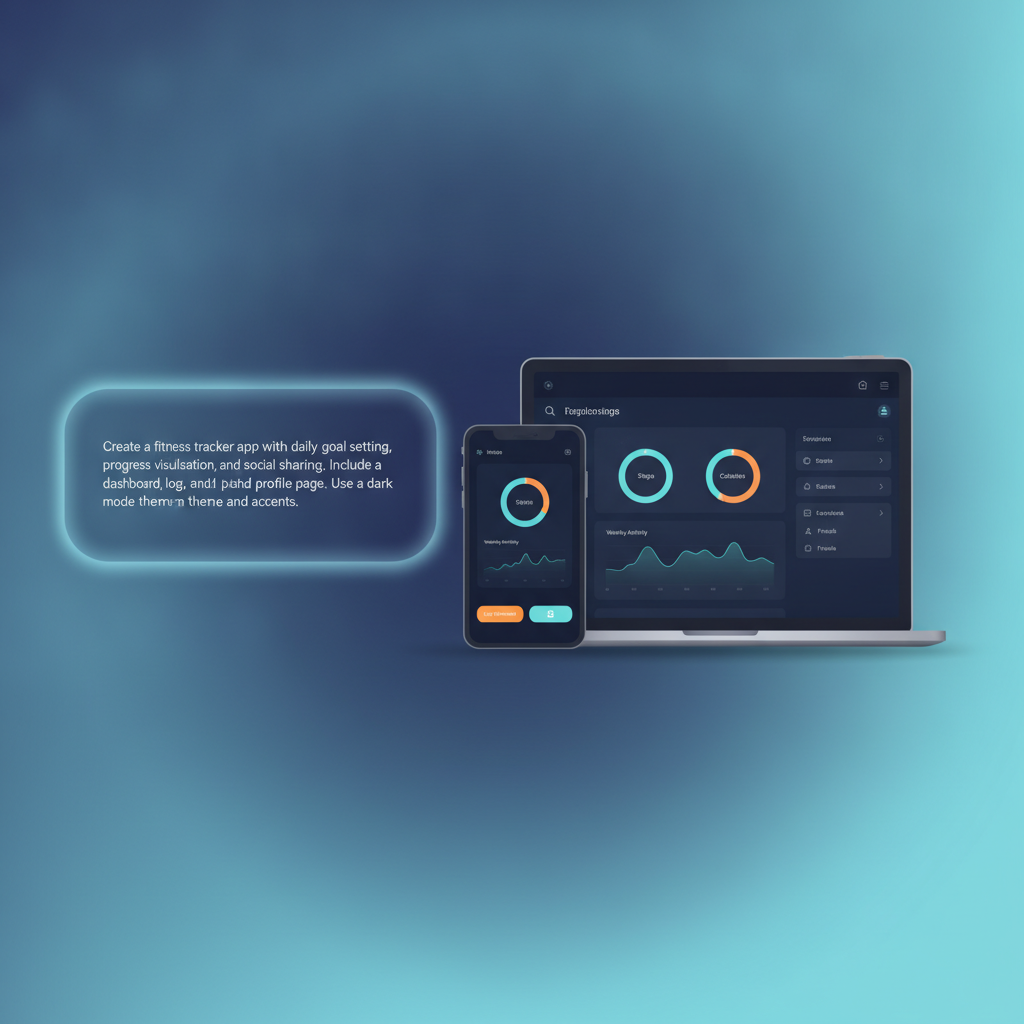
The ability to translate an idea into a functional application with just words is no longer a futuristic concept; it's a present-day reality. By understanding and adopting these new tools and methodologies, businesses can unlock new levels of agility, efficiency, and innovation.
Ready to ship your idea? Build it in minutes with GetAppQuick.