Introduction
We live in a golden age for AI-powered prototyping. Tools like ChatGPT, GitHub Copilot, and generative AI builders have made it easier than ever for founders to spin up web apps on a whim. There’s a new wave of ideas flowing from hackathons and startup weekends—MVPs are launched with little to no code, using AI prompts as the engine. Social media is full of stories from entrepreneurs who got an app online in a matter of hours.
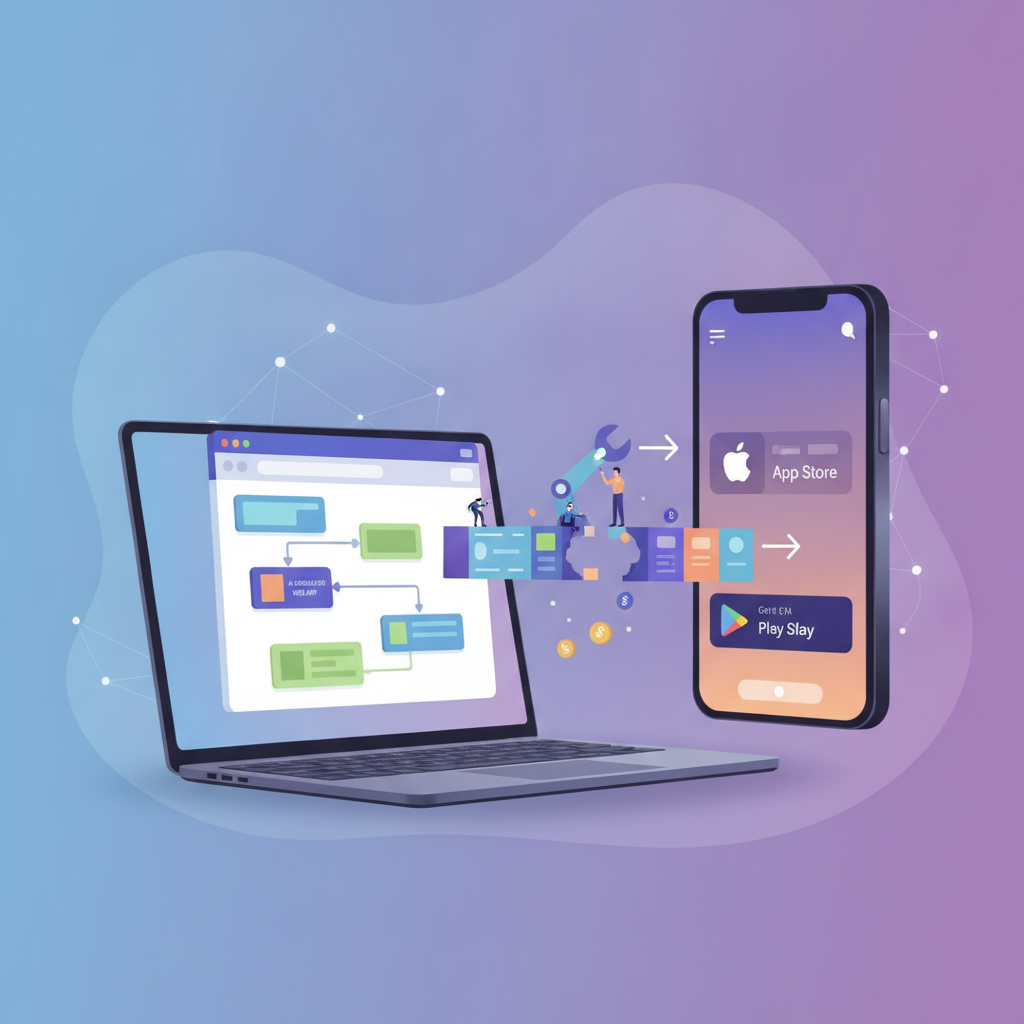
But if you look more closely, a story plays out over and over: that promising AI-generated web app rarely finds its way onto the App Store or Google Play. Instead, founders discover a hidden chasm between “I built a working AI web app!” and “My app is live on iOS and Android.” Suddenly, they're paying freelancers to do the “real” app development they thought they’d skipped.
This is the web-to-app-store gap—rarely discussed, but all too real for new founders.
Today, we’ll walk through why this gap exists, what technical hurdles you’ll face, and how you can actually bridge it (without hiring an army of contractors). We’ll also show how GetAppQuick—DC Codes’ own AI-powered app builder—lets you turn your web app concept into a cross-platform, app-store-ready product in record time.
The AI Web App Mirage
AI Can Build a Web App in Minutes. That’s Only Half the Battle.
Let’s say you prompt an AI:
"Build me a simple todo app with login, dark mode, and push notifications."
Within a few minutes, you might get a working React or Next.js codebase. You spin it up on Vercel or Netlify, and voilà—an MVP is live. Maybe you even have some demo users and a pitch deck in hand.
But then comes the real test: you want your app on people’s phones. You want it in the App Store and Google Play, where users search and install with a single tap and where push notifications and native features really shine.
Suddenly, the AI’s magic runs out. The code you got is a web app. Turning it into a publishable mobile app isn’t just “wrapping it”—it’s a full engineering effort.
Why Can’t You Just “Wrap” Your AI-Generated Web App?
The idea is tempting: take your React or Next.js app, run it in a WebView, and ship that as a native app. And yes, tools like Capacitor, Cordova, and webview wrappers exist for this purpose. But in practice, it’s rarely that simple.
Let’s break down the main pitfalls:
1. Device Permissions and Native APIs
Push notifications, camera access, background tasks—these require native code hooks. Web apps (even wrapped) are sandboxed. For example, web push notifications may not work on iOS at all, and Android support is fragmented.
To truly support native features, you need to bridge between JavaScript and the device OS, often with plugins or even custom native code.
Example: Handling Push Notifications
In a typical React web app, you might use the browser’s Notification API:
// Web-only: Push notifications via browser API
if ('Notification' in window) {
  Notification.requestPermission().then(permission => {
    if (permission === "granted") {
      new Notification("Hello from your web app!");
    }
  });
}
But when you want true native notifications (especially on iOS), you’ll need to integrate with Firebase Cloud Messaging (Android) or Apple Push Notification Service (iOS), typically using platform SDKs—something your AI-generated codebase won’t include.
2. App Store Policies and UX
App stores have strict requirements:
- Your app can’t just be a “wrapped website.” Apple especially dislikes this.
- You must support in-app navigation, offline fallback, and device-specific layouts.
- Login flows must use secure storage (not localStorage or cookies).
- You need proper icons, splash screens, and onboarding screens.
Suddenly, you’re editing Info.plist files, handling app permissions, and localizing assets.
3. Performance and Offline Support
Web apps inside a WebView are often sluggish compared to native apps, and users notice. Features like offline access, background sync, and smooth animations are much harder to deliver.
4. The Testing and Deployment Maze
App stores require signed builds, device testing, and detailed submission processes. CI/CD for web is not the same as CI/CD for mobile.
You quickly realize—what looked like “done” on the web is just the beginning.
The Hidden Cost: “AI Web App to Real App” Freelancers
If you browse startup forums or Reddit’s r/lovable, you’ll see stories of founders hitting this wall. They’ve used AI to build a working web prototype. Now they’re hiring freelancers—often at premium rates—just to get their product through the app store gauntlet.
The freelancers’ job? To turn that AI-generated web code into a real iOS and Android app. This can mean:
- Porting the UI to Flutter or React Native
- Re-implementing authentication and storage using native APIs
- Setting up push notification infrastructure
- Wrangling with provisioning profiles, signing certificates, and store listings
- Debugging device-specific issues
In other words: redoing much of the work the AI had already “finished,” but this time in a cross-platform or native framework.
Bridging the Gap: Smarter App Builders
What if you could close this gap from the start? That’s where modern app builders like GetAppQuick come in. Unlike AI code generators that only spit out web apps, GetAppQuick is designed to deliver cross-platform, app-store-ready apps from your idea—no code porting, no last-minute scramble.
Let’s see how this works in practice.
Case Study: Todo App—From Idea to App Store with GetAppQuick
Suppose you want to launch a simple productivity app. A web-only AI generator will give you a React site. But with GetAppQuick, you describe your idea in plain language—or use a template—and the system builds a true Flutter codebase.
Here’s what you get out of the box:
- Cross-platform UI: The same app runs beautifully on iOS and Android, adapting to device layouts.
- Native features: Push notifications, camera access, and offline sync—wired up with real, tested plugins.
- App store assets: Icons, splash screens, onboarding flows, and privacy policy templates.
- One-click deployment: Build and sign your app for the App Store and Google Play with guided steps.
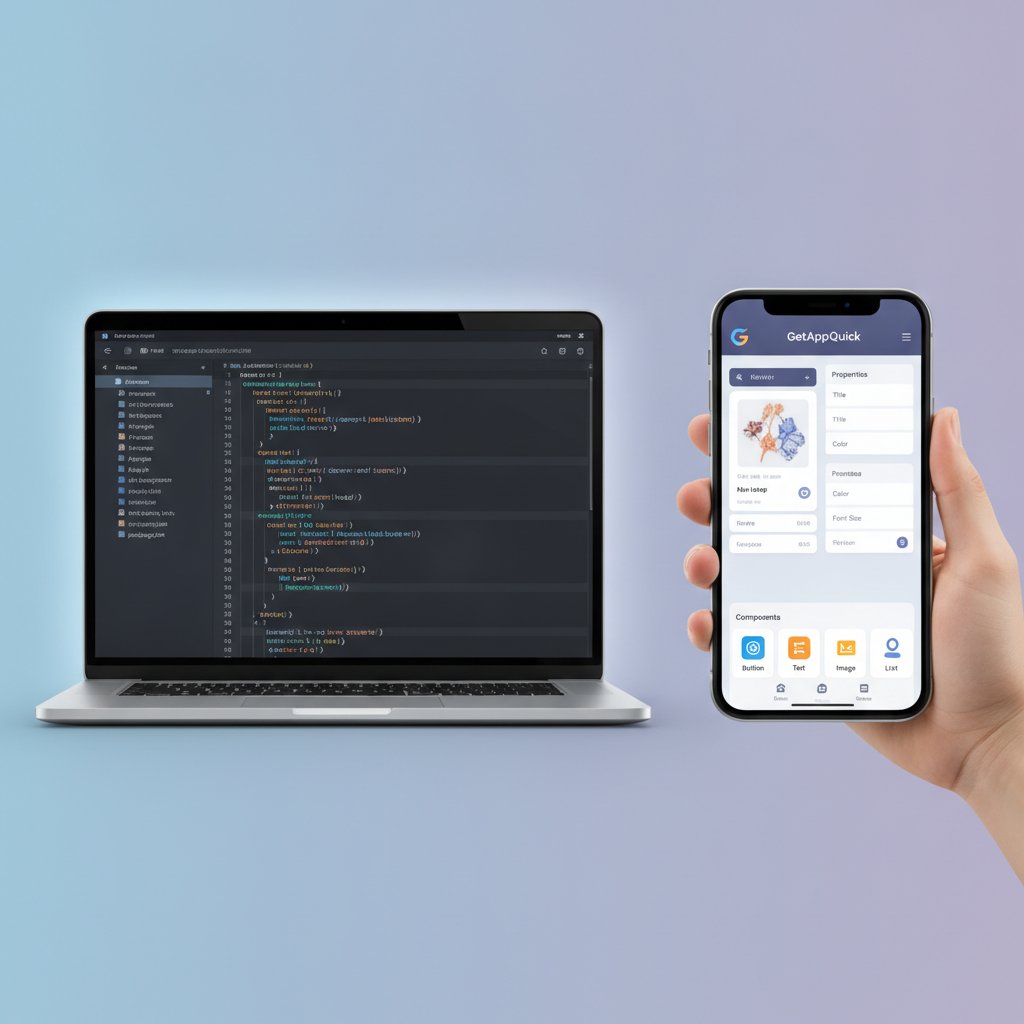
Example: Push Notification Setup in Flutter (GetAppQuick Output)
// Using firebase_messaging for native push notifications
import 'package:firebase_messaging/firebase_messaging.dart';

final FirebaseMessaging _messaging = FirebaseMessaging.instance;

Future<void> initNotifications() async {
  NotificationSettings settings = await _messaging.requestPermission();
  if (settings.authorizationStatus == AuthorizationStatus.authorized) {
    String? token = await _messaging.getToken();
    print("Push notification token: $token");
    // You can now send targeted push notifications to this device
  }
}
This code, generated by GetAppQuick, is ready for native deployment—something a web app generator simply can’t provide.
Architecture Choices: Flutter vs. React Native vs. Web
When building for both web and app stores, you need to choose your stack wisely.
Flutter
- Pros: Single codebase for iOS, Android, and web; native performance; rich ecosystem.
- Cons: Slightly larger binary size; some platform-specific plugins require native code.
React Native
- Pros: Popular with web devs; good native integration; large community.
- Cons: More bridging code needed for certain features (like advanced animations or platform APIs).
Pure Web (React, Next.js, etc.)
- Pros: Fastest to prototype; easy to deploy.
- Cons: Lacks true native features; not accepted by app stores as “full apps.”
Pro tip: If your end goal is mobile users and the app stores, start with a cross-platform framework. GetAppQuick builds on Flutter for maximum reach and true native capability.
Common “Web-to-App-Store” Pitfalls to Avoid
Let’s summarize the biggest technical hurdles founders face if they don’t plan for mobile early:
Authentication Storage:
Web uses cookies or localStorage. Native apps need secure storage (e.g., Keychain on iOS, Keystore on Android).Navigation:
Web uses URL-based routing; mobile expects in-app navigation stacks.Notifications:
Web push ≠ native push. Apple’s browser support is limited.Media and Device APIs:
Accessing the camera, microphone, or contacts is much easier (and safer) in native code.App Store Compliance:
You must provide privacy disclosures, app icons, splash screens, and conform to guidelines.Build and Deployment:
Mobile apps need to be signed, tested on real devices, and passed through store review.
How to Bridge the Gap—Your Options
1. Hire Freelancers (The Old Way)
- Pros: Custom work, powerful if you have budget.
- Cons: Expensive, slow, risks code fragmentation (web version vs. mobile).
2. DIY with Cross-Platform Frameworks
- Pros: Full control, unified codebase.
- Cons: Steep learning curve, lots of edge cases.
3. Use a Modern Builder Like GetAppQuick (The Smart Way)
- Pros: Idea-to-app-store, no code porting, native features out of the box.
- Cons: Less flexibility for ultra-custom designs (but covers 90% of use cases).
Key Takeaways
- AI web app generators are amazing for fast prototyping—but fall short for mobile app store deployment.
- App stores require true native integration, device-specific features, and rigorous compliance.
- Trying to “wrap” a web app almost always leads to major rework (and unexpected freelancer bills).
- Planning for mobile from day one (using Flutter or a platform like GetAppQuick) will save you months of frustration.
- Bridging the gap early means your app can reach users everywhere—not just those with a browser open.
Conclusion
The web-to-app-store gap is the hidden iceberg beneath the surface of AI-powered app development. While it’s never been easier to spin up a web MVP, true product-market fit (and user traction) happen on mobile devices.
Don’t get caught by surprise—build smarter from the start. With GetAppQuick, you can turn your idea into a cross-platform, store-ready app in a fraction of the time (and cost) of old-school approaches.
Ready to ship your idea? Build it in minutes with GetAppQuick.