
Introduction: The Frustrating Last Mile of App Building
Building an app today has never been more accessible—or so it seems. AI app builders, no-code tools, and code generation platforms promise to turn your ideas into working products in record time. Yet, many founders and indie hackers discover a hidden wall when they try to transform their beloved web apps into actual, installable iOS or Android apps. The process often leads to desperate searches, Reddit r/lovable threads, and, as many admit, hiring someone on Fiverr just to wrap their web app for the app store.
Why is this “last mile” so tricky, even with all the AI and automation powering modern app builders? And more importantly, how can you close the gap from idea to a real, shippable app—without cobbling together hacky wrappers or burning hours on platform quirks?
At DC Codes, we’ve seen this story play out with our clients and the community. That’s why we built GetAppQuick: an AI-powered app builder that doesn’t just generate code, but delivers a real, store-ready mobile app. In this post, we’ll dive into why this problem exists, how builders are coping, and show practical steps (with code!) to break through the wall for good.
The Reddit Dilemma: “How Do I Get My Web App Into the App Store?”
Let’s start with a real conversation. In a popular r/lovable Reddit thread, a founder shared their struggle:
"I built a cool little tool in React, but now I want my users to be able to find it in the App Store. I tried a few web wrappers, but Apple rejected my app as ‘too much like a website.’ I ended up paying a Fiverr gig to convert it… but it feels hacky. What am I missing?"
This isn’t an isolated case. As more indie hackers and startups use tools like Bubble, Retool, or custom React/Next.js webs, they expect a magic “Export to App Store” button. The reality is, it’s far from plug-and-play.
Why Wrapping Web Apps Isn’t Enough
Both Apple and Google have tightened their requirements. App Store Review Guidelines specifically frown on “webview-only” apps—those just loading a URL, with no native features, offline support, or platform integration. The result?
- App Rejections: Even if your app “works,” Apple may reject it for being too generic.
- User Experience Issues: Wrapped web apps often lack push notifications, offline mode, and native UI polish.
- Maintenance Headaches: Each update to your web app might break the mobile shell, requiring extra fixes.
What Really Makes a “Real” App Store App?
To make it through review and delight users, a mobile app needs to go beyond a webview. Here’s what sets a real app apart:
- Native Navigation & UI Elements: Bottom tabs, navigation bars, and menus using platform conventions.
- Offline & Local Storage: The app should work—or at least degrade gracefully—when offline.
- Push Notifications: Essential for engagement, but impossible with web-only wrappers.
- Device Integration: Access to camera, files, location, etc.
- Performance: Fast launch and smooth animations, not just a web page in a box.
Practical Example: Flutter for True Cross-Platform Apps
Suppose you have a simple to-do web app in React. To “graduate” it to a real mobile app, you’d want to reimplement it in a technology like Flutter, which compiles to native code for both iOS and Android. Here’s what the core logic might look like in Dart:
import 'package:flutter/material.dart';

void main() => runApp(TodoApp());

class TodoApp extends StatelessWidget {
  @override
  Widget build(BuildContext context) {
    return MaterialApp(
      title: 'My To-Do App',
      home: TodoListScreen(),
    );
  }
}

class TodoListScreen extends StatefulWidget {
  @override
  _TodoListScreenState createState() => _TodoListScreenState();
}

class _TodoListScreenState extends State<TodoListScreen> {
  final List<String> _todos = [];

  void _addTodo(String task) {
    setState(() {
      _todos.add(task);
    });
  }

  // Include native navigation, offline storage, push notifications, etc.

  @override
  Widget build(BuildContext context) {
    return Scaffold(
      appBar: AppBar(title: Text('To-Do List')),
      body: ListView(
        children: _todos.map((todo) => ListTile(title: Text(todo))).toList(),
      ),
      floatingActionButton: FloatingActionButton(
        onPressed: () {
          // Show UI to enter new task
        },
        child: Icon(Icons.add),
      ),
    );
  }
}
With this approach, you get native animations, push notification integration, and access to device APIs—addressing all the pain points of mere web wrappers.
The Fiverr Fix: Why Builders Resort to Workarounds
If you scan freelance markets, you’ll see hundreds of gigs offering to “convert your website to iOS/Android apps.” These solutions almost always use WebView wrappers (e.g., Cordova, Capacitor, or basic browser shells).
Pros:
- Fast and cheap
- Passes for a mobile app in some cases
Cons:
- High risk of App Store rejection
- No push notifications or offline support
- Poor user experience
- Hard to maintain and debug
This gap in the market is why so many builders end up paying a “Fiverr tax” just to get into the app store—often for disappointing results.
The Modern Solution: AI-Powered Native App Builders
What if you could take your app idea, or even your existing web logic, and automatically generate a real native app—one that can be published, passes review, and delights users?
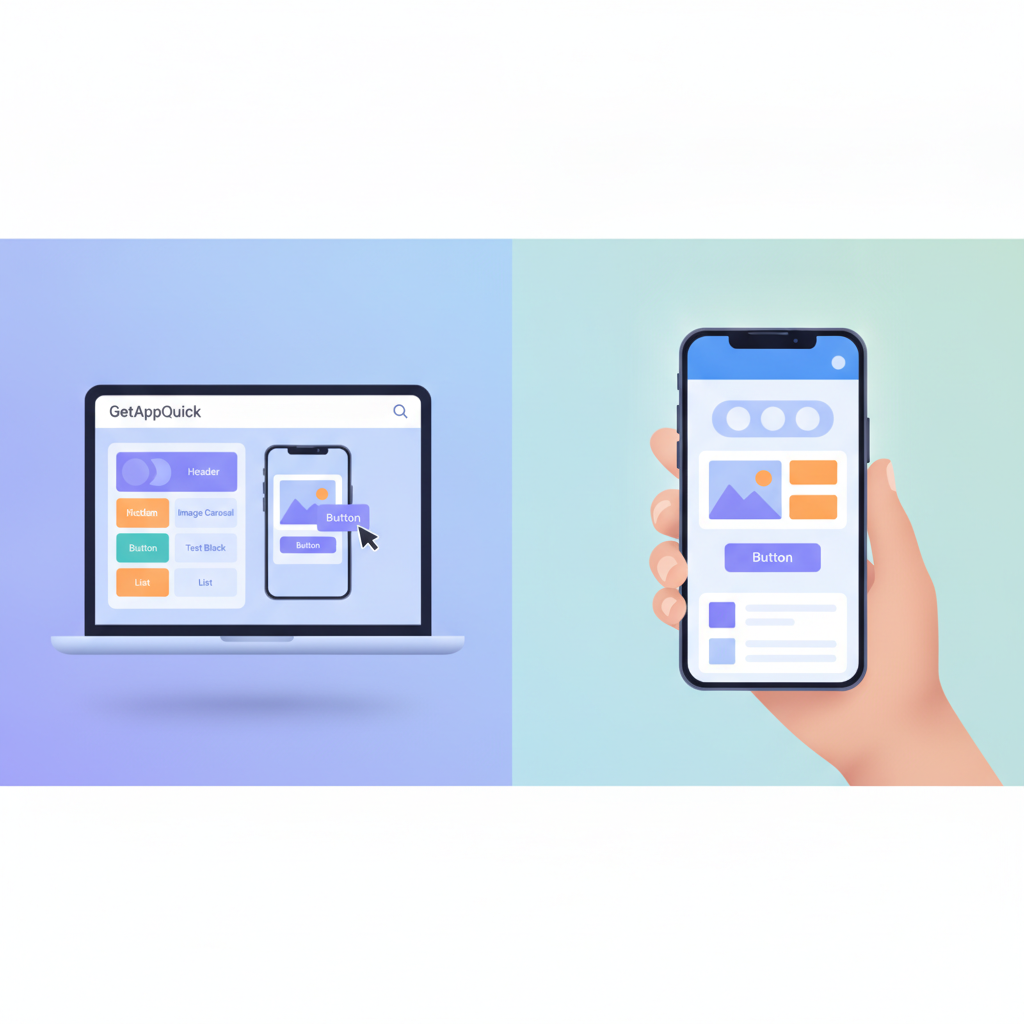
That’s where GetAppQuick comes in. Unlike a basic code generator, GetAppQuick uses AI to:
- Understand your app’s logic, UI, and user flows (from a Figma, wireframe, or even a prompt)
- Generate native code for iOS and Android (using Flutter under the hood)
- Integrate push notifications, offline storage, authentication, and more
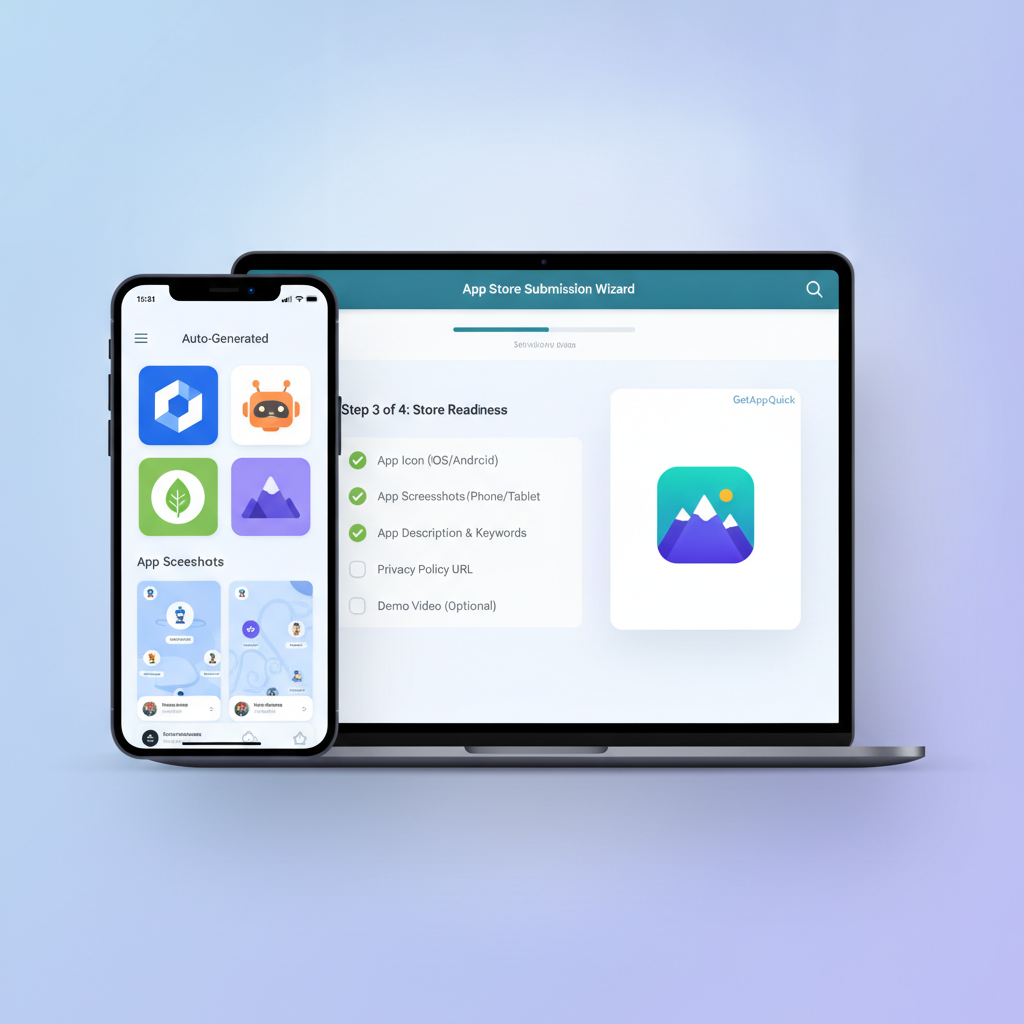
- Package your app for App Store/Google Play submission, with guided support
This lets solo founders, product managers, and agencies go from “just an idea” to a real, installable app—without the platform headaches or a large dev team.
Concrete Use Case: From Web MVP to App Store in Days
Let’s walk through a typical scenario:
Jane built a web dashboard for tracking expenses using React and Firebase. Her users keep asking for an app they can install from the App Store. She tries wrapping her app with Capacitor, but Apple rejects it for being “web content with minimal native functionality.” Frustrated, she discovers GetAppQuick.
Step 1: Define Your App in GetAppQuick
Jane uploads her Figma design and answers a few questions about her app’s features (authentication, push notifications, offline caching). The AI parses her designs and requirements.
Step 2: Generate Native Code
GetAppQuick generates a ready-to-run Flutter project. The code isn’t just a shell—it’s a real, maintainable codebase:
// Example: integrating Firebase Auth in Flutter
import 'package:firebase_auth/firebase_auth.dart';

Future<User?> signInWithEmail(String email, String password) async {
  try {
    UserCredential userCredential = await FirebaseAuth.instance
      .signInWithEmailAndPassword(email: email, password: password);
    return userCredential.user;
  } catch (e) {
    // Handle errors
    return null;
  }
}
Step 3: Build, Preview, and Test
Using GetAppQuick’s web dashboard, Jane previews the app on real devices, tweaks the UI, and uses built-in test automation to catch bugs.
Step 4: One-Click Store Submission
GetAppQuick walks Jane through Apple/Google developer account linking, handles certificates, and generates the right app bundles for submission—no manual config required.
Native Features—No More Webview Compromises
With GetAppQuick, the resulting app can:
- Send push notifications (using Firebase Cloud Messaging or APNs)
- Store data offline (with local databases like SQLite or Hive)
- Use native navigation and gestures
- Access device features (camera, location, files)
All of this is generated and scaffolded for you. If you want to customize further, you can open the generated Flutter project in VS Code or Android Studio and add your own logic.
Key Takeaways
- Web apps ≠ Real apps: App stores increasingly demand native functionality, not just a wrapped website.
- Wrappers are risky: Fiverr/Cordova solutions might pass, but often lead to rejection and poor UX.
- Native code is the gold standard: Tools like Flutter allow for true cross-platform apps with native performance.
- AI builders bridge the gap: GetAppQuick can turn your designs and specs into publish-ready native apps without a massive dev team.
- You own the code: With GetAppQuick, you get the full source—no lock-in or black-box magic.
Conclusion: Don’t Let the Wall Stop You
The last mile of turning your web app into a real, App Store-ready native app is where many great ideas stall. Don’t let platform quirks, code wrappers, or endless freelance gigs stand between you and your launch.
With GetAppQuick, you can break through the hidden wall. Instead of settling for hacky workarounds, generate a real app your users (and the stores) will love.
Ready to ship your idea? Build it in minutes with GetAppQuick.