
Introduction
This week, a heated debate on r/AIAgents shot to the top of the subreddit: "Is anyone responsible for production bugs anymore, or do we just blame the AI?" As more teams turn to AI-powered builders for rapid app delivery, the line between speed and accountability grows dangerously blurry. The post struck a nerve—comments ranging from “AI lets me ship MVPs in hours!” to “If a customer wakes me at 2am, I want to know my code caused it, not some black-box prompt.”
If you’re launching a product in 2024, this isn’t just an academic squabble. Automated app builders like GetAppQuick make turning an idea into a working app easier than ever, allowing startups and solo founders to get to market before the competition. But what happens when your slick demo becomes a real business, and a bug sneaks in after midnight? Whose responsibility is it—and how can you avoid being the one staring at a cryptic stack trace with a furious client on the line?
Let’s break down the hidden costs of AI-built apps, the pitfalls you can dodge, and how to ship software you’ll actually want your name on—even when using the latest AI build tools.
The Allure of AI App Builders: Speed vs. Substance
AI-powered app builders promise a revolution: describe your idea, and boom—a functional product emerges, complete with screens, API calls, and even tests. For founders and small teams, this is a dream come true. The market is flush with platforms, each promising to automate the drudgery of app creation.
What’s Really Under the Hood?
AI builders, including GetAppQuick, typically combine natural language understanding, code generation (often via LLMs), and a visual UI editor. The magic is real: you can type “I want a Flutter app where users track workouts and see charts,” and minutes later, you’re dragging UI components, wiring up logic, and previewing a working build.
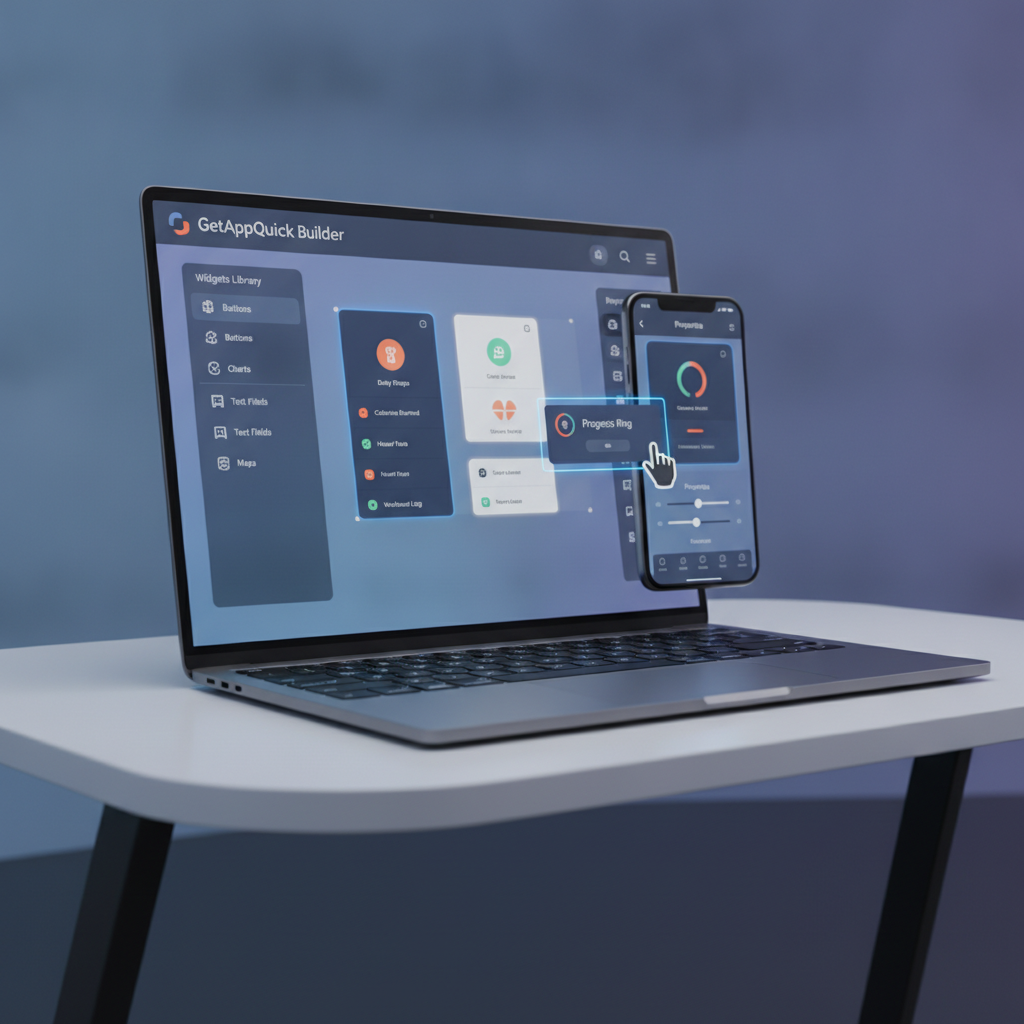
But the “free demo” effect can be misleading. The instant gratification of a generated prototype hides what every experienced developer knows: an app isn’t just the UI, but the reliability, maintainability, and accountability behind each feature.
The r/AIAgents Debate: Who Owns the Bug?
The viral thread centered on this scenario: an AI-generated app ships fast, but a subtle bug—maybe in a payment workflow or data sync—causes an outage at 2am. The developer didn’t write the code by hand. “Is it fair to blame the engineer for a bug the AI wrote? Or the team for not catching it in review?” the OP asked.
Accountability Is Not Dead—But It’s Different
You are responsible for what ships, even if you didn’t type every line. But AI builders change the flow:
- Opaque logic: Generated code may be complex or unusual, making bugs hard to trace.
- Fast iteration, slow review: Rapid prototyping can skip deep code reviews or testing.
- “It just works”…until it doesn’t: Demos rarely stress-test edge cases.
Bottom line: If you can’t understand or debug the code your app runs on, you’re gambling with your reputation.
Concrete Hidden Costs of AI-Built Apps
Here are the real-world issues that surface after the demo glow fades:
1. Debugging Is Harder
Generated code is often verbose, generic, or full of abstractions. This can make the root cause of a bug harder to find, especially if the code structure doesn’t match your team’s usual patterns.
Example:
Suppose you use an AI builder to generate a Flutter app for a todo list. The builder spits out a large widget tree with custom state management and networking glue, but you’re used to using Riverpod for state and Dio for HTTP. When an API bug occurs, tracing where the request lives in the generated code can be a nightmare.
Dart/Flutter Example: Hidden Logic
// Generated by an AI builder:
class TodoApiService {
  Future<List<Todo>> fetchTodos() async {
    final response = await http.get(Uri.parse('$baseUrl/todos'));
    if (response.statusCode == 200) {
      return parseTodos(response.body);
    } else {
      throw Exception('Failed to fetch todos');
    }
  }
}

// Error: fetchTodos works with most backends,
// but your real API returns a custom key—AI code didn't account for it.
A human would align API parsing with your actual backend. The AI builder’s “generic” logic works for the demo, but not for your production data.
2. Test Coverage May Be Superficial
Many AI builders generate basic tests (if any). These rarely cover integration or real edge cases. Post-demo, you need to ensure your app is not just “happy path” robust.
TypeScript Example: Missing Edge Case
// AI-generated test
test("should create new user", () => {
  const result = createUser({name: "Alice"});
  expect(result.success).toBe(true);
});

// But does it test email validation? Duplicates? Rate limits?
3. Ownership and Knowledge Transfer
What happens if your AI-built app grows and you hire new devs? If your codebase is inscrutable or full of generated patterns, onboarding is slow and expensive. You may suddenly need that midnight support call.
How to Ship an AI-Built App You Can Stand Behind
Embracing AI doesn’t have to mean giving up control or quality. Here’s how to avoid the “2am support call” trap—while still shipping fast.
1. Choose Builders That Prioritize Clarity and Extensibility
Not all AI builders are created equal. GetAppQuick stands out by generating code that’s readable, modular, and built on top of mainstream frameworks (Flutter, React, etc.). This means you can inspect, edit, and extend your app after generation—making post-launch maintenance much easier.
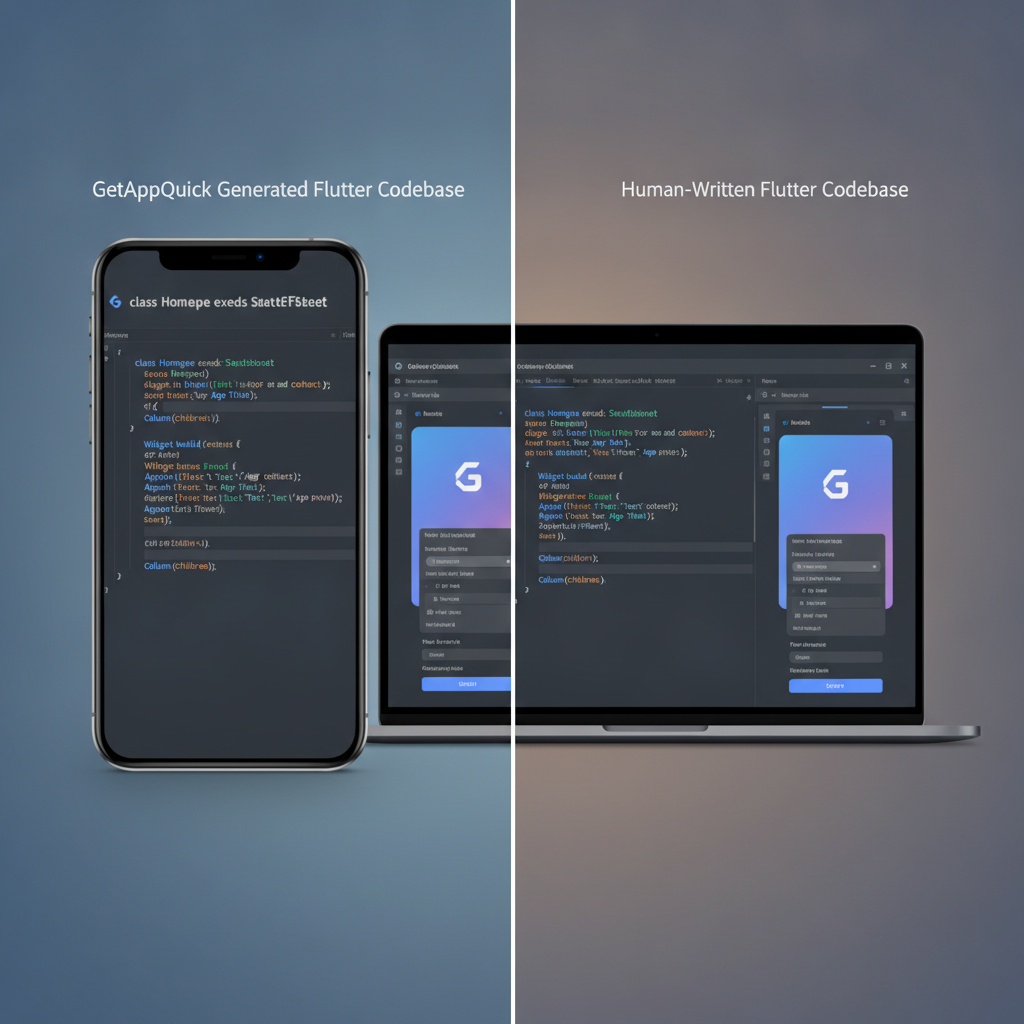
2. Always Review and Refactor the Generated Code
Treat AI-generated code as a starting point, not the finish line. After generation:
- Run code reviews. Spot assumptions or risky logic.
- Refactor to match your conventions. Consistency pays off when debugging.
- Add real-world data for tests. Don’t trust that the builder’s tests cover your scenarios.
Example: Adding Your Own Guardrails in Dart
// After code generation, add:
if (user.email.isEmpty || !user.email.contains("@")) {
  return Response.error("Invalid email");
}
// ...in addition to whatever the AI wrote.
3. Layer in Monitoring and Alerting
Don’t wait for a customer to find a bug. Use monitoring (Firebase Crashlytics, Sentry, etc.) and set up clear error reports. This gives you visibility into what’s breaking—whether it’s your code or the builder’s.
4. Document What the Builder Did—and Didn’t Do
After shipping, keep a “handover” doc listing:
- Which parts were AI-generated
- Where custom logic was added
- Known limitations or TODOs
This is critical for future team members (or yourself, months later).
Practical Use Case: A Startup’s Launch With GetAppQuick
Imagine you’re a Vietnamese startup founder who wants to launch a local food delivery app. Coding from scratch would take a small team several months. With GetAppQuick, you describe your requirements (“Customer login, menu browsing, order placement, driver tracking”) and get a working Flutter prototype in hours.
But you want this app to scale. Here’s how you make sure your launch isn’t haunted by late-night emergencies:
- Customize the payment flow to match local banks, not just Stripe or PayPal.
- Review the driver location sync logic for edge cases (driver goes offline, etc.).
- Add integration tests for popular Vietnamese addresses.
- Set up real error logging tied to your customer support system.
You’re using AI for speed, but own the code for reliability. The result: you can demo your product and sleep at night.
Key Takeaways
AI app builders are a boon for speed, but not a substitute for accountability.
The convenience of tools like GetAppQuick should be balanced with a clear review and testing process.You are always responsible for your production code.
If you can’t explain or debug what shipped, you’re risking your brand.Review, refactor, and document AI-generated code.
Use the builder as a launchpad, not an autopilot.Layer in real-world tests and monitoring before launch.
This is your best insurance against the dreaded 2am support call.Choose platforms that generate maintainable, extensible code.
Picking the right AI builder makes all the difference when scaling up.
Conclusion
AI-powered app builders are transforming how teams deliver products, but the viral r/AIAgents debate is a timely reminder: the “free demo” is just the start. The real cost comes with maintenance, debugging, and customer trust—especially when production bugs strike at the worst possible moment.
The good news? With the right approach, you can have both the speed of AI and the confidence of robust, maintainable code. Whether you’re shipping your next big idea solo or leading a team, platforms like GetAppQuick help you build fast and own your success.
Ready to ship your idea? Build it in minutes with GetAppQuick.