Introduction
The AI-powered revolution in software development is here. Tools that generate code, design UIs, and even deploy apps have never been more accessible. The promise? Turn anyone with a good idea into a founder, launching products at record speed with just a prompt or two. At GetAppQuick, DC Codes’ own AI-powered app builder, we see this daily: clients sketch an idea and get a working Flutter or TypeScript app in minutes—no big dev team required.
But if you scroll through tech subreddits like r/AIAgents, a new refrain is emerging: “AI builders didn’t make everyone a founder. They made everyone responsible for production bugs once real users start paying.” In other words, the demo is cheap, but the real cost—support, maintenance, and reliability—remains as high as ever.
In this post, we’ll break down why building your app with AI is just the start of the journey. We’ll explore the hidden costs, offer practical strategies, and show how tools like GetAppQuick can help you build not just fast, but responsibly. Along the way, we’ll include code examples and visuals to ground these lessons in reality.
The Rise of AI-Powered App Builders
Over the past two years, new AI tools have transformed the way apps are built:
- Code generation: AI can scaffold entire projects, generate boilerplate code, and suggest bug fixes.
- UI design: Tools turn Figma mocks or napkin sketches into responsive frontends.
- Deployment: One-click publishing to app stores or the web.
This has lowered the barrier to entry dramatically. With GetAppQuick, a single founder can go from idea to deployed MVP in a weekend.

But this speed can be deceptive. While the demo works great, real-world use brings new, often hidden, challenges.
The “Demo” vs. “Production” Divide
Why Demos Are (Relatively) Easy
AI builders shine at spinning up a “happy path” demo—a basic workflow that works under perfect conditions. For example, you want a Flutter app that displays a list of products fetched from a mock API. AI can generate this in seconds:
// Flutter code to fetch and display products
Future<List<Product>> fetchProducts() async {
  final response = await http.get(Uri.parse("https://api.example.com/products"));
  if (response.statusCode == 200) {
    return (json.decode(response.body) as List)
        .map((item) => Product.fromJson(item))
        .toList();
  } else {
    throw Exception("Failed to load products");
  }
}
Pair it with a simple UI, and you’ve got a slick demo for investors or early users.
Why Production Is Hard
But real users don’t just follow the “happy path.” They:
- Enter weird data
- Lose internet connectivity
- Trigger rare edge cases
- Depend on integrations you don’t control
Suddenly, exceptions pop up, data is lost, and the beautiful demo collapses under pressure.
The Hidden Costs: Support, Bugs, and Real-World Use
From “It Works!” to “Why Did It Crash?”
As soon as real users start paying—whether $10 or $10,000—the stakes change. You’re now on the hook for:
- Bug reports: Unexpected crashes or data loss
- Support tickets: Users who need hand-holding or have unique device issues
- Compliance: Privacy, accessibility, and security requirements
- Maintenance: Upgrading dependencies, fixing breaking API changes
These are not just technical problems; they’re business risks.
Concrete Example: TypeScript API Integration
Let’s say you used an AI builder to generate a Node.js backend with TypeScript, connecting to a third-party payments API. The AI tool generates this:
// TypeScript payment handler (AI-generated)
app.post('/pay', async (req, res) => {
  const { amount, token } = req.body;
  try {
    const result = await externalPayAPI.charge({ amount, token });
    res.json(result);
  } catch (e) {
    res.status(500).send('Payment failed');
  }
});
In demo mode, it works. But what if the payments API starts returning a new error code? Or the request times out? Or a user submits malformed data? Now you need:
- Proper error handling
- Retries for network flakiness
- Input validation
- Logging and alerts
Suddenly, the “free” AI-generated code needs serious engineering. And if users are paying, every bug costs you trust and money.
The Responsibility Shift: Everyone’s an Operator Now
The r/AIAgents post nailed it: with AI app builders, everyone can ship an app, but everyone also becomes responsible for the consequences. There is no operations team to catch your bugs; no QA department to test every scenario.
What Happens When Things Go Wrong?
- Downtime: Users expect 24/7 availability—even for side-projects.
- Data loss: A small bug can wipe out user data; recovery is now your job.
- Security flaws: AI-generated code may miss OWASP top 10 issues.
- Regulatory fines: Miss a privacy checkbox, and you’re exposed legally.
AI enables shipping at warp speed, but support and maintenance are still human-intensive.
Building Real-World Apps with GetAppQuick: A Use Case
Let’s illustrate with a real-world example. Imagine you want to build a simple “Book a Room” app for a chain of hostels. Using GetAppQuick, you:
- Describe your requirements in plain English (“Users can view available rooms, book a date, and pay via Stripe.”)
- Let the AI generate a Flutter app + a Node.js API backend
- Deploy both in minutes to cloud hosting
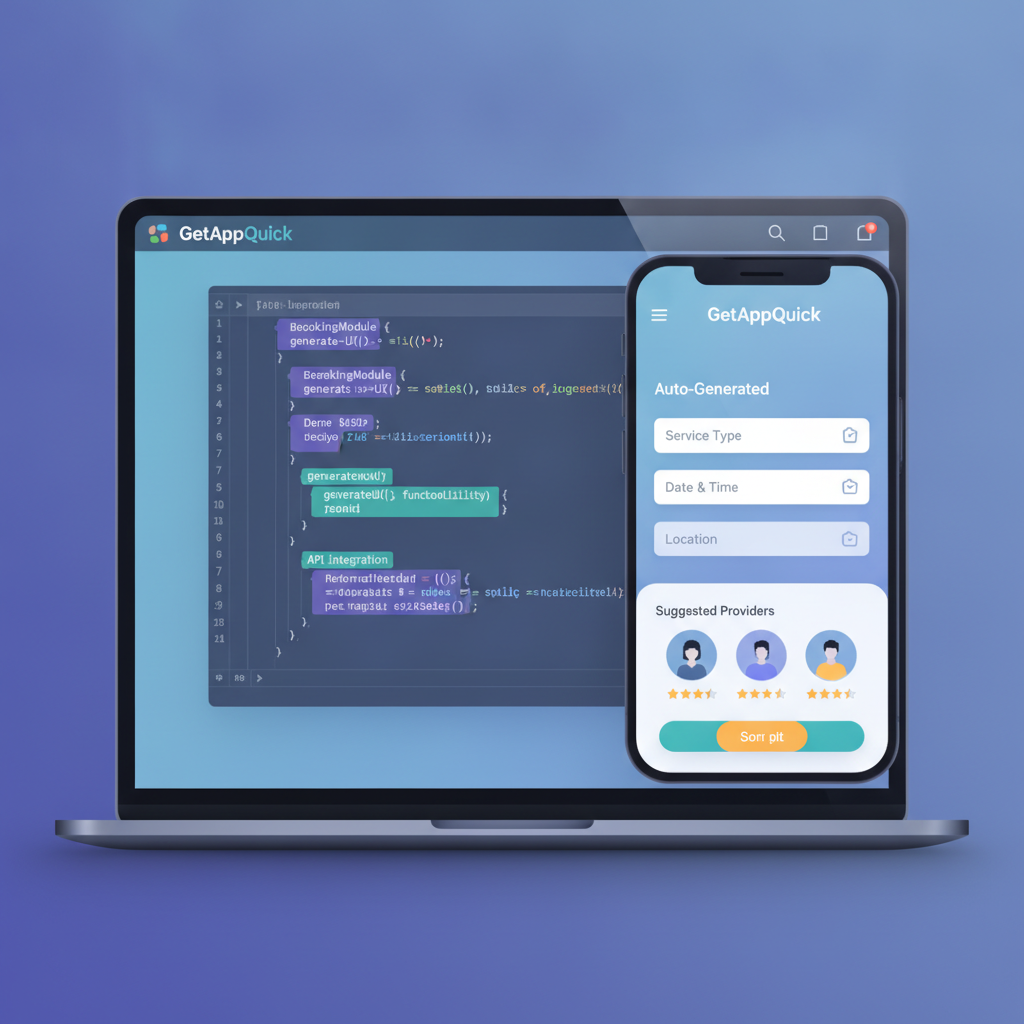
The demo is flawless. But as real users sign up, three issues emerge:
- Double bookings: Two users book the same room simultaneously
- Failed payments: Stripe API changes its error messages
- User complaints: The app doesn’t handle offline mode gracefully
How to Address These Issues
1. Double Bookings
You need to implement transactional booking logic:
// Improved booking handler with atomic transactions
async function bookRoom(userId, roomId, date) {
  await db.transaction(async (trx) => {
    const existing = await trx('bookings')
      .where({ roomId, date })
      .first();
    if (existing) throw new Error('Already booked!');
    await trx('bookings').insert({ userId, roomId, date });
  });
}
2. Robust Payment Handling
Add retry logic and better error messages:
try {
  // attempt payment
} catch (e) {
  if (e.isTransient) {
    // retry payment
  } else {
    // show user-friendly error
  }
}
3. Offline Mode in Flutter
Use packages like connectivity_plus to detect network status:
var connectivityResult = await (Connectivity().checkConnectivity());
if (connectivityResult == ConnectivityResult.none) {
  // Handle offline UI
}
Even with GetAppQuick’s rapid prototyping, production readiness needs careful engineering. The AI saves you hundreds of hours, but support and maintenance remain vital.
Strategies to Minimize Hidden Costs
1. Automate Testing Early
Even if your app is AI-generated, add test coverage from day one. For Flutter:
test('should fetch products', () async {
  final products = await fetchProducts();
  expect(products, isNotEmpty);
});
For TypeScript/NestJS:
it('should reject invalid payment data', async () => {
  await request(app).post('/pay').send({ amount: null, token: '' })
    .expect(400);
});
2. Monitor, Log, and Alert
Set up error tracking (e.g., Sentry, LogRocket) so you’re notified of bugs before your users are. Monitoring is non-negotiable for paid apps.
3. Design for Recovery
Assume things will break. Build “undo” buttons, backup data, and clear error messages.
4. Use Reliable Patterns
Favor tried-and-true architectures. If AI generates code, review it for security and scalability.
5. Don’t Skip Support Planning
Decide who will answer user emails, fix bugs, and keep the app up-to-date. Even a solo builder needs a process.
Key Takeaways
- AI builders make demos fast and cheap, but production apps demand support, monitoring, and maintenance.
- The real costs begin when real users start paying and encountering edge cases.
- Everyone who ships an AI-built app is now responsible for its uptime, bugs, and security.
- Tools like GetAppQuick can accelerate development, but thoughtful engineering and support are still necessary.
- Plan for error handling, testing, and user support from the very first line of code—AI-generated or not.
Conclusion
The rise of AI-powered app builders like GetAppQuick is truly democratizing software creation. Anyone can now bring their idea to life in record time. But with great power comes great responsibility: the “demo” is easy; supporting real users is hard, and the hidden costs show up fast.
If you’re considering launching an app—whether for your startup, business, or side hustle—embrace AI tools for speed, but plan for the long haul. Test, monitor, support, and iterate. At DC Codes, we’ve built GetAppQuick to give you the best of both worlds: rapid prototyping and a foundation ready for real-world growth.
Ready to ship your idea? Build it in minutes with GetAppQuick.