Introduction: When "No-Code" Means No Progress
If you’ve tried building an app with AI in 2026, odds are you’ve watched a loading spinner more than you watched your idea come to life. The dream: type a prompt or sketch a few screens – and voilà, your product’s live. The reality? Top AI app builders like Lovable, Replit, and WeWeb often freeze in mid-prompt, leaving ambitious founders stuck on “pending” indefinitely. It’s a shared frustration, as seen in the dozens of r/nocode threads venting about endless progress bars with nothing to show.
But why does this happen, and what does a truly reliable idea-to-app experience look like? At DC Codes, we build tools for founders and teams who need their apps working in days, not months. Our own GetAppQuick is built from the ground up to solve these pain points—delivering on the AI promise with practical speed and reliability.
Let’s break down what’s going wrong with today’s “instant” app builders, where the bottlenecks hide, and how to spot (or build) a tool that actually delivers.
The No-Code Build Process: Where It Gets Stuck
AI-powered no-code platforms promise a magical workflow: enter your idea, maybe tweak a few settings, and watch the platform generate a working app. But users often report:
- Generators freezing on “processing…”
- Builds timing out partway through
- UI previews that never materialize
- Partial apps with broken logic or missing components
Why Do AI Builders Freeze?
There are a few recurring culprits behind these issues:
1. Overly Ambitious Prompts
AI builders often encourage “describe anything” prompts. But the more open-ended your request, the more the underlying model has to guess—leading to timeouts or hallucinated features. For instance:
“Build a fitness app with social, AI tracking, and custom meal planning.”
Models get bogged down in vague requirements and edge cases, increasing the odds of freezing.
2. Fragmented Infrastructure
Platforms that stitch together multiple AI and code services (frontend, backend, hosting, auth) are prone to bottlenecks. If one service (say, backend generation) lags or fails, the whole build can stall.
3. Lack of State Management
App builders often don’t track what’s already been generated. If the process is interrupted, they have to start from scratch instead of resuming—a killer for reliability at scale.
4. Insufficient Error Handling
Users are left wondering if their build is still running or dead in the water. Good systems should communicate progress and catch exceptions gracefully.
What Reliable Idea-to-App Generation Should Look Like
A true “idea to app” platform isn’t just about flashy demos or generic app templates. It’s about consistent, transparent, and developer-friendly workflows. Here’s what to look for (or build):
1. Incremental Generation & Feedback
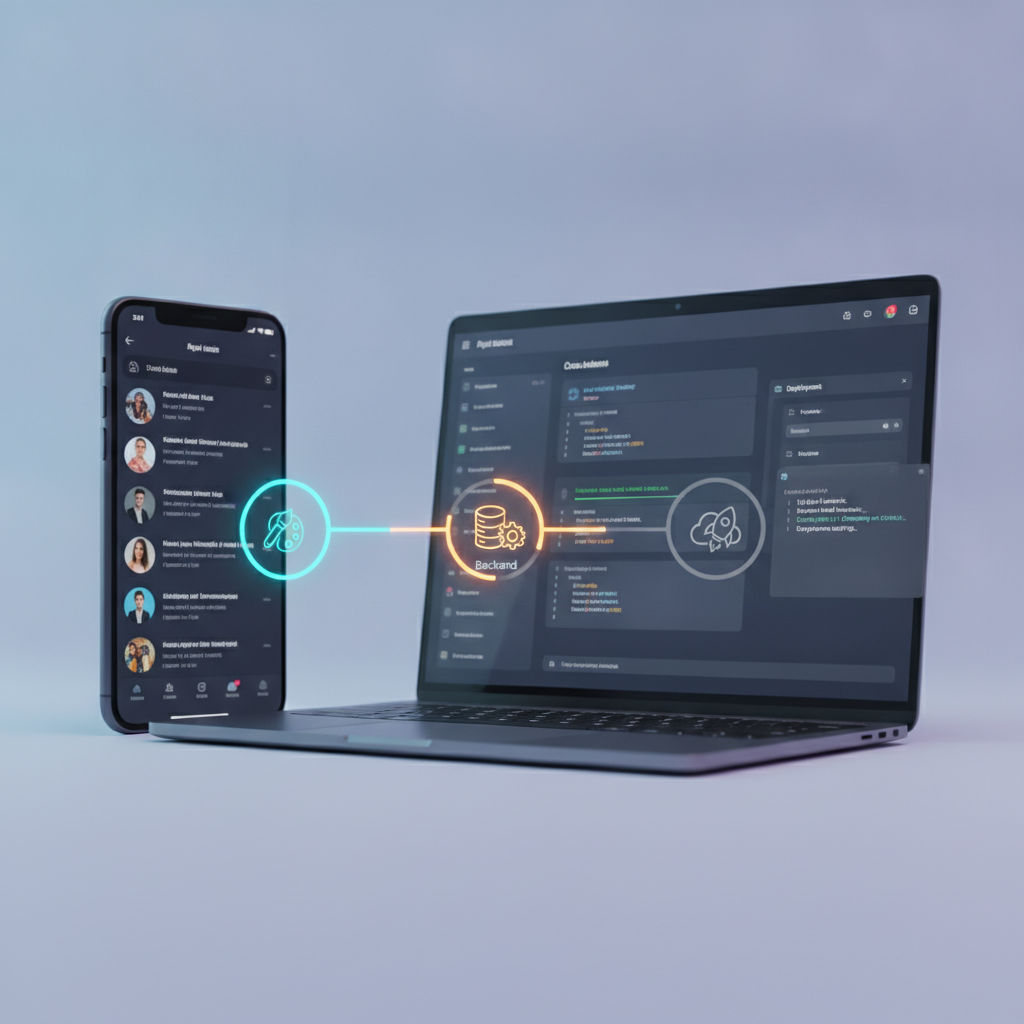
A robust builder breaks the process into discrete steps (e.g., UI, backend logic, database schema), showing the user clear progress and intermediate results. If something fails, you see where and why.
Example: Stepwise Build Progress
// Pseudo-code for an incremental app generator (Node.js/TypeScript)

async function generateApp(prompt: string) {
  const uiSchema = await generateUISchema(prompt); // Step 1
  const backendSchema = await generateBackendSchema(uiSchema); // Step 2
  const deployment = await deployApp(uiSchema, backendSchema); // Step 3
  return deployment.url;
}
At each stage, users should see live output—screens, code, or logs—not just a spinner.
2. Smart Prompt Scoping
Instead of letting users type a novel, platforms like GetAppQuick guide users with targeted questions, prefilled templates, and context-aware suggestions. This reduces ambiguity and makes builds more reliable.
E.g., Instead of:
“I want a marketplace app.”
Try:
“A marketplace for local art, with search, seller profiles, and Stripe payments.”
Platforms should surface these options, not just hope the user is specific.
3. Persistent and Recoverable Builds
If an error or timeout does occur, a robust system saves progress and allows you to resume or fix issues, rather than discarding your work.
Example: Save State on Error (Dart/Flutter)
try {
  await runBuildStep(step);
} catch (e) {
  saveProgressToCloud(step, currentState);
  showErrorDialog('Build failed at $step. Resume?');
}
This lets users pick up where they left off, not start over.
4. Transparent Under-the-Hood Options
Advanced users should be able to see and tweak the generated code, data models, or API logic—ensuring that what’s built matches their vision and isn’t just a black box.
Case Study: Building a Real App—Not Waiting Forever
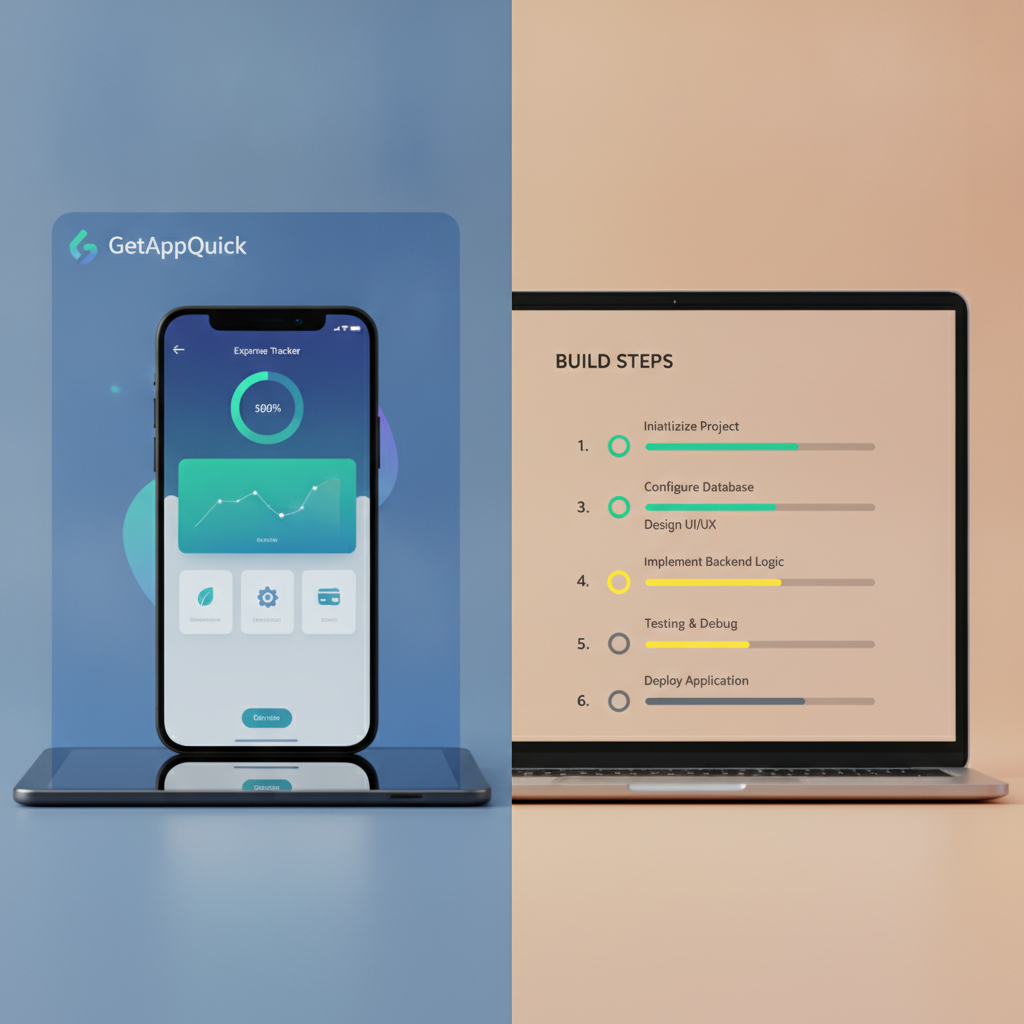
Let’s walk through a concrete use case: you want to launch a simple expense tracker as a side project. Here’s how it plays out on a typical 2026 AI builder versus GetAppQuick.
The Painful Way: Stuck on Pending
On many platforms, after typing:
“Expense tracker app with categories, monthly charts, and Google login.”
You are greeted with an animated sequence… and five minutes later, still waiting. There’s no insight into what’s happening. If you refresh, you lose everything.
The Fast Way: GetAppQuick
With GetAppQuick, users are guided through a stepwise flow:
- Select Template: “Expense Tracker”
- Choose Features: Categories, Charts, Google Auth
- Describe Branding: “Minimal, teal and navy theme”
- Preview UI: See generated screens, edit if needed
- Generate Backend: Confirm database schema and logic
- Deploy: One-click to the cloud, with rollback and logs
If something fails (e.g., chart library integration), you’re shown the error and can retry that step without rebuilding from scratch.
Common App Build Bottlenecks—And How to Solve Them
Understanding where app builders typically freeze helps you avoid wasted time. Here’s a breakdown:
1. UI Generation
Complex or ambiguous prompts can trip up even the best LLMs. Ensure that UI requirements are explicit—number of screens, navigation style, key components.
Tip: Use structured prompts or select from templates to minimize guesswork.
2. Backend Schema
Database design and API generation often involve external services or codegen tools. If these aren’t well-integrated, they’ll stall.
Tip: Prefer platforms with native, tightly-coupled backend generators, or ones that let you review and tweak models before proceeding.
3. Deployment
Cloud provisioning (servers, functions, storage) is prone to network, quota, or permissions failures.
Tip: Look for builders that offer staged deployment with logs and rollback, not “all-or-nothing” launches.
What Developers and Founders Should Demand
As AI app building matures, here’s what users should expect—no more, no less:
- Clarity: Always know what stage your build is in.
- Recoverability: Never lose your progress to a glitch.
- Customization: See and shape the underlying code or logic.
- Speed: Get from idea to prototype in minutes, not days.
- Support: Real documentation and actionable errors—not just “Try again later.”
Platforms like GetAppQuick are leading the way with incremental builds, guided prompts, and transparent error handling—turning the AI promise into a productive workflow.
Key Takeaways
- Most AI app builders freeze when faced with vague prompts, complex feature requests, or flaky infrastructure.
- Incremental, stepwise build processes with real-time feedback are essential for a reliable user experience.
- Smart prompt scoping, transparent error reporting, and persistent state make the difference between frustration and success.
- GetAppQuick exemplifies these best practices, helping you build real apps from ideas—fast and frustration-free.
- As the market matures, demand clarity, recoverability, and customization from any AI builder you choose.
Conclusion: Building Without Bottlenecks
The dream of turning ideas into apps in minutes is closer than ever—if you choose the right tools. As r/nocode threads remind us, too many platforms leave founders in “pending” purgatory instead of putting real products in their hands. The best builders prioritize reliability, transparency, and user control, not just flashy demos.
At DC Codes, we built GetAppQuick to break the cycle: from smart guided prompts to instant previews and recoverable builds, it’s the practical way to transform your idea into a real app—without the waiting game.
Ready to ship your idea? Build it in minutes with GetAppQuick.