Sketchflow.ai & Text-to-App: Generating Native iOS/Android Apps from Simple Prompts – Are You Ready?
The landscape of software development is in constant flux, and the latest wave of innovation is rapidly reshaping how we think about app creation. Imagine describing your app idea in plain English, and within minutes, having a functional, native iOS and Android application materialize before your eyes. This isn't science fiction; it's the burgeoning reality of "text-to-app" technologies, with tools like Sketchflow.ai leading the charge. For developers and entrepreneurs alike, this paradigm shift presents an unprecedented opportunity to accelerate development cycles, democratize app creation, and bring innovative ideas to life faster than ever before.
The Rise of Generative AI in App Development
Generative AI, which has already revolutionized content creation through tools like ChatGPT for text and Midjourney for images, is now making significant inroads into software development. The core concept behind text-to-app tools is straightforward yet profound: leverage the power of large language models (LLMs) and sophisticated AI algorithms to translate natural language descriptions into actual code. Instead of meticulously writing lines of code for every feature, developers can now provide high-level specifications, and the AI handles the heavy lifting of generating the underlying structure, UI elements, and even basic functionality.
Tools like Sketchflow.ai are at the forefront of this movement. They aim to bridge the gap between a conceptual idea and a tangible product, democratizing app development by lowering the technical barrier to entry. This means that individuals with a brilliant app idea but limited coding experience can now potentially create a working prototype or even a full-fledged application. For established development teams, these tools offer a way to rapidly prototype, automate boilerplate code generation, and focus on more complex, high-value tasks.
The trend is catching on, with various platforms exploring different facets of AI-driven development. From generating UI designs based on descriptions to generating entire codebases, the possibilities are expanding daily. This rapid evolution necessitates that we, as technical professionals, understand these tools, their capabilities, and their implications for our workflows and the industry as a whole.
How Text-to-App Tools Work: A Glimpse Under the Hood
At its heart, a text-to-app generator like Sketchflow.ai functions by deconstructing a user's textual prompt. This process typically involves several key stages:
Natural Language Understanding (NLU): The AI first interprets the user's request, identifying key entities, desired features, user flows, and aesthetic preferences. This is where the LLM's power in understanding context and intent is crucial. For example, a prompt like "Create a simple e-commerce app with a product listing page, a shopping cart, and a checkout process" would be broken down into distinct components and requirements.
UI Generation: Based on the understood requirements, the AI generates a visual representation of the app's user interface. This can range from wireframes and mockups to pixel-perfect designs. The AI might suggest common UI patterns or even allow for stylistic preferences to be incorporated.
Code Synthesis: This is the most critical step. The AI translates the UI design and functional requirements into actual code. For native mobile apps, this often means generating code for both iOS (Swift/Objective-C) and Android (Kotlin/Java), or more commonly, using cross-platform frameworks like Flutter (Dart) or React Native (TypeScript/JavaScript) to produce a single codebase for both platforms.
Logic and Functionality: Beyond just the UI, advanced text-to-app tools can generate basic business logic and functionality. This might include data handling, user authentication, API integrations, and navigation between screens.
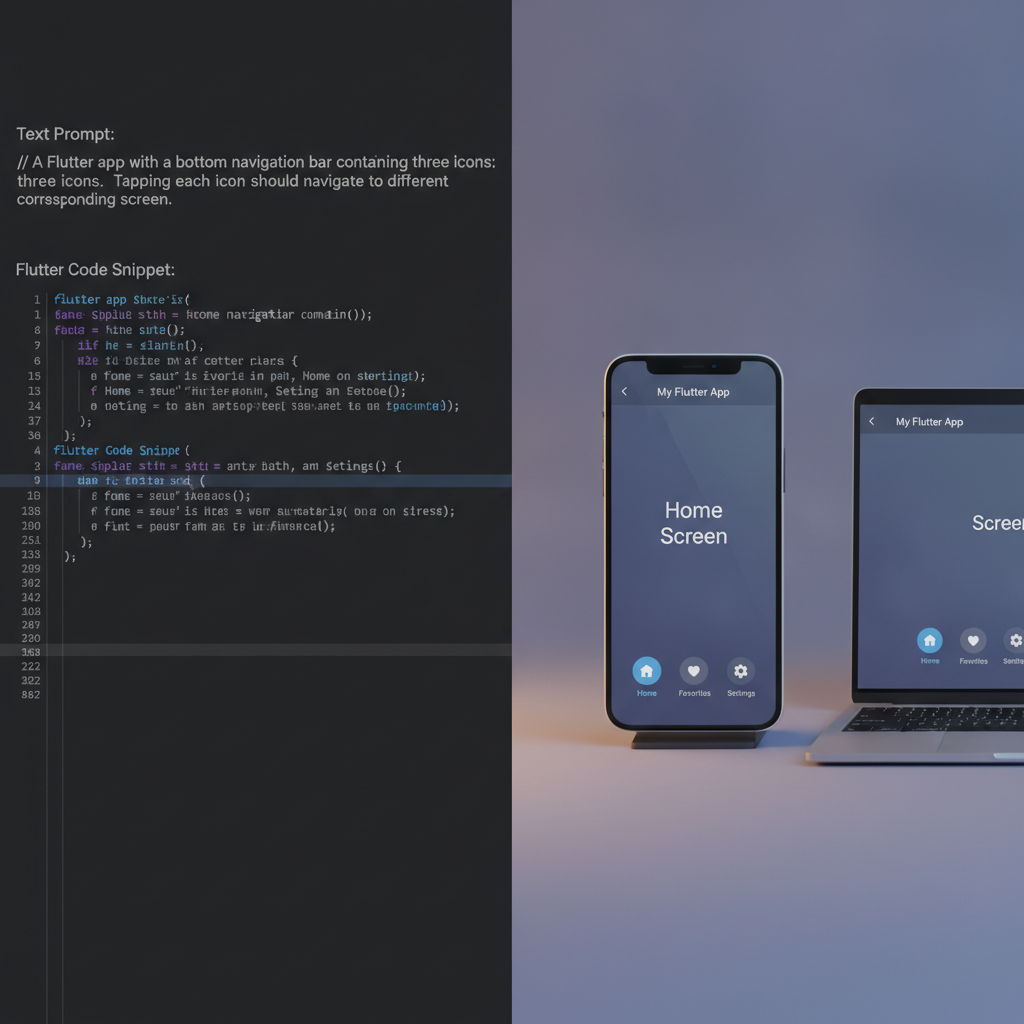
Let's consider a simplified example of how a prompt might be translated into code. Imagine a prompt requesting a "simple login screen with email and password fields and a submit button."
An AI might interpret this and generate code that, in Dart for Flutter, could look something like this:
import 'package:flutter/material.dart';

class LoginPage extends StatefulWidget {
  @override
  _LoginPageState createState() => _LoginPageState();
}

class _LoginPageState extends State<LoginPage> {
  final TextEditingController _emailController = TextEditingController();
  final TextEditingController _passwordController = TextEditingController();

  void _login() {
    // TODO: Implement actual login logic
    print('Email: ${_emailController.text}');
    print('Password: ${_passwordController.text}');
    ScaffoldMessenger.of(context).showSnackBar(
      SnackBar(content: Text('Processing Login...')),
    );
  }

  @override
  Widget build(BuildContext context) {
    return Scaffold(
      appBar: AppBar(
        title: Text('Login'),
      ),
      body: Padding(
        padding: const EdgeInsets.all(16.0),
        child: Column(
          mainAxisAlignment: MainAxisAlignment.center,
          children: <Widget>[
            TextField(
              controller: _emailController,
              decoration: InputDecoration(
                labelText: 'Email',
                border: OutlineInputBorder(),
              ),
              keyboardType: TextInputType.emailAddress,
            ),
            SizedBox(height: 16.0),
            TextField(
              controller: _passwordController,
              decoration: InputDecoration(
                labelText: 'Password',
                border: OutlineInputBorder(),
              ),
              obscureText: true,
            ),
            SizedBox(height: 24.0),
            ElevatedButton(
              onPressed: _login,
              child: Text('Submit'),
              style: ElevatedButton.styleFrom(
                padding: EdgeInsets.symmetric(horizontal: 50, vertical: 15),
              ),
            ),
          ],
        ),
      ),
    );
  }

  @override
  void dispose() {
    _emailController.dispose();
    _passwordController.dispose();
    super.dispose();
  }
}
This snippet demonstrates how the AI can generate the necessary UI widgets (Scaffold, AppBar, TextField, ElevatedButton), manage state with TextEditingControllers, and even include placeholder logic for the _login function. This dramatically reduces the manual effort required for initial setup and standard components.
Practical Applications and Use Cases
The implications of text-to-app technology are far-reaching, impacting various stakeholders in the development ecosystem:
- Startups and Entrepreneurs: For those with innovative app ideas but limited budgets or development teams, these tools can be game-changers. They enable the rapid creation of Minimum Viable Products (MVPs) to test market viability and attract investment without requiring significant upfront capital for development.
- Small to Medium-Sized Businesses (SMBs): SMBs can leverage text-to-app solutions to build custom internal tools, customer-facing applications, or marketing apps quickly and affordably, enhancing their operational efficiency and customer engagement.
- Freelance Developers and Agencies: Agencies can use these tools to speed up the initial phases of client projects, generating a baseline application structure that can then be further customized and refined. This allows them to take on more clients or deliver projects faster.
- Educational Purposes: For students learning to code or aspiring developers, text-to-app tools can serve as powerful learning aids, demonstrating how natural language concepts translate into actual code structures and patterns.
Consider a scenario where a small bakery owner wants to create an app for customers to place custom cake orders. Instead of hiring an expensive development team, they could use a tool like GetAppQuick. They might input a prompt like: "Create a mobile app for a bakery. It should feature a gallery of cake designs, an order form with options for size, flavor, and decorations, and a contact form for inquiries. Allow users to upload inspiration photos."
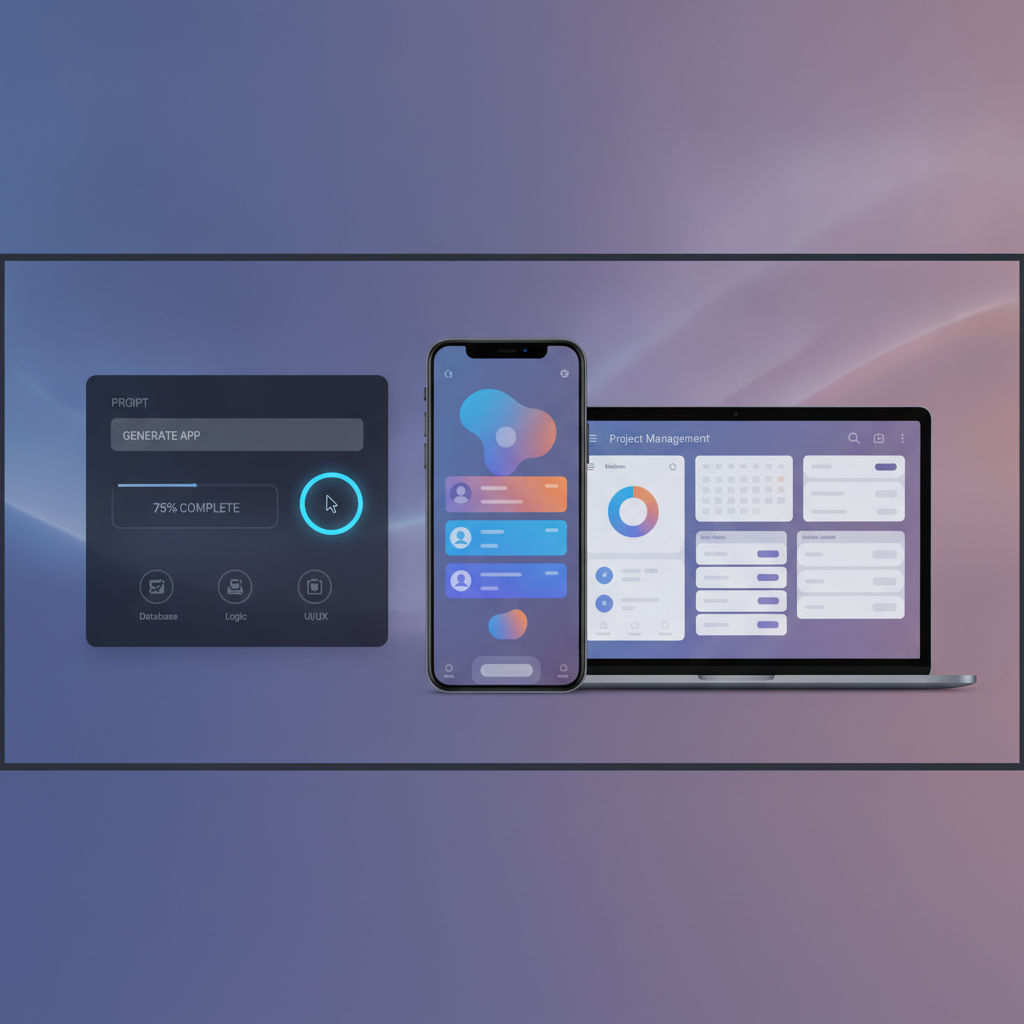
The AI would then interpret this, generating screens for the cake gallery, a detailed order form with various input fields (dropdowns for flavors, checkboxes for decorations, text areas for special requests), and image upload functionality. This allows the bakery owner to have a functional app ready for testing in a fraction of the time and cost of traditional development.
Integrating AI-Generated Code into Existing Projects
While text-to-app tools can generate entire applications, their value also lies in their ability to augment existing development workflows. For seasoned developers, these tools can automate the creation of repetitive components, boilerplate code, or initial UI layouts.
Example: Generating a Data Table Component
Let's say you're building an app that requires displaying a list of users with columns for Name, Email, and Role. You could use an AI tool with a prompt, and it might generate a component similar to this TypeScript code for a React Native application:
import React from 'react';
import { View, Text, StyleSheet, FlatList } from 'react-native';

interface User {
  id: string;
  name: string;
  email: string;
  role: string;
}

interface UserTableProps {
  users: User[];
}

const UserTable: React.FC<UserTableProps> = ({ users }) => {
  const renderItem = ({ item }: { item: User }) => (
    <View style={styles.row}>
      <Text style={[styles.cell, styles.nameCell]}>{item.name}</Text>
      <Text style={[styles.cell, styles.emailCell]}>{item.email}</Text>
      <Text style={[styles.cell, styles.roleCell]}>{item.role}</Text>
    </View>
  );

  return (
    <View style={styles.container}>
      <View style={styles.headerRow}>
        <Text style={[styles.headerCell, styles.nameCell]}>Name</Text>
        <Text style={[styles.headerCell, styles.emailCell]}>Email</Text>
        <Text style={[styles.headerCell, styles.roleCell]}>Role</Text>
      </View>
      <FlatList
        data={users}
        renderItem={renderItem}
        keyExtractor={(item) => item.id}
      />
    </View>
  );
};

const styles = StyleSheet.create({
  container: {
    marginTop: 10,
    borderWidth: 1,
    borderColor: '#ccc',
  },
  headerRow: {
    flexDirection: 'row',
    backgroundColor: '#f0f0f0',
    paddingVertical: 10,
    borderBottomWidth: 1,
    borderColor: '#ccc',
  },
  row: {
    flexDirection: 'row',
    paddingVertical: 12,
    borderBottomWidth: 1,
    borderColor: '#eee',
    backgroundColor: '#fff',
  },
  cell: {
    paddingHorizontal: 8,
  },
  headerCell: {
    fontWeight: 'bold',
    paddingHorizontal: 8,
  },
  nameCell: {
    flex: 2, // Adjust flex to control column width
  },
  emailCell: {
    flex: 3,
  },
  roleCell: {
    flex: 1,
  },
});

export default UserTable;
This generated code provides a reusable UserTable component that can be directly integrated into a React Native project. Developers can then focus on fetching the users data and passing it to this component, significantly saving time on UI implementation and styling for data-heavy screens.
Challenges and Considerations
Despite the immense potential, text-to-app technologies are not without their challenges:
- Code Quality and Maintainability: AI-generated code might not always adhere to the best practices of software engineering. It can sometimes be verbose, inefficient, or difficult to maintain and debug, especially for complex applications. Developers often need to refactor or clean up the generated code.
- Customization Limitations: While AI can generate standard components and layouts, highly custom or unique UI elements and intricate business logic can still be challenging for current models to produce accurately and efficiently.
- Security: Ensuring that AI-generated code is secure and free from vulnerabilities is paramount. Developers must rigorously review and test any code produced by AI tools, especially for applications handling sensitive data.
- Over-reliance: There's a risk of becoming overly reliant on AI tools, potentially hindering the development of fundamental coding skills, especially for junior developers. A balanced approach, using AI as an assistant rather than a replacement, is crucial.
- Understanding the Nuances: AI might misinterpret prompts or make assumptions that don't align with the developer's exact intent. Clear, precise, and detailed prompts are essential for achieving the desired results.
Staying Informed: The field of AI in software development is evolving at an unprecedented pace. Staying updated with the latest advancements, limitations, and best practices for tools like Sketchflow.ai and similar platforms is crucial for leveraging them effectively. Following reputable tech news sources, AI research papers, and developer communities will be key.
The Future of App Development: A Hybrid Approach
The emergence of text-to-app tools doesn't signal the end of traditional software development but rather its evolution. The future likely lies in a hybrid approach, where AI handles the repetitive, time-consuming tasks, and human developers focus on creativity, complex problem-solving, architectural design, and ensuring the quality, security, and scalability of applications.
Platforms like GetAppQuick exemplify this hybrid model, offering an accessible way to translate ideas into functional apps quickly. They empower individuals and businesses to act on their innovative concepts without being bogged down by the complexities of coding from scratch. This democratization of app creation is exciting, opening doors for new businesses and solutions that might otherwise never have seen the light of day.
Key Takeaways
- Text-to-app tools like Sketchflow.ai are transforming app development by allowing users to generate native iOS/Android apps from simple text descriptions.
- These tools leverage Natural Language Understanding (NLU), UI generation, and code synthesis to translate prompts into functional code.
- Practical applications range from rapid prototyping for startups to building custom tools for SMBs and accelerating workflows for agencies.
- While powerful, challenges include code quality, security, customization limitations, and the risk of over-reliance.
- The future of app development will likely involve a hybrid approach, combining AI-generated code with human expertise for complex tasks and quality assurance.
- Tools such as GetAppQuick are making this trend accessible and actionable for a broader audience.
The era of generating apps from simple prompts is here. It's an exciting time to explore these new capabilities and consider how they can accelerate your own development journey.
Ready to ship your idea? Build it in minutes with GetAppQuick.