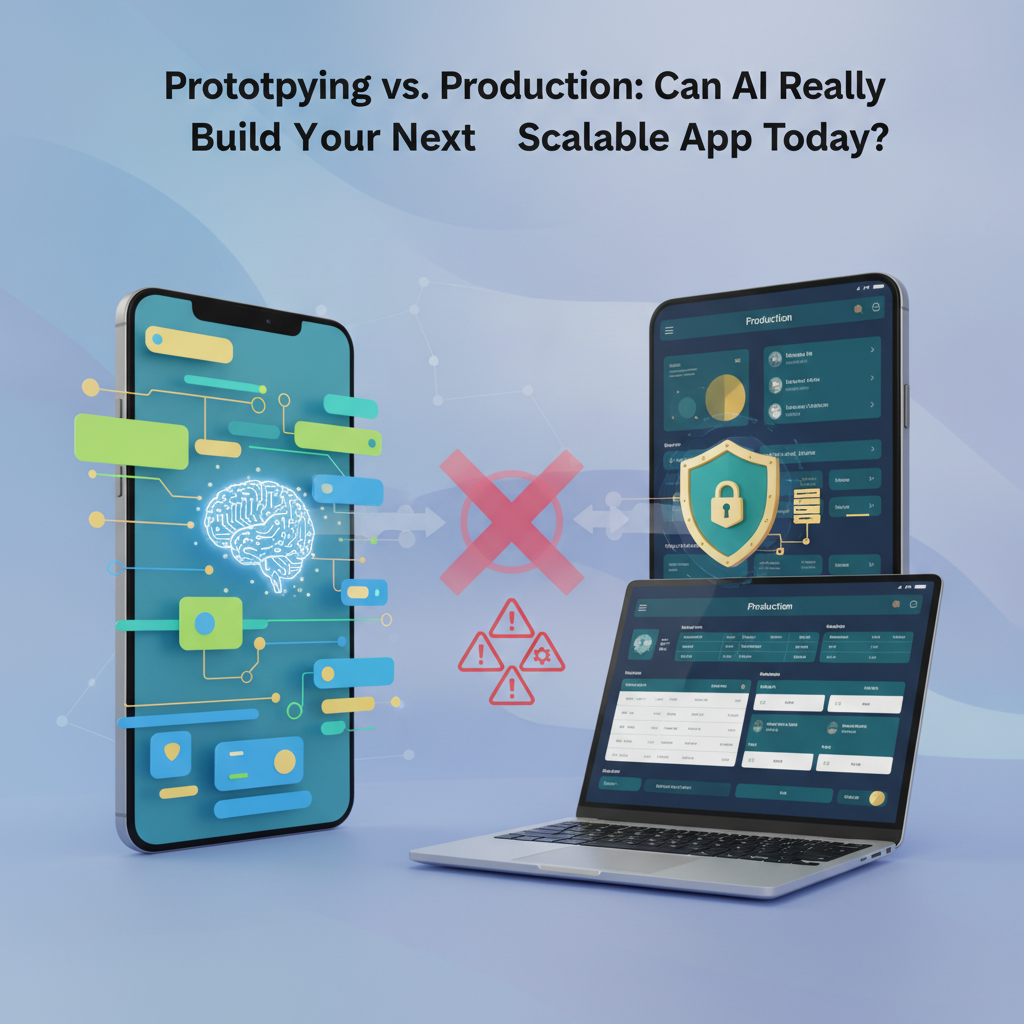
Prototyping vs. Production: Can AI Really Build Your Next Scalable App Today?
The buzz around Artificial Intelligence (AI) in software development is deafening. From generating code snippets to envisioning entire application architectures, AI promises to revolutionize how we build. But as a senior technical writer at DC Codes, a Vietnam-based software studio, I see a crucial distinction often blurred in the noise: the difference between AI-powered prototyping and AI's readiness for building production-ready, scalable applications. This post cuts through the hype, examining the current capabilities and limitations of AI in both these critical phases, addressing the concerns that matter most to businesses and developers alike.
The dream scenario is alluring: input an idea, and watch AI instantly conjure a fully functional, scalable application. While this might be the ultimate goal, the reality today is more nuanced. AI excels at accelerating certain parts of the development lifecycle, particularly in the early stages of ideation and prototyping. However, building a robust, secure, and scalable application ready for real-world users requires a level of complexity, strategic decision-making, and human oversight that AI is still developing.
The AI Advantage in Rapid Prototyping
Rapid prototyping is all about speed and iteration. It's the phase where you quickly validate an idea, test user flows, and gather feedback before committing significant development resources. This is where AI shines brightest today.
AI-Assisted Code Generation: Tools like GitHub Copilot, Amazon CodeWhisperer, and even integrated AI features in IDEs can dramatically speed up the coding process. By suggesting lines or even entire functions based on context, they help developers write boilerplate code, implement common patterns, and explore different approaches faster.
For example, imagine you're building a basic user authentication flow in Flutter. An AI assistant could help generate the initial StatefulWidget structure, the TextField widgets for email and password, and even the basic setState logic for handling input changes.
// Example: AI-assisted Flutter code for a login form
class LoginPage extends StatefulWidget {
  @override
  _LoginPageState createState() => _LoginPageState();
}

class _LoginPageState extends State<LoginPage> {
  final TextEditingController _emailController = TextEditingController();
  final TextEditingController _passwordController = TextEditingController();
  bool _isLoading = false;

  void _login() async {
    setState(() {
      _isLoading = true;
    });

    // Simulate network call
    await Future.delayed(Duration(seconds: 2));

    final email = _emailController.text;
    final password = _passwordController.text;

    // Basic validation (AI could suggest this)
    if (email.isEmpty || password.isEmpty) {
      // Show error
      setState(() {
        _isLoading = false;
      });
      ScaffoldMessenger.of(context).showSnackBar(
        SnackBar(content: Text('Please enter email and password')),
      );
      return;
    }

    // TODO: Implement actual authentication logic here
    print('Attempting login with: $email');

    setState(() {
      _isLoading = false;
    });
    // Navigate to home screen on success
  }

  @override
  Widget build(BuildContext context) {
    return Scaffold(
      appBar: AppBar(title: Text('Login')),
      body: Padding(
        padding: const EdgeInsets.all(16.0),
        child: Column(
          mainAxisAlignment: MainAxisAlignment.center,
          children: [
            TextField(
              controller: _emailController,
              decoration: InputDecoration(labelText: 'Email'),
              keyboardType: TextInputType.emailAddress,
            ),
            SizedBox(height: 16),
            TextField(
              controller: _passwordController,
              decoration: InputDecoration(labelText: 'Password'),
              obscureText: true,
            ),
            SizedBox(height: 24),
            _isLoading
                ? CircularProgressIndicator()
                : ElevatedButton(
                    onPressed: _login,
                    child: Text('Login'),
                  ),
          ],
        ),
      ),
    );
  }
}
This snippet, while simple, demonstrates how AI can generate functional UI components and basic logic, significantly reducing the time spent on setup. This is invaluable for creating interactive prototypes that stakeholders can interact with quickly.
AI for UI Mockups and Design: AI-powered design tools are emerging that can generate design mockups from text descriptions or even rough sketches. While these might not produce production-ready assets, they can rapidly visualize different UI concepts, helping teams align on visual direction early on.
AI in Low-Code/No-Code Platforms: Platforms like GetAppQuick are at the forefront of using AI to democratize app development. They leverage AI to interpret user ideas described in natural language and translate them into functional app components and UIs. This allows individuals and small teams to bypass much of the traditional coding overhead for initial product development, focusing on the core idea and user experience.

Limitations of AI in Production-Ready Scalable Apps
While AI can bootstrap the process, moving from a prototype to a scalable, production-ready application introduces a host of challenges that current AI is not fully equipped to handle autonomously.
Complex Business Logic and Domain Expertise: Real-world applications often involve intricate business rules, edge cases, and domain-specific logic that require deep understanding and human judgment. AI can struggle to grasp the full context of these complexities, potentially leading to incorrect implementations or missed critical requirements. For instance, implementing a sophisticated financial transaction system or a complex supply chain management workflow requires nuanced decision-making that goes beyond pattern recognition.
Security and Compliance: Building secure applications is paramount. AI models, while improving, can still generate code with vulnerabilities if not carefully guided and reviewed. Ensuring compliance with regulations like GDPR, HIPAA, or industry-specific standards requires a human architect who understands the legal and ethical implications. AI can assist in identifying potential vulnerabilities, but the ultimate responsibility for security architecture and implementation lies with human experts.
Scalability and Performance Optimization: While AI can generate code that "works," optimizing it for performance under heavy load and ensuring true scalability is a different beast. This involves understanding database design, caching strategies, load balancing, microservices architecture, and network latency – areas where human experience and deep technical expertise are indispensable. AI might suggest a database query, but a human architect designs the schema, indexes, and sharding strategy for millions of concurrent users.
Integration and Ecosystem Complexity: Modern applications rarely exist in isolation. They need to integrate with various third-party services, APIs, and existing enterprise systems. Navigating the complexities of authentication protocols (OAuth, SAML), data transformation, error handling across disparate systems, and managing dependencies requires sophisticated problem-solving skills that AI currently lacks.
AI Hallucinations and Debugging: AI models can "hallucinate" – generating plausible-sounding but incorrect or nonsensical code. Debugging AI-generated code can sometimes be more challenging than debugging human-written code, as the reasoning behind the AI's output isn't always transparent. Identifying and fixing subtle bugs in a large, AI-generated codebase requires skilled human developers.
The Need for Human Oversight and Strategic Decision-Making: Ultimately, building a successful product involves more than just code. It requires strategic vision, understanding user needs, market dynamics, and making critical architectural decisions that balance trade-offs between cost, performance, maintainability, and future extensibility. AI can be a powerful tool, but it is not (yet) a replacement for human product managers, architects, and senior engineers.
Bridging the Gap: AI as a Co-Pilot, Not an Autopilot
The most effective way to think about AI in app development today is as a powerful co-pilot. It augments human capabilities, accelerates repetitive tasks, and provides creative suggestions, but it doesn't replace the pilot's strategic command.
For Prototyping: AI is excellent for generating initial drafts, exploring variations, and quickly building functional mockups. Platforms like GetAppQuick embody this by enabling users to define their app's core functionality through natural language, allowing the AI to handle the heavy lifting of generating the initial codebase and UI. This drastically reduces the time from idea to interactive prototype.

For Production: In the production phase, AI tools can be invaluable for:
- Code Completion and Refinement: Helping developers write cleaner, more idiomatic code.
- Automated Testing: Generating test cases and identifying potential bugs.
- Code Review Assistance: Flagging potential issues, security vulnerabilities, or performance bottlenecks.
- Documentation Generation: Creating initial drafts of API documentation or code comments.
- Optimizing Specific Components: AI might be trained to optimize database queries or frontend rendering for specific scenarios.
However, the overall architecture, security design, strategic scaling decisions, and integration complexities will still require expert human intervention.
Practical Considerations for Adopting AI
If you're looking to leverage AI in your app development workflow, consider these practical steps:
- Start with Prototyping: Embrace AI tools for rapid prototyping and concept validation. This is where the ROI is highest today.
- Use AI as an Assistant: Integrate AI coding assistants into your IDE to boost developer productivity. Treat their suggestions as starting points, always reviewed and understood by a human developer.
- Focus on Areas AI Excels: Utilize AI for tasks like generating boilerplate code, writing unit tests, or suggesting optimizations for specific, well-defined problems.
- Invest in Human Expertise: Ensure you have experienced architects and senior developers who can oversee AI-generated work, make critical design decisions, and handle complex integrations and security concerns.
- Continuous Learning and Evaluation: The AI landscape is evolving rapidly. Stay updated on new tools and capabilities, and continuously evaluate how AI can best serve your specific development needs.
Key Takeaways
- AI excels at rapid prototyping: It can significantly speed up the creation of initial app concepts, UIs, and functional mockups.
- Production-readiness requires human expertise: Building secure, scalable, and complex applications still demands human oversight for architecture, security, intricate logic, and strategic decision-making.
- AI as a co-pilot: The most effective use of AI today is augmenting human developers, not replacing them.
- Platforms like GetAppQuick democratize prototyping: They enable faster creation of initial app versions from plain ideas.
- Security and scalability are critical human domains: AI can assist, but cannot yet autonomously guarantee these aspects in production environments.
The journey of AI in software development is ongoing. While the dream of fully autonomous AI-driven app creation for production is still on the horizon, the tools and capabilities available today offer unprecedented opportunities to accelerate innovation, especially in the crucial early stages of development. By understanding AI's current strengths and limitations, businesses and development teams can strategically integrate these powerful tools to build better products faster.
Ready to ship your idea? Build it in minutes with GetAppQuick.