Prompt-to-Production AI Apps: Are You Ready for the 'One-Click App' Era?
Explore how new AI app builders like Atoms and Zite are making 'prompt-to-production' a reality, streamlining the entire app development lifecycle from initial idea to deployable product.
The world of software development is on the cusp of a revolution, one driven by the relentless advance of artificial intelligence. We're moving beyond AI as a feature within applications and stepping into an era where AI itself is the application builder. Imagine articulating your app idea in plain English – a "prompt" – and having a functional, deployable application materialize before your eyes. This isn't science fiction; it's the dawning reality of "prompt-to-production" AI app builders, a paradigm shift that promises to democratize app creation and accelerate innovation at an unprecedented pace. For those ready to embrace this future, practical tools like GetAppQuick are already turning this vision into a tangible asset for businesses and entrepreneurs alike.
The "One-Click App" Dream: From Concept to Code
For decades, building a software application has been a complex, resource-intensive endeavor. It involves intricate planning, specialized skill sets, lengthy development cycles, rigorous testing, and deployment challenges. Even a seemingly simple app could require a team of developers, designers, project managers, and QA engineers, often taking months or even years to bring to market.
This traditional pathway, while effective for complex, bespoke solutions, has been a significant barrier to entry for many. Ideas with immense potential have languished due to the perceived cost and complexity of development. But what if you could bypass much of this friction?
The Rise of Generative AI and Low-Code/No-Code
The recent explosion of generative AI technologies, exemplified by large language models (LLMs) like GPT-4, has unlocked new possibilities. These models can understand context, generate human-like text, and, crucially, produce code. Simultaneously, the low-code/no-code (LCNC) movement has been chipping away at development barriers, offering visual interfaces and pre-built components to speed up creation.
Prompt-to-production AI app builders represent the powerful convergence of these trends. They leverage advanced AI to interpret user prompts – descriptions of desired app functionality – and translate them directly into executable code and infrastructure configurations.
Introducing the New Wave: Atoms, Zite, and Beyond
While the concept is powerful, its implementation is rapidly evolving. Platforms like Atoms and Zite are at the forefront, showcasing the potential of this new approach.
Atoms, for instance, focuses on empowering developers to build complex AI-powered applications more efficiently. It allows users to describe their desired application logic and AI behaviors in natural language, which the platform then translates into code and deploys. This dramatically reduces the time spent on boilerplate code and infrastructure setup.
Zite, another emerging player, emphasizes the creation of AI-native applications that can be shared and collaborated on. Its approach is designed to make it easier for teams to build, iterate, and deploy AI-driven tools, fostering a more dynamic development environment.
These platforms, while offering slightly different approaches, share a common goal: to abstract away the complexities of traditional development and enable faster, more accessible application creation.
How Prompt-to-Production Works: Under the Hood
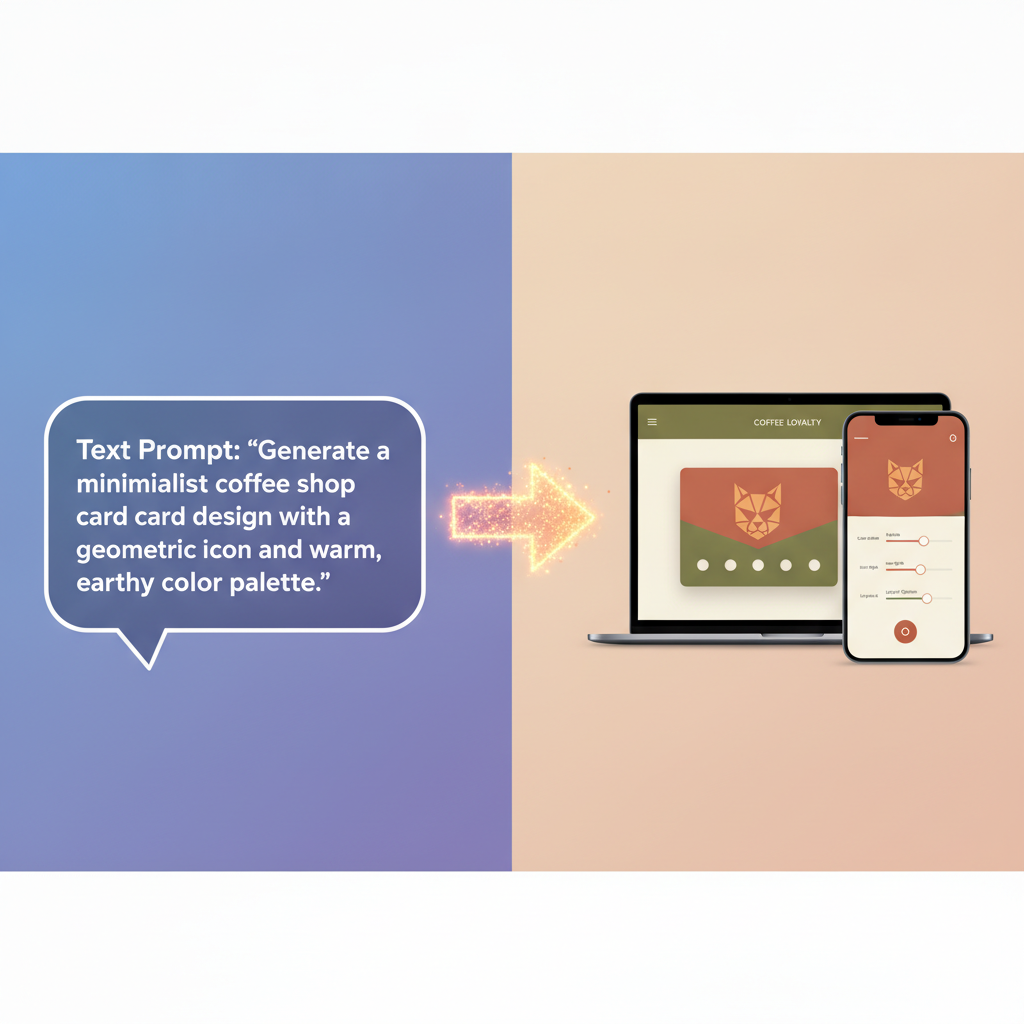
The magic of prompt-to-production lies in sophisticated AI models trained on vast datasets of code, natural language, and software architecture patterns. When a user provides a prompt, the AI performs several key functions:
1. Understanding Intent and Requirements
The first and most critical step is for the AI to accurately interpret the user's prompt. This involves:
- Natural Language Processing (NLP): Deconstructing sentences to identify key entities, actions, and constraints.
- Contextual Awareness: Understanding the relationships between different parts of the request. For example, if a user asks for a "task management app with user authentication and a due date tracker," the AI needs to recognize that "user authentication" and "due date tracker" are features that need to be integrated into the core "task management" functionality.
- Disambiguation: Resolving any ambiguities or implicit requirements. If a prompt is underspecified, the AI might ask clarifying questions or make intelligent assumptions based on common patterns.
2. Translating to Architecture and Code
Once the intent is clear, the AI begins the translation process:
- Architectural Design: Inferring a suitable application architecture (e.g., microservices, monolithic, client-server) and database schema based on the described functionality.
- Code Generation: Producing code in a chosen programming language (like Dart/Flutter or TypeScript, depending on the platform's capabilities) for the frontend, backend, and any necessary APIs. This includes generating not just logic but also UI components, data models, and error handling.
- Infrastructure Provisioning: In more advanced platforms, the AI can also define and provision the necessary cloud infrastructure (servers, databases, networking) required to host and run the application.
3. Iteration and Refinement
The process isn't always a one-shot deal. Good prompt-to-production systems allow for iterative refinement:
- Feedback Loops: Users can provide feedback on the generated application, pointing out errors or suggesting modifications.
- Prompt Engineering: Users may need to refine their initial prompts to achieve the desired outcome, learning to communicate their needs more effectively to the AI.
Example: Generating a Simple Task List in Dart/Flutter
Let's imagine a prompt like: "Create a simple mobile app using Flutter that allows users to add, view, and mark tasks as complete. Tasks should have a title and a description."
A sophisticated AI builder would interpret this and generate something akin to the following Flutter code (simplified for illustration):
import 'package:flutter/material.dart';

void main() {
  runApp(const MyApp());
}

class MyApp extends StatelessWidget {
  const MyApp({super.key});

  @override
  Widget build(BuildContext context) {
    return MaterialApp(
      title: 'Task Manager',
      theme: ThemeData(primarySwatch: Colors.blue),
      home: TaskListScreen(),
    );
  }
}

class Task {
  String title;
  String description;
  bool isCompleted;

  Task({required this.title, required this.description, this.isCompleted = false});
}

class TaskListScreen extends StatefulWidget {
  @override
  _TaskListScreenState createState() => _TaskListScreenState();
}

class _TaskListScreenState extends State<TaskListScreen> {
  final List<Task> _tasks = [];
  final TextEditingController _titleController = TextEditingController();
  final TextEditingController _descriptionController = TextEditingController();

  void _addTask() {
    if (_titleController.text.isNotEmpty) {
      setState(() {
        _tasks.add(Task(title: _titleController.text, description: _descriptionController.text));
        _titleController.clear();
        _descriptionController.clear();
      });
      Navigator.of(context).pop(); // Close the dialog
    }
  }

  @override
  Widget build(BuildContext context) {
    return Scaffold(
      appBar: AppBar(title: const Text('Task Manager')),
      body: ListView.builder(
        itemCount: _tasks.length,
        itemBuilder: (context, index) {
          final task = _tasks[index];
          return ListTile(
            title: Text(task.title, style: TextStyle(decoration: task.isCompleted ? TextDecoration.lineThrough : TextDecoration.none)),
            subtitle: Text(task.description),
            leading: Checkbox(
              value: task.isCompleted,
              onChanged: (bool? value) {
                setState(() {
                  task.isCompleted = value ?? false;
                });
              },
            ),
            onLongPress: () {
              setState(() {
                _tasks.removeAt(index);
              });
            },
          );
        },
      ),
      floatingActionButton: FloatingActionButton(
        onPressed: () {
          showDialog(
            context: context,
            builder: (BuildContext context) {
              return AlertDialog(
                title: const Text('Add New Task'),
                content: Column(
                  mainAxisSize: MainAxisSize.min,
                  children: [
                    TextField(
                      controller: _titleController,
                      decoration: const InputDecoration(labelText: 'Task Title'),
                    ),
                    TextField(
                      controller: _descriptionController,
                      decoration: const InputDecoration(labelText: 'Description (Optional)'),
                    ),
                  ],
                ),
                actions: [
                  TextButton(
                    child: const Text('Cancel'),
                    onPressed: () => Navigator.of(context).pop(),
                  ),
                  TextButton(
                    child: const Text('Add'),
                    onPressed: _addTask,
                  ),
                ],
              );
            },
          );
        },
        tooltip: 'Add Task',
        child: const Icon(Icons.add),
      ),
    );
  }
}
This is a simplified example, but it illustrates how detailed requirements can be translated into functional UI and logic. A real-world prompt-to-production system would handle state management, data persistence, more complex UI elements, and potentially backend integrations automatically.
The Impact: Democratization and Accelerated Innovation
The implications of prompt-to-production AI app builders are profound and far-reaching.
1. Lowering the Barrier to Entry
Perhaps the most significant impact is the democratization of app development. Individuals and small businesses with limited technical expertise or budget can now envision and create functional applications. This empowers entrepreneurs to test business ideas rapidly, non-profits to build tools for their causes, and hobbyists to bring their creative projects to life.
2. Speeding Up Development Cycles
For existing development teams, these tools can act as powerful accelerators. By automating repetitive coding tasks, infrastructure setup, and even initial UI design, developers can focus on the unique, high-value aspects of their applications. This leads to dramatically reduced time-to-market for new features and products.
3. Fostering Experimentation
The reduced cost and time involved encourage greater experimentation. Teams can quickly spin up prototypes to validate concepts, A/B test different features, or build niche tools that might not have been feasible under traditional development models.
4. Enabling Citizen Developers
The concept of "citizen developers" – individuals with little to no formal coding experience who can build applications – becomes a much more realistic proposition. Prompt-to-production tools provide the necessary scaffolding, guided by AI, to empower these individuals.
Practical Use Cases and Examples
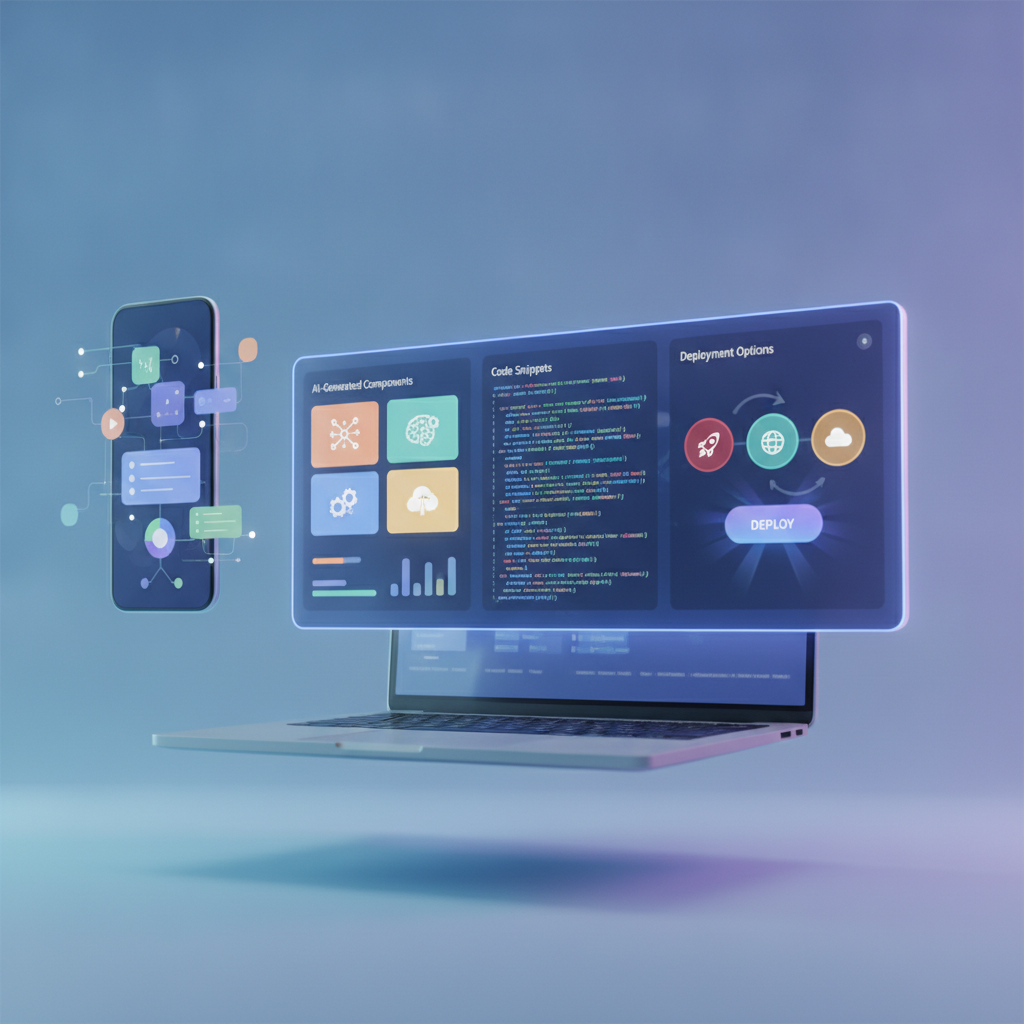
The versatility of prompt-to-production AI is evident across various domains:
Internal Business Tools
- Automated Reporting Dashboards: A marketing manager could prompt for a dashboard pulling data from Google Analytics and social media APIs, visualizing key metrics.
- Custom CRM Modules: A sales team could request a specialized module for tracking client interactions, integrated with their existing system.
- Employee Onboarding Apps: HR departments could generate tools to guide new hires through documentation and initial training.
Niche Consumer Applications
- Personalized Recipe Generators: Users could describe dietary preferences and available ingredients to get custom meal plans.
- Language Learning Companion Apps: Learners could prompt for apps that generate practice dialogues based on specific vocabulary lists.
- Event Planning Assistants: Individuals could create simple apps to manage guest lists, RSVPs, and event schedules.
Prototyping and MVPs
- Rapid MVP Development: Startups can use these tools to build a Minimum Viable Product (MVP) to attract early users and investors, validating their core idea before investing in a full-scale development team. This is where tools like GetAppQuick shine, allowing for the rapid transformation of an idea into a functional prototype ready for showcasing.
Integrating AI Features
- Content Generation Tools: A blogger could prompt for an app that uses AI to suggest article titles or draft paragraphs based on keywords.
- Customer Support Bots: Businesses could generate simple chatbots to answer frequently asked questions, escalating complex queries to human agents.
Challenges and Considerations
Despite the immense promise, prompt-to-production AI app builders are not without their challenges:
1. Complexity and Nuance
While AI can handle many common requests, highly complex, novel, or deeply customized functionalities can still push the boundaries of current AI capabilities. The nuances of specific industry regulations, intricate business logic, or highly specialized UI/UX requirements might demand traditional development or significant AI fine-tuning.
2. AI Hallucinations and Errors
Like all AI models, generative AI can "hallucinate" or produce incorrect code. Rigorous testing and validation are still essential, even when using AI builders. The output needs human oversight to ensure correctness, security, and performance.
3. Security and Data Privacy
When AI generates applications, especially those handling sensitive data, ensuring robust security measures and compliance with privacy regulations (like GDPR or CCPA) is paramount. Developers need to be vigilant about the security implications of AI-generated code and infrastructure.
4. Vendor Lock-in and Customization Limits
Some platforms may create a degree of vendor lock-in. Understanding the exportability of the generated code and the platform's flexibility for future customization is crucial. Relying entirely on AI might limit deep customization options compared to building from scratch.
5. The "Prompt Engineering" Skill
While it lowers the barrier, effective use of these tools still requires a degree of skill in "prompt engineering" – learning how to articulate requirements clearly and precisely to the AI to get the best results.
The Future is Now: Embracing the 'One-Click App'
The era of "one-click app" development is no longer a distant dream; it's rapidly becoming a reality. Tools like Atoms and Zite are pioneers, demonstrating how AI can fundamentally alter the software development lifecycle. For businesses and individuals looking to innovate rapidly, these advancements offer unparalleled opportunities.
This shift doesn't necessarily mean the end of traditional software engineering. Instead, it signifies an evolution. Human developers will increasingly focus on higher-level tasks: complex problem-solving, system architecture, AI model training and fine-tuning, security audits, and the strategic vision that guides application development. The mundane, repetitive aspects of coding and infrastructure management will be increasingly handled by AI.
For those eager to capitalize on this trend and translate ideas into functional applications with unprecedented speed, the solution is already here. Platforms like GetAppQuick are built on this very principle, offering a streamlined, AI-powered path from concept to a deployable product, requiring no extensive development team.
Key Takeaways
- Prompt-to-production AI app builders are a new category of tools that translate natural language descriptions into functional applications.
- Platforms like Atoms and Zite are leading this innovation, leveraging AI to automate significant parts of the development lifecycle.
- The primary benefits include democratization of app creation, drastically accelerated development cycles, and increased scope for experimentation.
- Key functionalities involve AI understanding user intent, generating code and architecture, and enabling iterative refinement.
- While powerful, challenges related to complexity, AI accuracy, security, and vendor lock-in need careful consideration.
- Tools like GetAppQuick provide a practical, accessible way to leverage prompt-to-production capabilities today.
The question is no longer if AI will revolutionize app development, but how quickly you'll adapt. The "one-click app" is here, and it's reshaping the landscape of digital innovation.
Ready to ship your idea? Build it in minutes with GetAppQuick.