
Introduction
It’s 2024, and the coding world is having its “anyone can do it” moment. Scroll r/vibecoding or TikTok, and you’ll find designers, marketers, and even retirees spinning up surprisingly polished apps—all without writing a single line of code themselves. As a technical writer at DC Codes, I’ve watched the rise of AI-powered builders and no-code platforms up close. But recently, I stepped into the shoes of a non-coder to answer a question I kept hearing: What does it really take to ship an app when you know absolutely nothing about coding?
Armed with nothing but prompts and Google, I set out to build my own simple app. I used GetAppQuick, our AI-powered app builder, as the backbone—because, honestly, if you want to ride the “build without code” wave and actually ship something, this is the practical route. Here’s what I learned, where I got stuck, and exactly how far pure prompting can take you before you inevitably hit the wall.
The Spark: Why Non-Coders Want In
Let’s be real—most people don’t want to become software engineers. They want to solve a problem, launch a business, or automate some workflow. The explosion of AI-assisted tools is turning that dream into reality, lowering the barrier for everyone. But with so many options (no-code, low-code, AI prompting), the journey isn’t as simple as it looks. There are a few things every beginner needs to know before diving in.
Step 1: Defining the Dream (and Keeping It Simple)
Like most non-coders, my first instinct was to shoot for the stars: “Let’s build the next Instagram, but for pets!” Spoiler: That’s how you fail fast. The first key lesson—especially when you’re not technical—is to shrink your idea to the smallest version that’s still useful.
Scoping Down
I settled on a “Mood Tracker” app—a dead-simple tool where users log how they feel each day. No fancy integrations, just a clean interface, mood input, and a calendar. That’s it.
Step 2: From Idea to Interface—Prompting the AI
This is where the magic (and limitations) of AI-powered builders like GetAppQuick become clear. The promise: describe your idea in plain English, and the builder will handle the rest.
My Initial Prompt
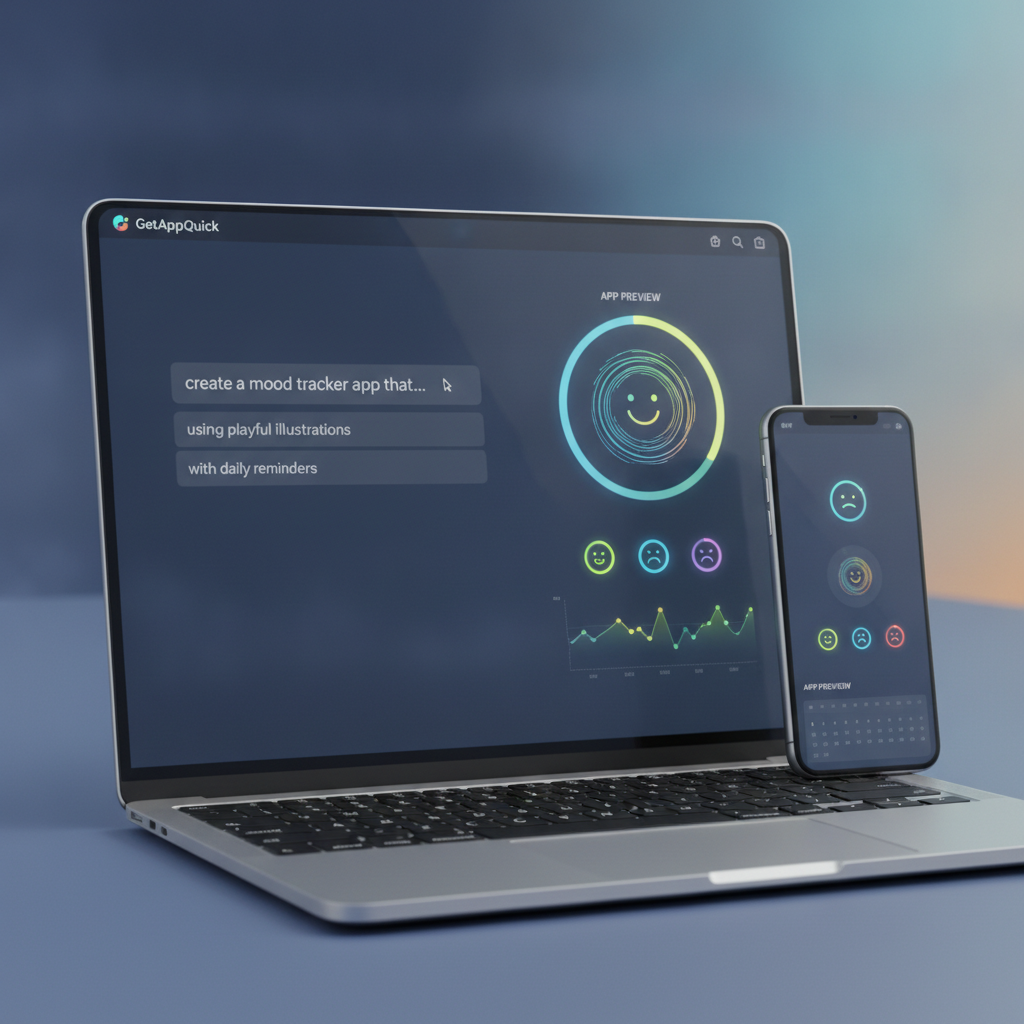
“I want an app called MoodMate. The main screen should show today’s date, let the user pick a mood from five emojis, and save their selection. There should be a calendar page to view past moods.”
With GetAppQuick, this kind of prompt is exactly what you use to kick off the build process. The platform parses your request, suggests UI layouts, and even generates boilerplate code behind the scenes.
Step 3: The App Takes Shape—What Actually Happens
Within minutes, I watched as my words turned into wireframes. GetAppQuick generated:
- A home screen with today’s date
- Five mood emoji buttons
- A calendar view linked to mood data
This was the “wow” moment. As a non-coder, seeing a working interface appear so quickly felt almost like cheating. The app preview was interactive, and I could click around to see how screens transitioned.
Behind the Curtain: What the AI Actually Builds
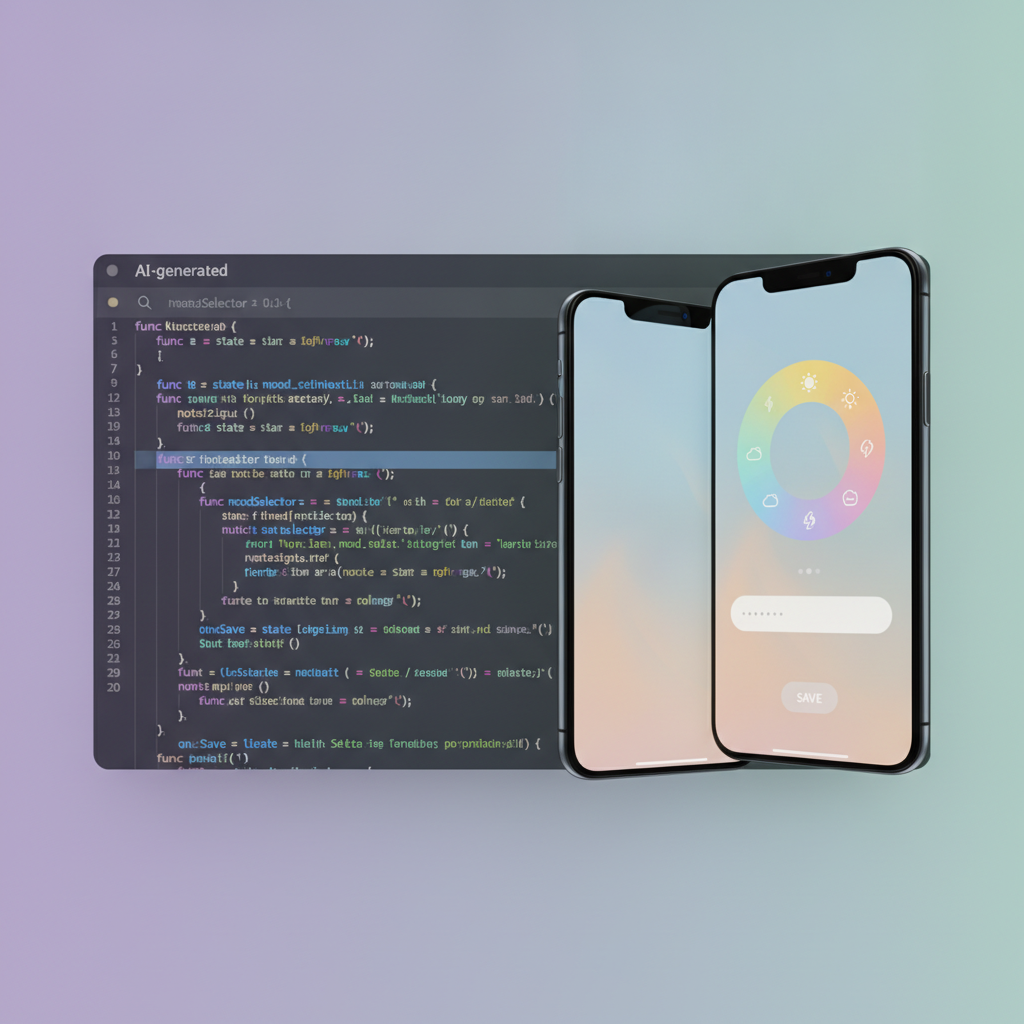
Most AI builders—including GetAppQuick—use established frameworks behind the scenes. For mobile, that usually means Flutter (Dart) or React Native (JavaScript/TypeScript). For the curious, here’s a simplified Dart snippet the AI might generate for the mood picker:
// Flutter: Mood Picker Widget
Row(
  mainAxisAlignment: MainAxisAlignment.spaceEvenly,
  children: [
    IconButton(icon: Text("😃"), onPressed: () => setMood("Happy")),
    IconButton(icon: Text("😐"), onPressed: () => setMood("Neutral")),
    IconButton(icon: Text("😢"), onPressed: () => setMood("Sad")),
    IconButton(icon: Text("😡"), onPressed: () => setMood("Angry")),
    IconButton(icon: Text("😴"), onPressed: () => setMood("Tired")),
  ],
)
But here’s the kicker: I never had to write this code myself. The platform generated, compiled, and previewed it for me.
Step 4: Hitting the First Wall—Customization and Logic
After the initial “it works!” high, reality sets in: what if you want to tweak something? Maybe you want to add a “Notes” field, or limit users to one entry per day. This is where most beginners hit the wall.
The Prompting Plateau
AI app builders are great at turning clear, simple ideas into screens—but ambiguity or complexity throws them off. My request for “a notes field that only appears after picking a mood” returned clunky results, or sometimes just ignored the condition.
Here’s what I tried prompting:
“Add an optional text field called ‘Notes’ that only shows after a mood is selected.”
Depending on the platform, this produced varying results. Sometimes the field showed up all the time, sometimes never. I realized that conditional UI logic is surprisingly hard for natural language to express, especially when things get even a little nuanced.
What’s Actually Going On
Under the hood, this is a basic Flutter logic:
// Flutter: Show Notes Field If Mood Selected
Column(
  children: [
    MoodPicker(onMoodSelected: (mood) {
      setState(() {
        _selectedMood = mood;
      });
    }),
    if (_selectedMood != null)
      TextField(
        decoration: InputDecoration(labelText: 'Notes (optional)'),
        onChanged: (value) => _notes = value,
      ),
  ],
)
If you’re a non-coder, these details are hidden—but knowing what is being generated can help you ask better prompts and debug when things go wrong.
Step 5: The Realities of Data & Persistence
Building an app isn’t only about the UI—it’s also about saving data. I wanted each mood entry saved by date, and for users to be able to look back at their history.
When “Save My Data” Becomes Tricky
Most AI builders default to storing data locally (on the device) unless you specify otherwise. This is fine for simple apps, but what if users want to sync across devices, or back up to the cloud? Here’s where things can get hairy for beginners.
Here’s a simple Dart example for saving data locally using shared_preferences:
import 'package:shared_preferences/shared_preferences.dart';

Future<void> saveMood(String date, String mood) async {
  final prefs = await SharedPreferences.getInstance();
  prefs.setString(date, mood);
}
But integrating more complex features (like cloud sync, authentication, or analytics) often requires writing—or at least understanding—custom code. Some platforms (including GetAppQuick) let you request “cloud sync” and will scaffold the basics, but you may quickly run into limitations unless you’re willing to learn a bit more or bring in a developer.
Step 6: Testing, Sharing, and Shipping
Once your app looks right and the data is saving, what’s next? This is where the rubber meets the road for non-coders:
- Testing: You can preview the app in-browser or on your device, but finding and fixing bugs often requires specific prompts like “fix the bug when I save two moods in one day.”
- Publishing: Want it on the App Store or Google Play? Most platforms can build the packages for you, but setting up developer accounts and handling publishing rules still takes patience (and sometimes a helping hand).
- Iterating: User feedback means you’ll want to make changes—sometimes small, sometimes big. How much you can change without hitting code-level complexity depends on the builder’s capabilities and your willingness to learn.
Where Beginners Hit the Wall (And How To Get Past It)
The biggest walls for non-coders aren’t technical—they’re about ambiguity, expectations, and knowing what’s possible.
The Common Sticking Points
- Conditional Logic: Anything more complex than simple “if this, then that” can confuse AI builders unless you’re extremely clear.
- Data Structure: Storing and retrieving more than just single values (like user profiles, lists, or relationships) pushes most no-code platforms to their limits.
- Integration: Connecting to other services (APIs, notifications, payments) almost always requires manual setup, even if the builder does the heavy lifting.
- Polish: Custom design tweaks, animations, or accessibility often need a developer’s touch.
When to Ask for Help
There’s no shame in asking for a developer’s help—especially for features like authentication, monetization, or complex data handling. One of the strengths of GetAppQuick is its ability to export clean code that a real developer can pick up and extend, meaning you’re not locked in if you outgrow the platform.
Key Takeaways
- AI-powered builders like GetAppQuick can turn a written idea into a working app with stunning speed—especially for simple tools.
- Prompting is a skill: The more clearly and specifically you describe your requirements, the better your results.
- You’ll hit the wall at complex logic, integrations, and custom UI. Know when it’s time to ask for help or level up your technical skills.
- You don’t need to learn to code to get started—but understanding the basics of app structure and logic will help you get unstuck faster.
- Shipping is only the beginning: Iterating based on feedback, maintaining the app, and handling publishing are ongoing challenges that every creator faces.
Conclusion
Building and shipping an app as a non-coder is more possible than ever—if you keep things scoped, embrace the power (and limits) of AI, and learn to prompt with intent. Platforms like GetAppQuick make it genuinely practical to bring your idea to life—without needing a dev team or months of tutorials. But while AI can do a lot, it can’t (yet) read your mind or magically handle every edge case. The rise of these tools isn’t about making developers obsolete—it’s about empowering more people to start.
If you’ve got an idea—even a half-baked one—don’t wait for “someday.” The tools are ready. Now, so are you.
Ready to ship your idea? Build it in minutes with GetAppQuick.