Introduction: Why Does the Web-to-App Gap Still Hurt?
It started as a heartfelt post on r/lovable: a creator built a delightful web experience, only to slam headlong into the painful reality of “the app store gap.” Users, loving the service, keep asking—“Is there an app?” The creator, not a mobile developer, takes the shortcut: paying a Fiverr stranger to “turn my site into an app.” Sometimes it works; more often, it’s a webview in a wrapper, with all the limitations and none of the love.
This is not just one person’s story; it’s a shared frustration across the indie builder and startup world. The journey from web concept to native app is fraught with cost, learning curves, App Store bureaucracy, and the risk of losing your product’s unique spark. But here’s the good news: you no longer have to choose between an expensive dev team or an unreliable gig. Tools like GetAppQuick have emerged to bridge this gap with AI-powered, high-fidelity app creation that puts the power—and the polish—back in your hands.
In this post, we’ll uncover why the problem persists, what really happens when you “turn a site into an app,” and how new app builders (with real code under the hood) are changing the game. We’ll even get hands-on with code samples for those who want to roll up their sleeves.
The Web-to-App-Store Gap: Why Is It So Hard?
The User Perspective: “Where’s the App?”
Users expect apps. Onboarding is easier, push notifications are native, and offline features can delight instead of frustrate. Even if your website is responsive and beautiful, audiences expect to find you in the App Store or Google Play—anything less feels incomplete.
The Builder Reality: Complexity and Cost
Turning a polished website into a robust app is daunting because:
- Native mobile APIs (camera, push, file system, offline) require app-specific code, not just HTML/CSS/JS.
- App Store guidelines are strict: mere webviews often get rejected.
- Performance matters—snappy native apps win over sluggish wrappers.
That’s why so many creators, pressed for time or budget, turn to quick-fix gigs (“convert my site to app for $50!”). But what do you really get?
The Fiverr Fix: What Really Happens When You Pay for “Conversion”
Most “site to app” gigs use frameworks like Cordova, Ionic, or a React Native webview. Here’s what that looks like in code.
Example: A Minimal Webview Wrapper (React Native)
// App.tsx
import React from 'react';
import { WebView } from 'react-native-webview';

export default function App() {
  return (
    <WebView source={{ uri: 'https://your-lovable-site.com' }} />
  );
}
This approach can work—for the simplest apps. But here’s the catch:
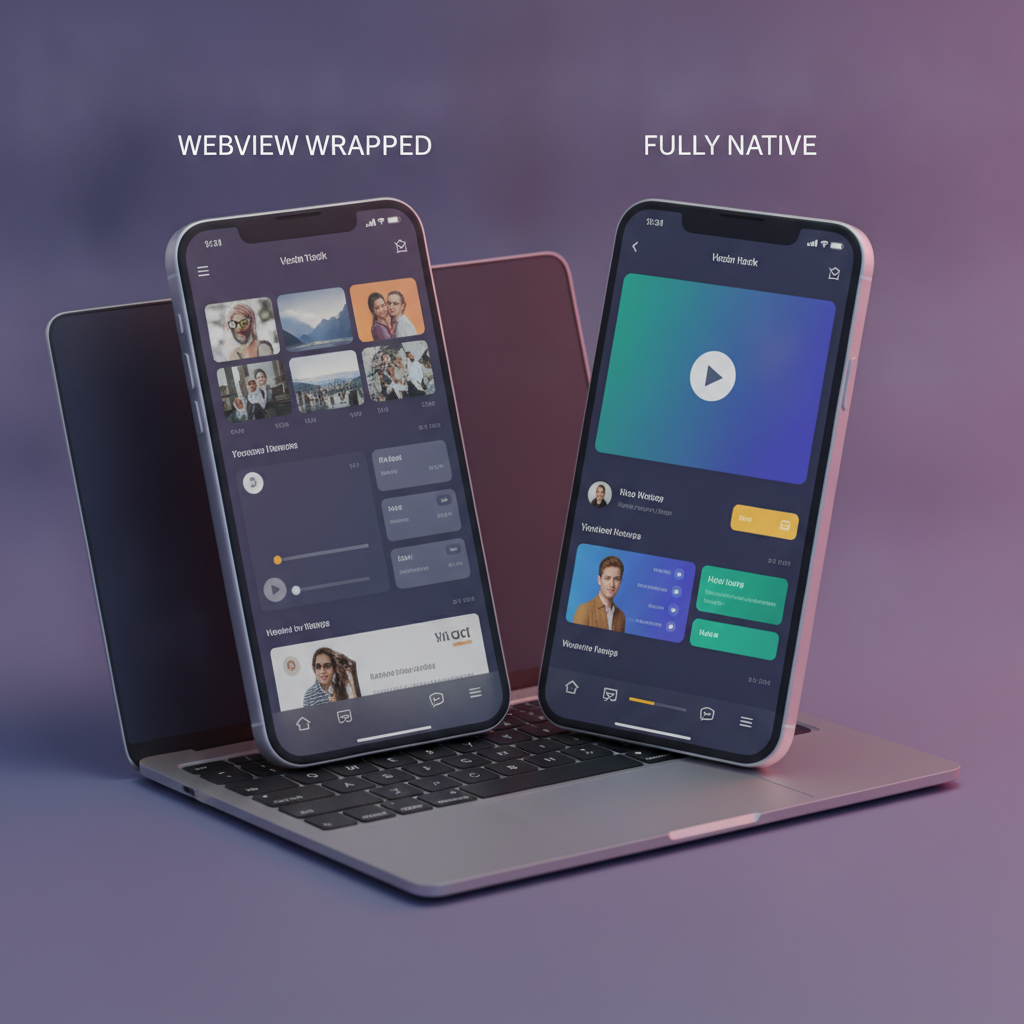
- No true native feel: Navigation, gestures, performance, and offline support are limited.
- Push notifications? Deep linking? Not out of the box.
- App Store compliance? Increasingly tricky; Apple often rejects these.
The user experience rarely matches a real app. And if your Fiverr dev vanishes, you’re left with a black box that’s hard to extend.
There’s a Better Way: Modern App Builders With Real Code
No-code and low-code platforms have grown up. Powered by advances in AI, platforms like GetAppQuick convert your idea—or your Figma, or even your web UI—into a working mobile app, complete with native integrations. The difference is night and day:
- Actual native UI: Built with frameworks like Flutter or React Native.
- APIs, notifications, storage, and device access: Handled for you.
- Code is generated, not locked in: You can download or extend.
What Does a Good App Builder Provide?
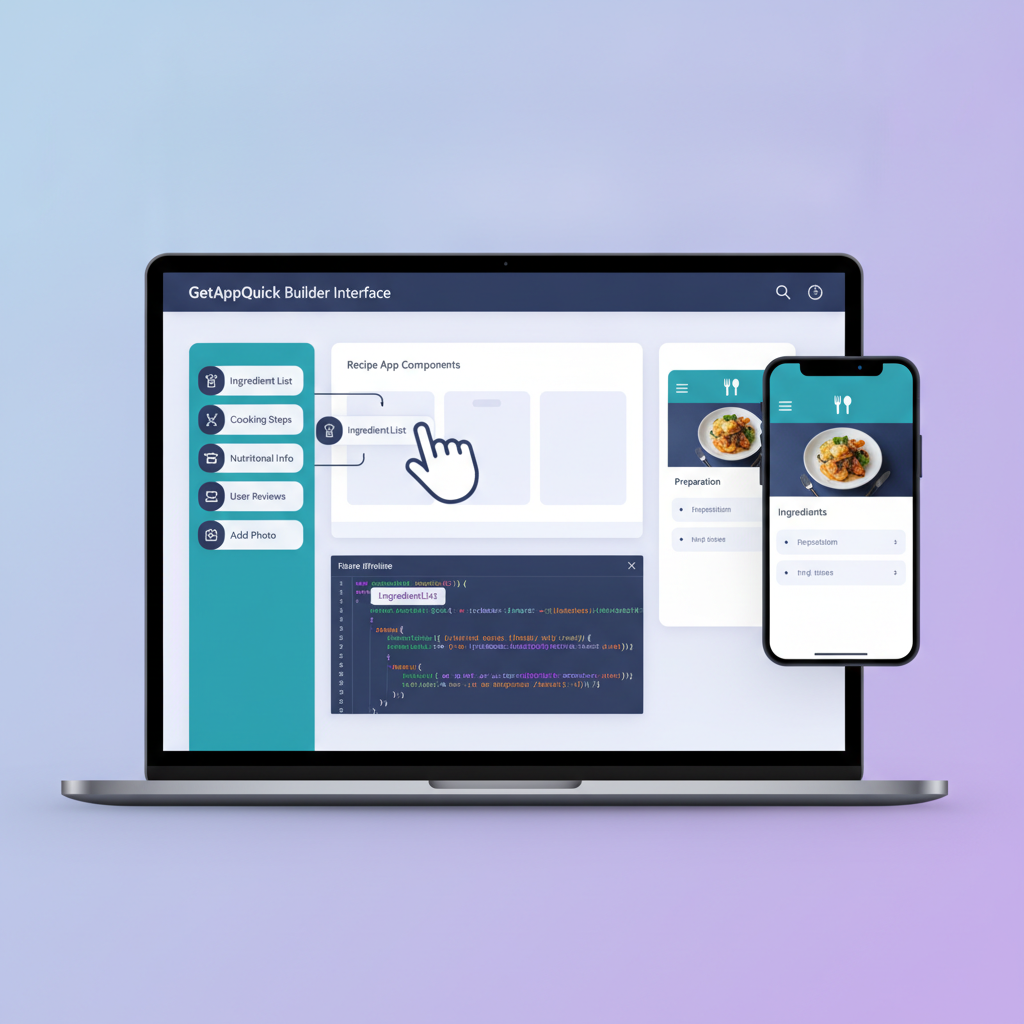
- Drag-and-drop interface: Design visually, tweak logic as needed.
- AI-powered code generation: Converts designs and flows into real code (Dart/Flutter, TypeScript/React Native, etc.)
- Integrations: Authentication, payments, analytics, push notifications—no manual wiring.
- One-click deployment: Ship to App Store and Play Store without wrestling with certificates and configs.
Hands-On: From Idea to App, The Right Way
Let’s walk through a practical scenario: turning a lovable web site, say a community recipe book, into a real mobile app with Flutter.
1. Define Your Data and Features
- Browse and search recipes
- Save favorites locally
- Push notifications for new recipes
2. Lay Out Your Data Model (Dart Example)
class Recipe {
  final String id;
  final String name;
  final String imageUrl;
  final String description;

  Recipe({required this.id, required this.name, required this.imageUrl, required this.description});
}
3. Build the UI (Flutter)
With Flutter, you can create visually rich, native UIs:
// RecipeCard.dart
import 'package:flutter/material.dart';
import 'recipe.dart';

class RecipeCard extends StatelessWidget {
  final Recipe recipe;

  RecipeCard(this.recipe);

  @override
  Widget build(BuildContext context) {
    return Card(
      child: Column(
        children: [
          Image.network(recipe.imageUrl),
          Text(recipe.name, style: TextStyle(fontSize: 20, fontWeight: FontWeight.bold)),
          Text(recipe.description, maxLines: 2, overflow: TextOverflow.ellipsis),
        ],
      ),
    );
  }
}
4. Add Features Native Apps Need
- Push Notifications: Use packages like
firebase_messaging. - Local Storage: Use
shared_preferencesorsqflite. - Offline Support: Cache recipes for offline viewing.
Implementing all this from scratch is feasible—but takes weeks. Now, here’s where modern builders like GetAppQuick shine.
The GetAppQuick Approach: Ship Apps, Not Just Wrappers
With GetAppQuick, the same features above can be scaffolded in minutes:
- Import your web design or Figma: AI suggests layouts and native components.
- Data integration: Connect to your backend or static feeds.
- Feature toggling: Enable push, auth, offline, and more via simple toggles.
- Real code: Export the generated Flutter (Dart) or React Native (TypeScript) project at any time, with clean structure.
Bonus: If you want to customize, you’re not locked in; you can always extend the codebase, add packages, or hand it off to developers.
Best Practices: Avoiding the Webview Trap
Whether you’re using a tool like GetAppQuick or building by hand, keep these tips in mind:
Think Native, Not Just Responsive
- Use platform-specific navigation and gestures.
- Respect Android/iOS design conventions for a familiar feel.
- Implement offline and notification features natively.
Don’t Rely Solely on Wrappers
- Webviews have their place (embedded help, authentication, etc.), but your core flow should be native.
- Invest time upfront in defining your data and user flows—modern tools can generate much of the code for you.
Maintain Ownership
- Always retain access to your app’s source code and publishing credentials.
- Choose platforms that allow exporting and self-hosting, not vendor lock-in.
Key Takeaways
- The “web-to-app gap” is real, but webview wrappers are rarely the answer for lovable products.
- Native features—notifications, offline, smooth navigation—matter for user delight and App Store approval.
- Modern AI-powered builders like GetAppQuick offer a path that’s faster, safer, and more robust than quick-fix gigs.
- Whether you’re a solo builder or part of a lean startup, you can ship high-quality mobile apps without a large dev team.
- Retain control: opt for solutions that generate real, extensible code—not just lock you in.
Conclusion: Bring Your Lovable Idea to Life (The Smart Way)
The days of paying strangers to “convert” your site and crossing your fingers are over. Today’s creators deserve tools that respect their product, their users, and their ambition. With GetAppQuick, you can leap the app store gap—shipping real, native apps that match your vision, without prohibitive cost or complexity.
Ready to ship your idea? Build it in minutes with GetAppQuick.