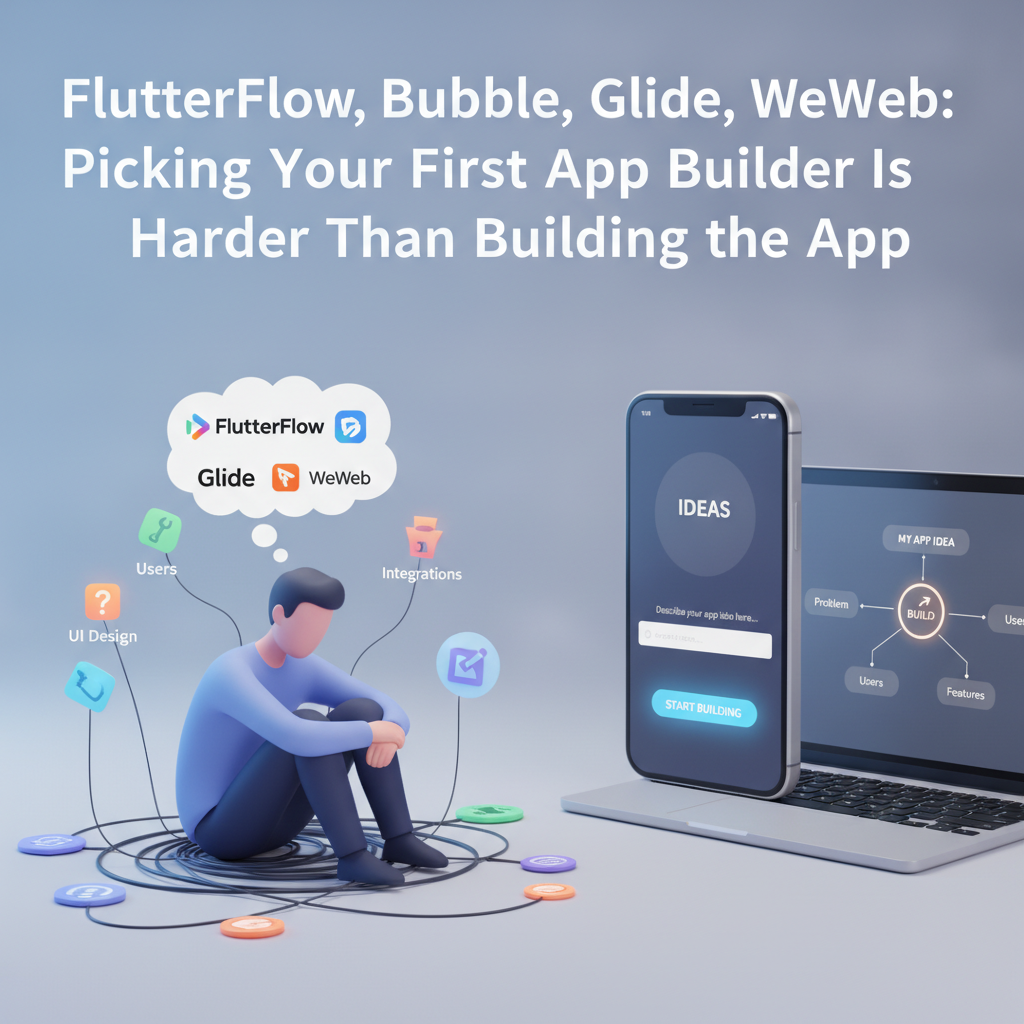
Introduction: The No-Code Paradox
You’re ready to launch your first app. You’ve got an idea and maybe even sketched a few screens. But before your product ever sees a user, you’re trapped in a paradox — choosing the “easiest” tool turns out to be the trickiest part. FlutterFlow, Bubble, Glide, WeWeb… the list goes on. Each promises a faster way to ship, but browse a few Reddit no-code threads and you’ll find beginners overwhelmed, bouncing between platforms, never quite building.
At DC Codes, we’ve watched countless founders hit this wall: paralyzed by tool choice before a single feature gets built. Our advice? Forget the tool, focus on the idea first. You don’t need a stack war; you need a clear picture of what you want. That’s why we’re excited about platforms like GetAppQuick, our AI-powered app builder that takes your plain-English description and turns it into a working product—without hours of analysis paralysis.
In this guide, we’ll unpack the pitfalls of picking your app builder before your app, show what really matters for first-time founders, and give you practical ways to get unstuck—plus how GetAppQuick can shortcut the whole process.
The Tool Maze: Why Picking a No-Code Builder is So Hard
What’s on Offer: FlutterFlow, Bubble, Glide, WeWeb (and Friends)
Let’s quickly break down the main players:
- FlutterFlow: Visual builder for Flutter apps (Dart), great for mobile and web, produces exportable code.
- Bubble: Drag-and-drop web app builder, strong logic and database features but steeper learning curve.
- Glide: Google Sheets-powered, super-fast for simple mobile/web apps—best for MVPs and internal tools.
- WeWeb: Modern web app builder with flexibility, strong for dashboards and data-driven apps.
Each has champions and critics. Some integrate with APIs better, some export clean code, some are easier for design. There’s no universal best.
The irony? Most early-stage projects don’t need the advanced features that drive these choices. They need clarity.
The Reddit Rabbit Hole
Look through r/nocode or indie hacker forums and you’ll find dozens of variants of:
“Which is better for a social app: Bubble or FlutterFlow?”
“Can I build a marketplace with Glide?”
“Is WeWeb good for X?”
Hours spent comparing features, pricing, hosting, and roadmap. The result is often weeks of indecision—while your idea’s momentum fades.
Why You Shouldn’t Start with the Builder
Tool-First Thinking: The Hidden Trap
Choosing a builder should not be the first step. Here’s why:
- You Don’t Know What You Need Yet: Until you’re crystal clear on your app’s core features, you can’t map them to platform capabilities.
- You’ll Overfit to Tool Limitations: Picking a builder too early means bending your concept to fit what’s easy to build—not what’s needed.
- Paralysis by Analysis: The time you spend comparing tools could be spent refining (or validating) your idea.
The Approach That Works: Start with the Idea
Before you touch any builder, answer:
- What is my app’s single most important feature?
- Who is this for?
- What does an MVP (minimum viable product) look like? Three screens? A login plus a feed?
- What can I skip for now?
This exercise makes it vastly easier to choose the right tool—because you’ll know your true requirements.
From Blank Page to App: Describing Your Idea First
The Power of a Good Description
You don’t need wireframes or technical specs to get started. A clear, plain-English description does more than any tool comparison spreadsheet. For example:
“I want an app where local dog walkers can create profiles, and dog owners can browse and book them. Needs a sign-up/login, profiles with images, and a simple booking calendar.”
With this, you can:
- Rapidly generate wireframes (with pen and paper or Figma)
- Ask for feedback from users or peers
- Feed it to AI-powered builders like GetAppQuick and get an instant prototype
How GetAppQuick Leverages Your Idea Description
Imagine pasting your app description into GetAppQuick:
- The AI identifies user types, key screens, and relationships (e.g., profiles, bookings)
- It generates a working MVP you can tweak—no need to understand database schemas or UI libraries
- You get an app prototype in minutes, ready to test with users or show stakeholders
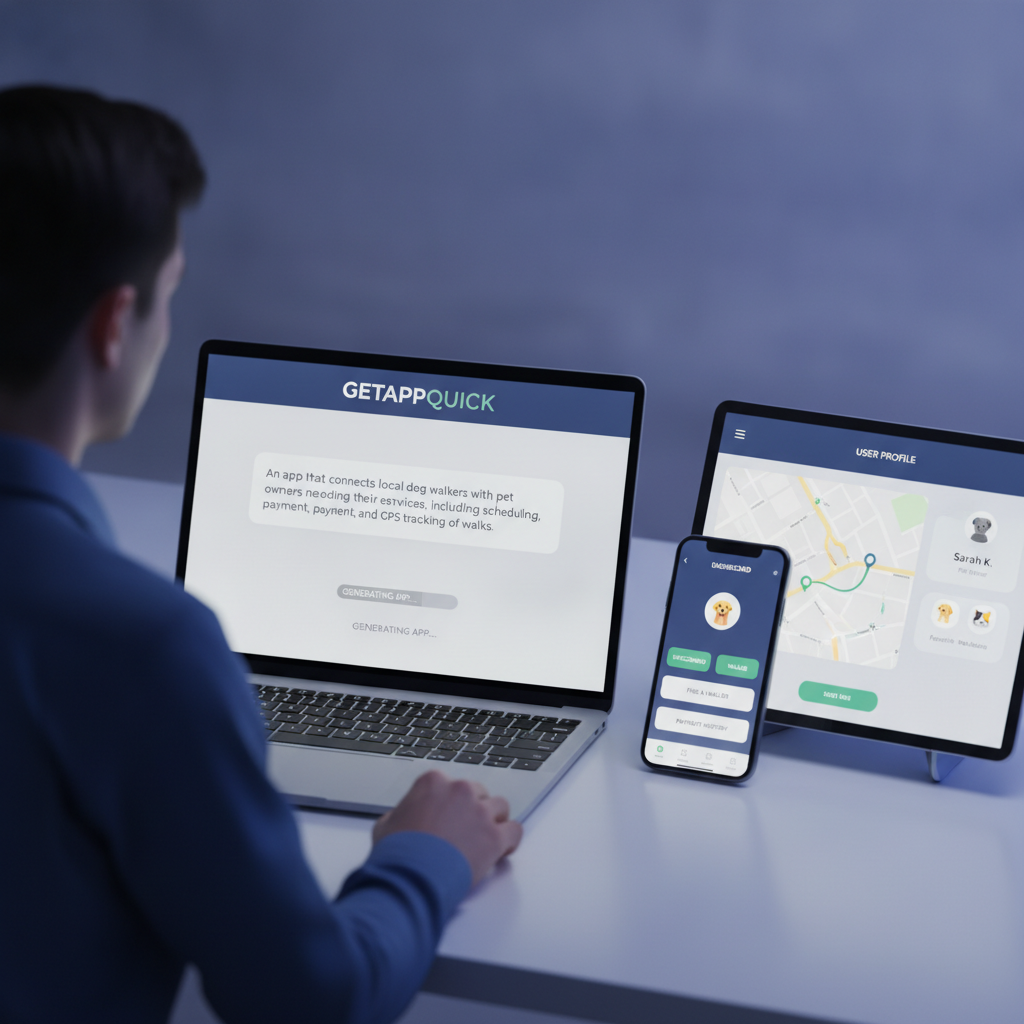
This approach accelerates learning: you see what’s missing immediately, iterate the description, and avoid weeks of tool comparison.
“But I Want to Code!”: When Manual Control Matters
Where Traditional Builders Shine
There are cases where a specific builder is best:
- Complex logic: Bubble’s workflows are powerful for advanced business logic
- Mobile-native apps: FlutterFlow’s exportable Dart code lets you evolve past MVP
- Spreadsheet-driven prototypes: Glide is unbeatable for reusing existing data
If you know exactly what you need, pick a builder that fits. Here’s a practical example: a user authentication flow in FlutterFlow (Dart):
// Example: Simple user login logic in Dart (Flutter)
Future<void> signIn(String email, String password) async {
  try {
    final user = await FirebaseAuth.instance
      .signInWithEmailAndPassword(email: email, password: password);
    print('Signed in: ${user.user?.uid}');
  } catch (e) {
    print('Login failed: $e');
  }
}
Or, a basic row action in Bubble’s workflow logic (pseudocode):
When Button 'Book Now' is clicked:
  - Create a new Booking
    - Set User = Current User
    - Set DogWalker = Current Page's Profile
    - Set Status = 'Pending'
  - Navigate to 'My Bookings'
But for the majority of first-timers, you simply need a working version to test — not a masterclass in builder-specific logic.
A Real Use Case: Choosing Simplicity with GetAppQuick
Let’s say you have an idea for a “Habit Tracker” app:
Traditional route:
- Get stuck choosing between Bubble (database, web-oriented), FlutterFlow (mobile, Dart), or Glide (easy, but less custom logic).
- Spend days prototyping, learning builder quirks, and reworking features to fit tool constraints.
GetAppQuick route:
- Write: “I want an app where users can add daily habits, mark them complete, and see a weekly streak chart. Needs login and a simple dashboard.”
- GetAppQuick’s AI interprets the core features, generates the login screen, dashboard, habit entry form, and even a streak chart UI.
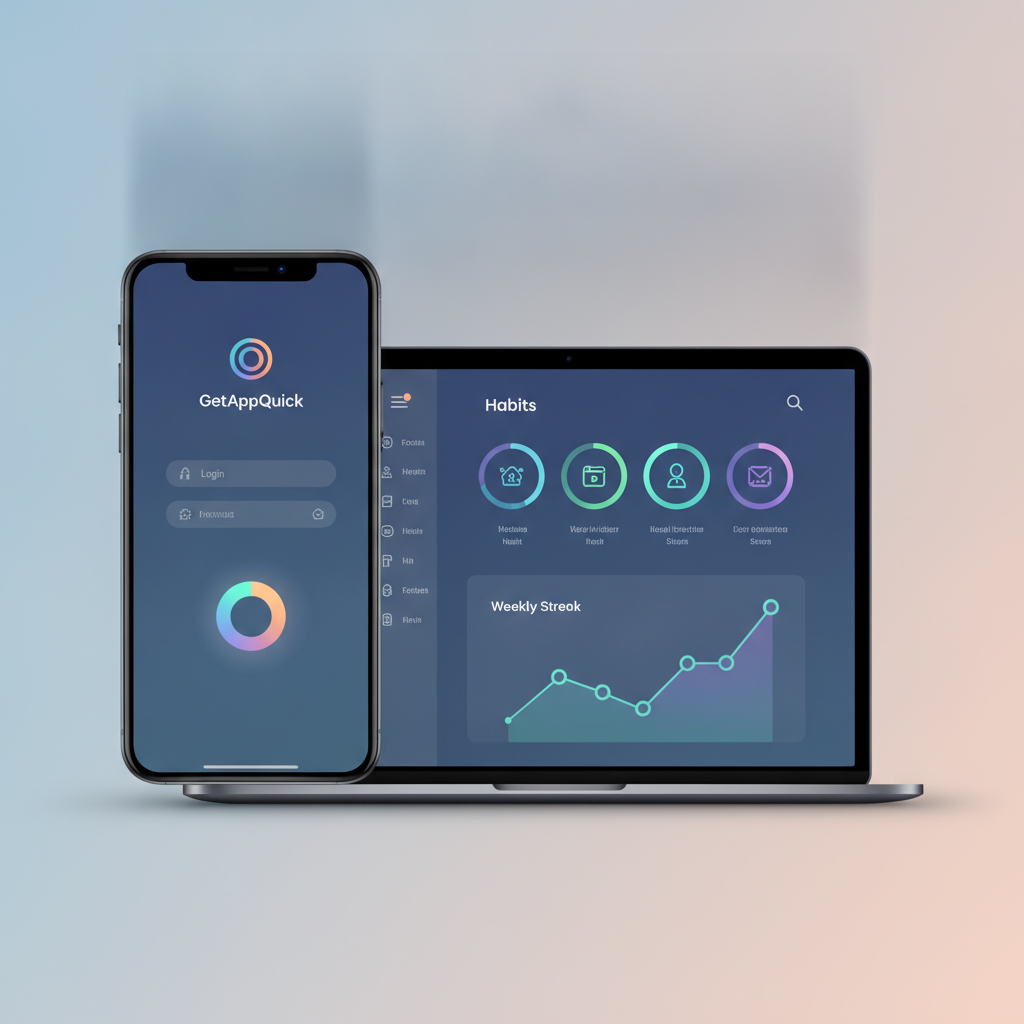
- You instantly preview, suggest tweaks in plain English (“Add a motivational quote section”), and see your change reflected live.
Result:
- You have a real MVP to show users and investors—without getting bogged down in builder comparisons or coding minutiae.
When You Should Compare App Builders
It’s not never worth comparing builders. Here’s when it matters:
- You’ve validated your MVP and need to scale (performance, exportable code, hosting)
- You need niche integrations (hardware, payments, custom APIs)
- Your app requires deep customization or unique design language
In these situations, invest the time to trial a few builders, reading actual docs and building small test features.
Practical Steps: From Idea to App Without the Maze
1. Describe, Don’t Specify
Focus on describing what your app does, not how it’s built. Write as if explaining your idea to a friend.
2. Sketch First (Optional)
A few rough screens on paper or Figma help clarify flow—no need for pixel-perfect detail.
3. Use AI-Assisted Builders
Feed your description to GetAppQuick or similar tools. Review the output and iterate.
4. Test With Real Users
Don’t wait for “perfect tooling.” Get feedback on your working MVP. Are the key workflows clear?
5. Only Compare When Ready to Scale
If you outgrow your initial prototype, then invest in comparing FlutterFlow, Bubble, Glide, or WeWeb for the next stage.
Key Takeaways
- Idea clarity beats tool choice: The fastest way to build is to know exactly what you want first.
- App builders are enablers, not endpoints: Don’t let choice paralysis slow you down.
- AI-powered platforms like GetAppQuick can turn descriptions into working apps in minutes.
- Only compare in-depth when your MVP’s real-world needs demand it.
- Prioritize learning and feedback over perfect tech decisions.
Conclusion: Ship Faster by Skipping the Comparison Spiral
In the world of no-code and low-code, tool selection is supposed to be empowering—but for many, it’s a bottleneck. Don’t let decision fatigue stall your progress. The real unlock is describing your app clearly, then letting platforms like GetAppQuick do the heavy lifting. Whether you’re a solo founder or a startup team, you’ll learn more from a live MVP than from weeks of analysis.
Ready to ship your idea? Build it in minutes with GetAppQuick.