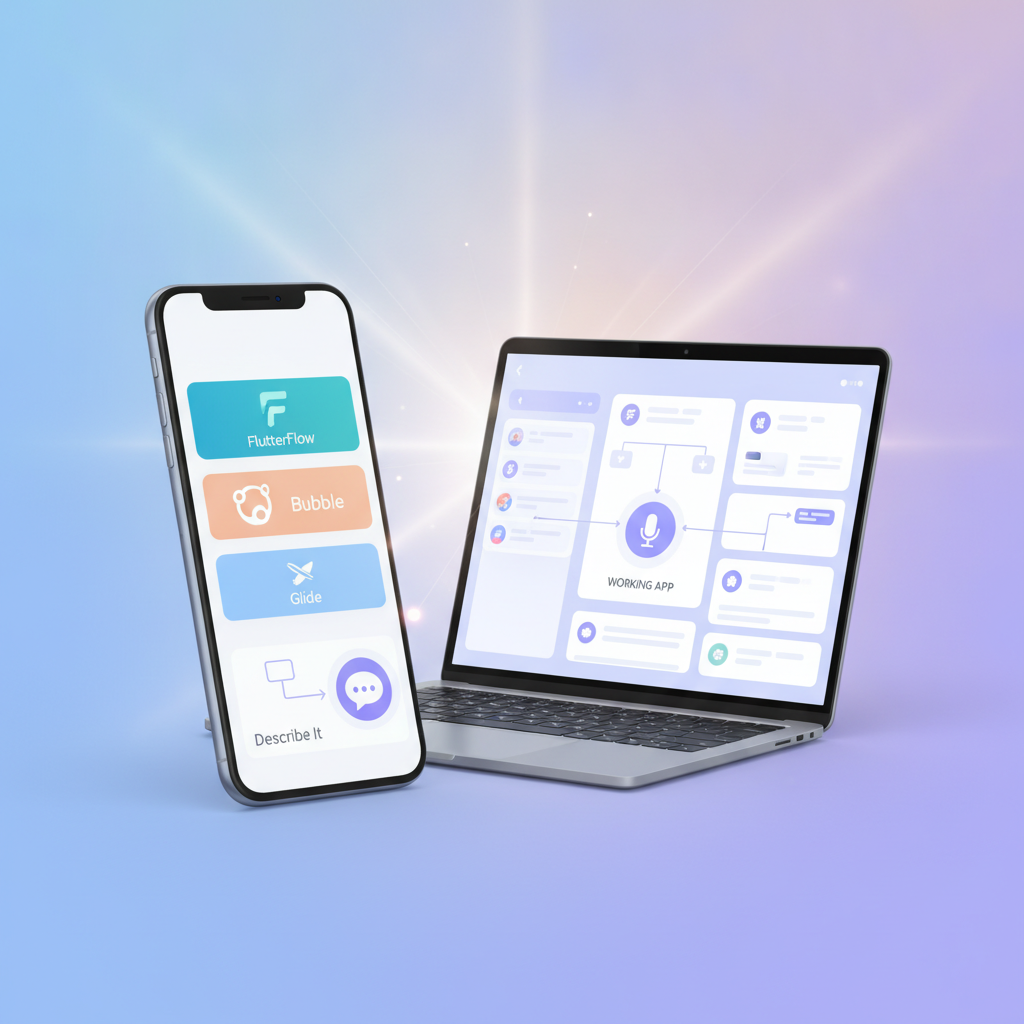
Introduction: The Paralysis of Plenty in No-Code
You’ve caught the app-building bug. Maybe you saw someone launch a simple tool on Product Hunt, or friends keep saying, “You should totally make an app for that!” Excitement surges… but then you crack open Google, type “no-code app builder,” and find yourself instantly overwhelmed. FlutterFlow, Bubble, Glide, Adalo, Softr, Draftbit, dozens more. Do you need to learn “Dart”? Why does Bubble talk about “workflows”? Will any tool actually get you to the finish line — or are you about to waste weeks building a login form?
At DC Codes, we see this daily: “app-builder paralysis,” where too many choices stall your progress before you ever ship. This post is your map out. We’ll compare the leading platforms — FlutterFlow, Bubble, Glide, and even the radical “just describe it” AI approach behind GetAppQuick — with side-by-side reality checks, practical code snippets, and honest recommendations for shipping your first working app fast.
The Landscape: Why So Many App Builders?
No-code/low-code tools exploded for a reason: building apps is hard. Coding from scratch (in Dart, Swift, JavaScript, etc.) takes months or years to master. App builders promise to flatten the learning curve and get you to a working MVP in days or even hours.
But “no-code” doesn’t mean “no learning.” Every tool makes trade-offs around speed, flexibility, and long-term scale. The trick is picking the fastest route to your first working app, not the “best” tool in some abstract sense.
Let’s break down the contenders:
FlutterFlow: Visual Builder, Real Code
What it is:
FlutterFlow is a drag-and-drop app builder that generates real Flutter (Dart) code. Apps can be published to iOS, Android, or web — and you can export/extend the codebase if you outgrow the visual editor.
Where it shines:
- Pixel-perfect mobile UI
- You want to “graduate” to real code later
- Complex logic, custom APIs
Gotchas:
- Some concepts (Firebase, data models) require software logic thinking
- Visual, but not 100% “no-code” for serious apps
Bubble: All-in-One Web App Platform
What it is:
Bubble lets you design web apps visually. Its “workflow” system powers everything from SaaS tools to marketplaces, running in the browser.
Where it shines:
- Complex web apps (think: dashboards, marketplaces)
- Powerful database, user auth, payments
- Huge plugin marketplace
Gotchas:
- App logic uses Bubble’s custom visual scripting
- Mobile support is web-first (not true native apps)
Glide: Lightning-Fast MVPs from Spreadsheets
What it is:
Glide builds apps directly from your Google Sheets or Airtable data, perfect for lists, directories, or internal tools.
Where it shines:
- Apps that are “fancy spreadsheets”
- Internal tools, small MVPs
- Insanely fast for CRUD (Create, Read, Update, Delete) interfaces
Gotchas:
- Custom logic and UI are limited
- Not for “custom product” startups
“Just Describe It”: Generative AI Builders
In 2024, AI-powered tools like GetAppQuick let you type your app idea as if talking to a colleague (“I need a booking app for dog walkers…”) and instantly get a working prototype — zero design or technical setup.
Where it shines:
- Idea validation in minutes
- Iterating on app concepts
- Zero setup, zero design skill required
Gotchas:
- Edge-case features may need follow-up tweaks
- Not (yet) for billion-user scale, but perfect for shipping V1
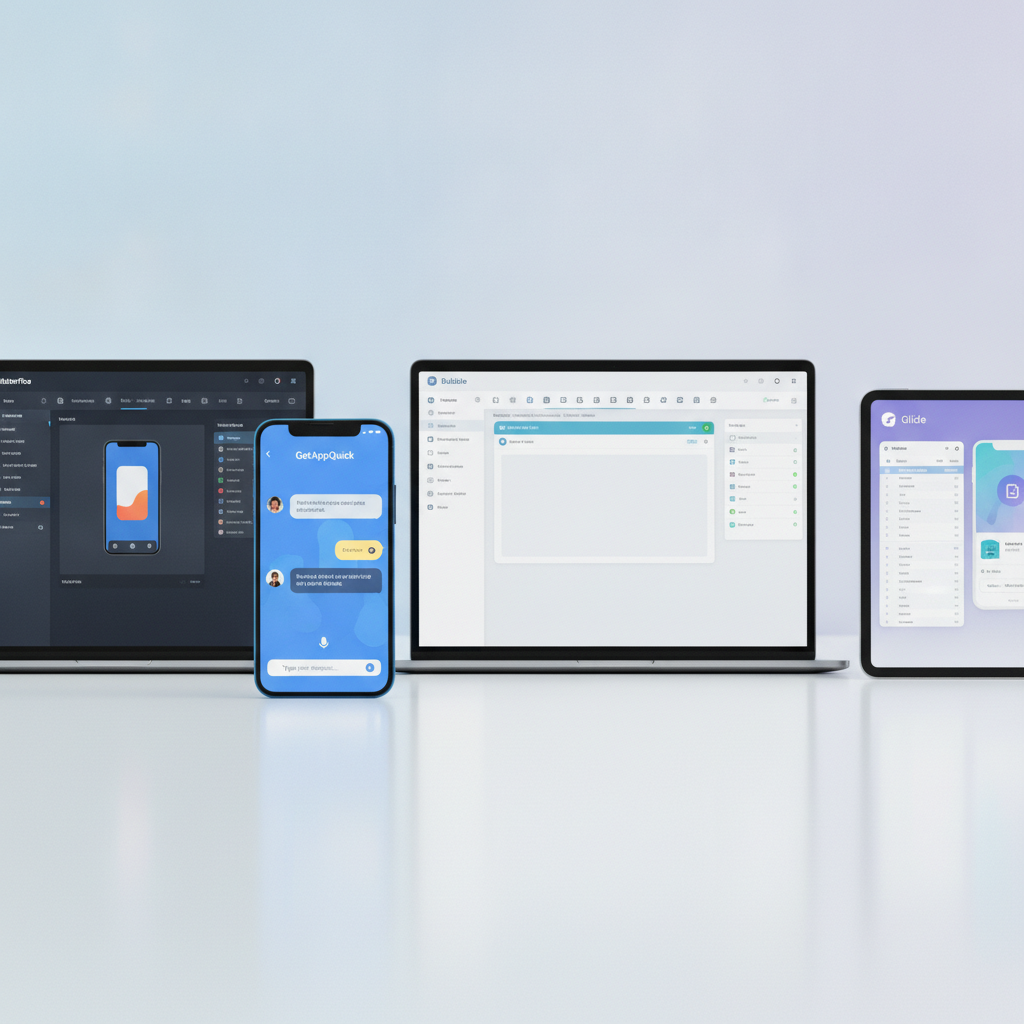
Mapping Your Fastest Path: Scenarios and Honest Roadmaps
Let’s get concrete. Below are common beginner goals, with blunt recommendations for which builder fits best — and what the actual build process feels like.
1. The Simple Directory/List App (e.g. “Community Pets Directory”)
- Goal: Let users browse, add, and edit listings, with images and search.
- Fastest path: Glide or GetAppQuick
How Glide works:
- Connect your Google Sheet (columns: Name, Breed, Photo, Description)
- Glide instantly builds a mobile-friendly app UI
- Add/edit/search “just works” out of the box
How GetAppQuick works:
- Type: “I need an app where users can browse and add pets for adoption, with photos and filters.”
- In under a minute, it generates your app — ready to preview or share.
Reality check:
If you only need basic CRUD, Glide is superb. If you want to skip spreadsheet setup and see your idea in app form instantly, give GetAppQuick a try.
2. The “Startup MVP” (e.g. “Book dog walkers in my city”)
- Goal: User logins, profiles, bookings, messaging, admin tools.
- Fastest path:
- Use GetAppQuick to sketch/validate the concept instantly
- Move to Bubble or FlutterFlow if you need deep custom workflows
Bubble example:
- Drag UI elements (login, calendar, chat)
- Build “workflows” visually — e.g., “When user clicks Book, create a booking, send a notification.”
FlutterFlow example:
- Drag login, profile, booking pages
- Use built-in Firebase integration for real-time database
- For anything Bubble/Glide can’t do, export the Dart code and extend it:
// Example: Add custom booking logic in FlutterFlow's custom code widget
ElevatedButton(
  onPressed: () {
    // Custom booking logic here
    bookDogWalker(userId, walkerId, dateTime);
  },
  child: Text('Book Walker'),
)
Reality check:
Bubble and FlutterFlow are more powerful, but take longer to learn. GetAppQuick can help you start — or even fully launch — without deep builder learning curves.
3. The “Internal Tool” (e.g. “Staff leave approval tracker”)
- Goal: Private app, form-based workflows, basic reporting.
- Fastest path: Glide or Bubble
Glide spreadsheet approach:
- Sheet columns: Employee, Leave Type, Status, Dates
- App auto-generates forms and lists, no code needed
Bubble workflow:
- Better for custom approval flows (“If manager approves, send email”)
GetAppQuick approach:
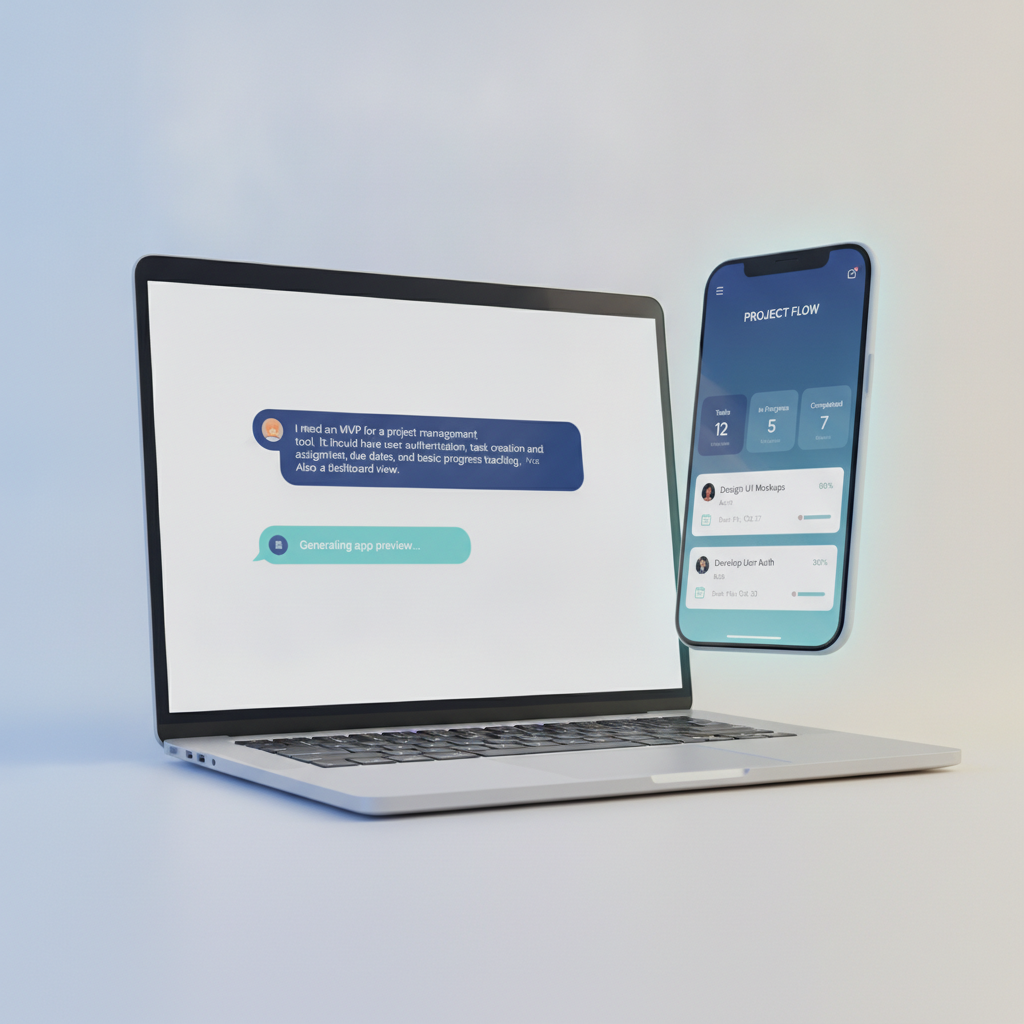
Describe the workflow (“I want an app for managers to approve leave requests from staff, with email notifications”) and get a ready-to-use app instantly.
4. The “Custom Mobile Product” (e.g. “Habit tracker with streaks and rewards”)
- Goal: Slick mobile UX, animations, offline mode
- Fastest path: FlutterFlow
Why?
FlutterFlow’s drag-and-drop mimics real mobile design, and the underlying Flutter code is portable and powerful.
Reality check:
For this level, you’ll need to learn some app-building concepts — but FlutterFlow offers the fastest “no-code” path to a true mobile app.
// FlutterFlow lets you add custom widgets if needed
Widget buildRewardBadge(int streakCount) {
  return Icon(
    Icons.star,
    color: streakCount > 10 ? Colors.amber : Colors.grey,
    size: 24,
  );
}
When Should You “Just Describe It”?
The AI approach powering GetAppQuick is a leap forward for non-technical founders, designers, and anyone who just wants to see their idea run:
- You don’t want to learn a new editor
- You want feedback from real users today
- You want to iterate by describing changes, not dragging rectangles
It’s not science fiction: the AI parses your natural language, builds your data models, generates forms and logic, then lets you preview and share instantly. For solo founders, hackathons, and rapid prototyping, this is the shortest path from “I have an idea” to “Look, it’s running!”
Escaping Paralysis: A Decision Flowchart
- Is your app basically a list/form UI (directory, tracker, simple CRM)?
- Yes → Try Glide or GetAppQuick
- Do you need custom workflows, dashboards, or SaaS-like web apps?
- Yes → Try Bubble
- Are you building a mobile-first, feature-rich app?
- Yes → Try FlutterFlow
- Do you want to skip all tool learning and just describe your app?
- Yes → Try GetAppQuick
You can always outgrow a tool, but nothing beats shipping something in your first week.
Key Takeaways
- Don’t chase the “perfect tool.” Each app builder excels in certain scenarios. Focus on shipping a working prototype.
- Glide is unbeatable for spreadsheet-based apps and directory tools.
- Bubble is king for complex web apps and SaaS MVPs, but has a learning curve.
- FlutterFlow is the fastest route to polished mobile apps with real code under the hood.
- GetAppQuick lets you skip tool learning and go directly from idea to app, using AI to handle all the setup.
- Start simple. You can always rebuild with a more powerful tool once you validate your idea.
Conclusion: From Idea to App — No More Excuses
The no-code/low-code world is brimming with ways to bring ideas to life, but too many options can freeze you before you begin. By mapping your app type to the fastest builder — and embracing tools like GetAppQuick for instant validation — you can move from “I wish…” to “It works!” in a single afternoon.
No more tool panic. No more endless research. Your idea deserves to run.
Ready to ship your idea? Build it in minutes with GetAppQuick.