How Anthropic Codes Internally: Learning from r/ClaudeCode's Viral Insight
The world of software development is changing—fast. While raw coding skill and clever prompts can produce impressive results, the teams consistently shipping quality software aren’t just slinging code at the wall. That’s the takeaway from a recent trending post on r/ClaudeCode, the Reddit community for Anthropic’s Claude AI, which revealed a surprisingly pragmatic truth: even the most advanced AI startups, like Anthropic, start with a plan.
For founders and devs in Vietnam—where lean, agile teams are the backbone of innovation—this philosophy hits home. At DC Codes, we've long believed that transformation doesn’t happen in the code editor alone. Instead, it starts with structured thinking, clear planning, and a toolchain that turns those plans into reality. That's why GetAppQuick exists: to bridge the gap between a raw idea and a working app, leveraging AI but anchored in solid planning.
In this post, we’ll unpack what Anthropic’s workflow teaches us, show practical ways to adopt it (even if you’re not an AI giant), and demonstrate how GetAppQuick bakes this approach into the way modern apps get built.
The Anthropic Approach: Plan First, Then Build
When the r/ClaudeCode community surfaced details about Anthropic’s coding style, many were surprised: surely a top-tier AI lab codes differently? In reality, Anthropic’s internal developers follow a classic engineering approach:
- Define the end goal clearly (e.g., “We need an internal dashboard to visualize model performance.”)
- Break the solution into logical steps
- Write a high-level plan or pseudo-code
- Translate each part, step by step, into working code
- Iterate and improve
In other words, Anthropic doesn’t just rely on AI prompts or code autocompletion. Their devs use “AI as a power tool,” but they anchor every project with structure and forethought.
Why Planning Sets You Apart
Anyone can open ChatGPT or Claude and ask, “Build me a chat app in Flutter!” You’ll get a code dump, but likely a brittle, incomplete, or incoherent result. True productivity (and maintainability) comes when you:
- Lay out components: What screens do we need? How will they interact?
- Specify data flow: Where is data fetched, stored, and updated?
- Plan state management: How should user actions trigger updates?
- Design for edge cases and errors: What happens when a network call fails?
Without these, you’re left with spaghetti code—AI-generated or not. Anthropic’s internal workflow reminds us: planning is not a bottleneck; it’s the secret weapon.
From Idea to App: How Structure Translates to Code
Let’s put this into practice with a real example.
Scenario: Building a Task Manager in Flutter (The Anthropic Way)
Suppose you want to build a simple mobile task manager. Here’s how the plan-first approach looks:
1. Define the Goal
“Create a Flutter app that lets users view, add, and complete tasks.”
2. Break Down the Features
- Task List Screen: Shows current tasks
- Add Task Screen: Lets users enter new tasks
- Mark Complete: Toggle a task’s status
3. High-Level Plan (Pseudocode)
- Create a Task model (id, title, isCompleted)
- Main screen fetches and displays a list of tasks
- “Add” button navigates to Add Task screen
- Add Task screen submits a new task and returns to main
- Tasks can be toggled as complete/incomplete
4. Translate to Code (Dart/Flutter Example)
// models/task.dart
class Task {
  final String id;
  final String title;
  bool isCompleted;

  Task({required this.id, required this.title, this.isCompleted = false});
}
// main.dart (core logic snippet)
List<Task> tasks = [];

void addTask(String title) {
  tasks.add(Task(id: UniqueKey().toString(), title: title));
}

void toggleTask(String id) {
  final task = tasks.firstWhere((task) => task.id == id);
  task.isCompleted = !task.isCompleted;
}
Notice how each function maps directly to a planned step. The code becomes self-documenting, easier to test, and simpler for new team members to follow.
The Real World: From Anthropic’s Workflow to Vietnamese Startups
The Temptation of Raw Prompting
With generative AI at your fingertips, it’s tempting to skip planning. After all, why not just describe your idea and let AI spit out an app? But in practice, this leads to:
- Inconsistent code structure
- Difficult debugging
- Poor scalability as your app grows
- Headaches when you need to hand off to another developer
Structured AI: The Best of Both Worlds
Tools like GetAppQuick take the AI magic and ground it in the discipline of planning. Instead of just dumping code, it prompts you for clarity:
- What screens should the app have?
- What are the data models?
- How should navigation work?
- Where does user input go, and what happens next?
This mirrors Anthropic’s approach—but as a workflow, not just a philosophy.
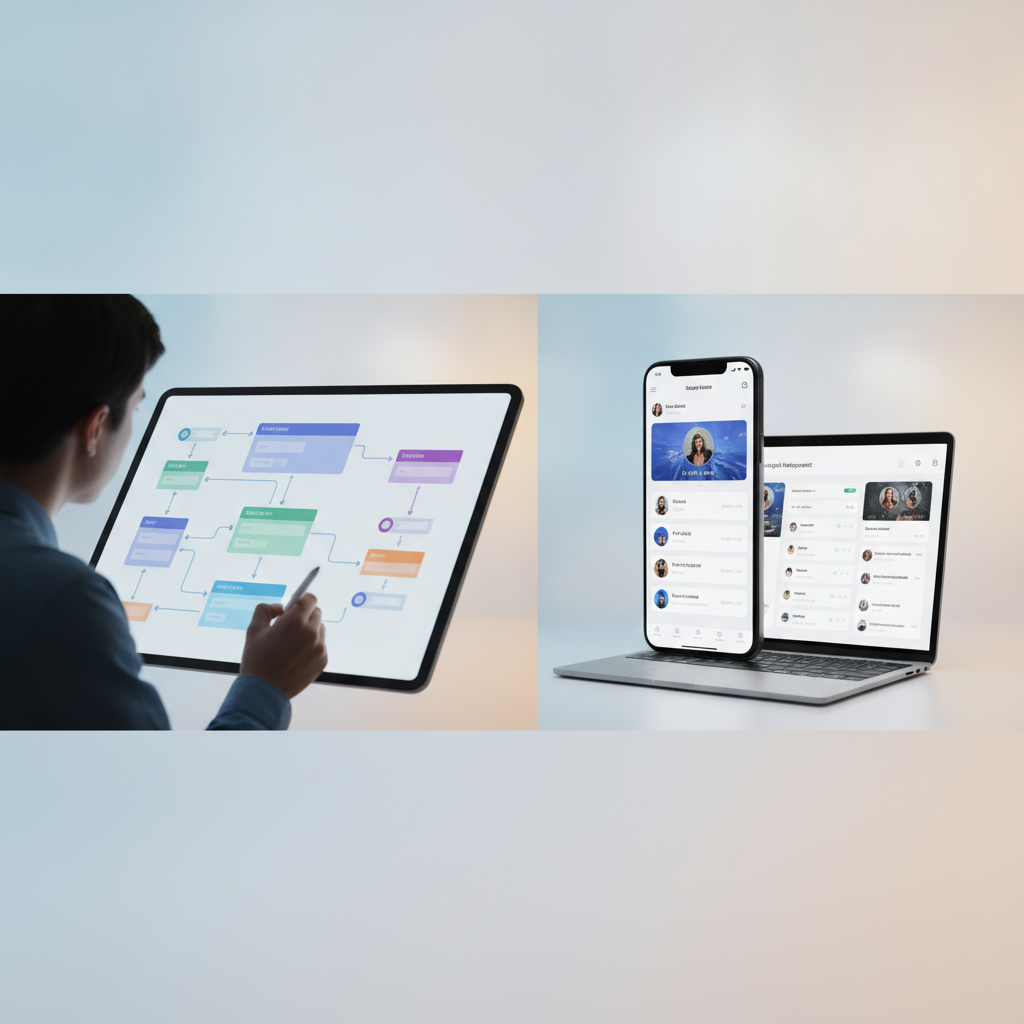
Case Study: Building an App With GetAppQuick
Let’s revisit our Task Manager idea, but this time, using GetAppQuick.
Step 1: Capture the Vision
You describe your app using plain language:
“A mobile task manager where users can add, view, and complete daily tasks. Needs two screens—task list and add task.”
Step 2: Guided Blueprint
GetAppQuick asks follow-up questions:
- How should tasks be stored? (Local/Cloud)
- Should users be able to edit or delete tasks?
- What should the empty state look like?
You answer, and the system structures your requirements into a feature map.
Step 3: Visual Builder
You drag and drop blocks representing screens and actions. GetAppQuick auto-generates a high-level architecture diagram and data models—before code is written.
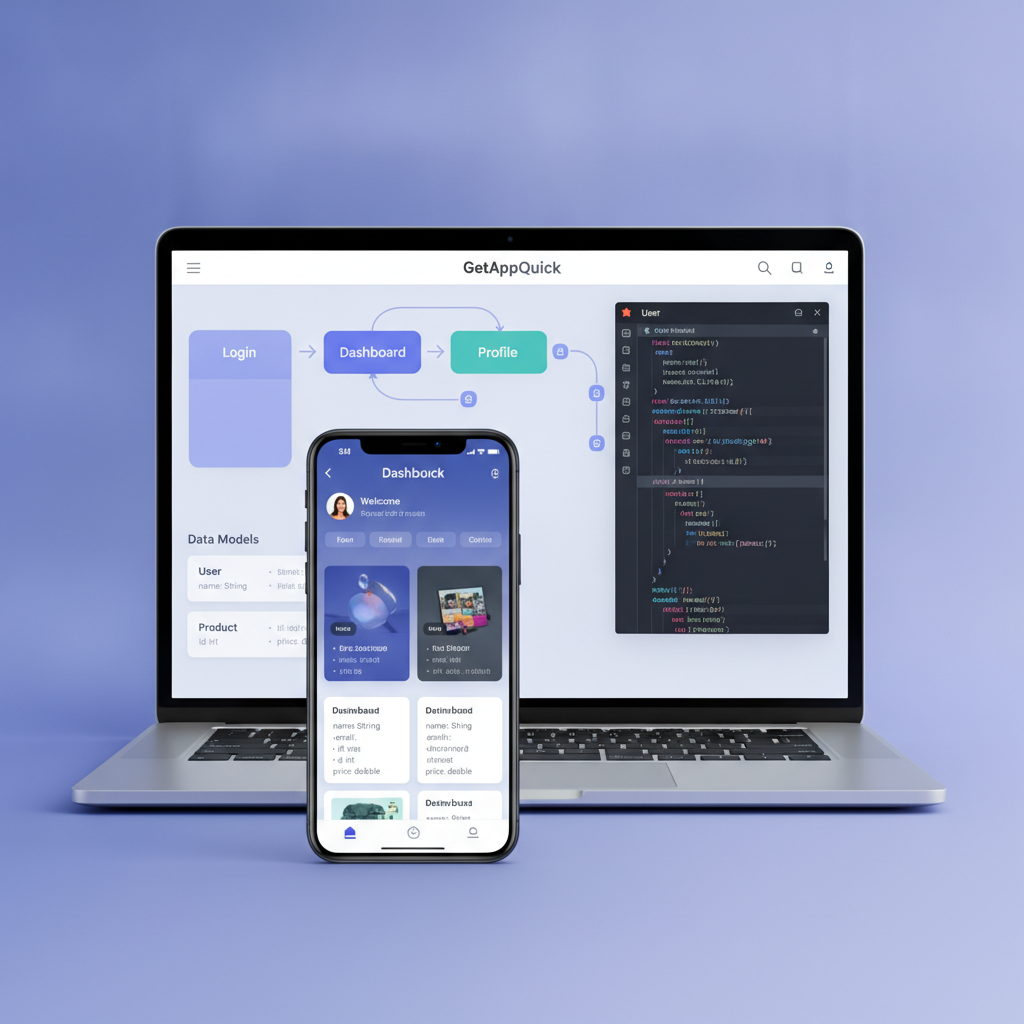
Step 4: Code Generation & Handoff
Once the blueprint is clear, GetAppQuick generates well-structured, annotated code. For Flutter, you get:
// AddTaskScreen.dart (auto-generated)
class AddTaskScreen extends StatelessWidget {
  final Function(String) onAdd;

  AddTaskScreen({required this.onAdd});

  final _controller = TextEditingController();

  @override
  Widget build(BuildContext context) {
    return Scaffold(
      appBar: AppBar(title: Text('Add Task')),
      body: Column(
        children: [
          TextField(controller: _controller, decoration: InputDecoration(hintText: 'Task Title')),
          ElevatedButton(
            onPressed: () {
              onAdd(_controller.text);
              Navigator.pop(context);
            },
            child: Text('Add'),
          ),
        ],
      ),
    );
  }
}
Notice how each function and UI element is there for a reason: every piece ties back to the plan.
Step 5: Iteration and Scaling
Because your app blueprint is stored in GetAppQuick, changes are easy:
- Need to add notifications? Update the plan, not just the code.
- Want to support task categories? Expand the data model visually and regenerate code.
This is how true rapid development works—not just code generation, but code evolution.
Key Takeaways
- Anthropic’s internal workflow values structured planning, not just smart prompting.
- Translating ideas into logical steps and code makes your projects more robust and maintainable.
- AI tools should guide you to clarify your requirements, not skip over them.
- GetAppQuick embodies this philosophy: it’s an AI assistant that helps you plan, design, and then build—fast.
- Investing in up-front planning pays off in scalability, easier handovers, and happier end users.
Conclusion
The viral insight from Anthropic’s coding culture is a wake-up call: future-ready dev teams plan first, then build. For Vietnam’s founders, agencies, and product teams, it’s not just a best practice—it’s a competitive edge.
At DC Codes, we believe that the productivity of AI should always be grounded in strong fundamentals. That’s why GetAppQuick was designed to help you move from idea to app in minutes—not by skipping the plan, but by making structured planning easy, collaborative, and AI-accelerated.
Ready to ship your idea? Build it in minutes with GetAppQuick.